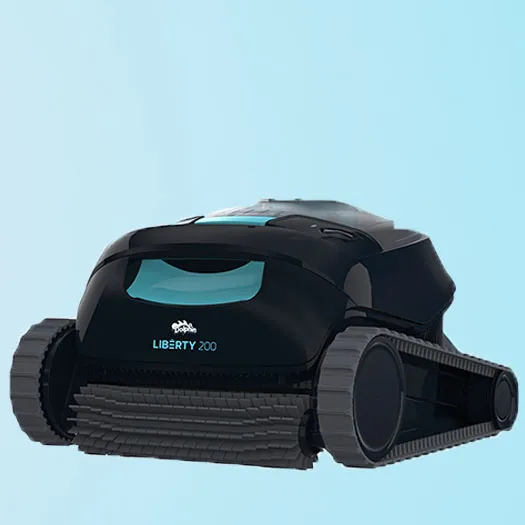





Cannot pair the MyDolphin™ Plus app to the robotic pool cleaner.
Likely cause
- The Bluetooth® on one of your devices is either OFF or not in pairing mode.
- The mobile phone is too far from the robot.
- Mobile phone location is OFF. You did not give the required permissions when installing the app.
What to do
- Turn the Bluetooth® off and on in your smartphone. For iOS – Go to settings → Bluetooth®.
- Get closer to the robot.
- Turn mobile phone location ON
- Check that the robot's charger is connected well and that your mobile phone's Bluetooth® is searching for nearby devices.
- Try uninstalling and reinstalling the MyDolphinTM Plus app, and give all permissions. If it still doesn't find your robot, try restarting your mobile phone.
- If none of the above troubleshooting helps, contact Maytronics customer care