
























Support answer · Use & Maintenance
What do the LEDs on the EON 100/120d mean?
Short answer: The front blue LED is decorative, while the panel LEDs show robot status, cleaning cycles, battery level, and connectivity.
Based on Maytronics support, updated 2026-01-20, rewritten by Poolbots' pool experts. Applies to 1 model.
The answer
What to know.
Applies to: Dolphin EON 100.

The blue LED on the front of the EON™ 100/120d is decorative only. To adjust its brightness, open Settings in the Maytronics One app.
The interface panel includes a power LED, four cycle indicators, a battery indicator, and a connectivity indicator.
Battery indicator

All 3 battery bars glowing solid green mean the robot is fully charged. During charging, the battery indicator blinks green to show the current charge level.
Main robot status LED guide
| Color | LED behavior | What it means |
|---|---|---|
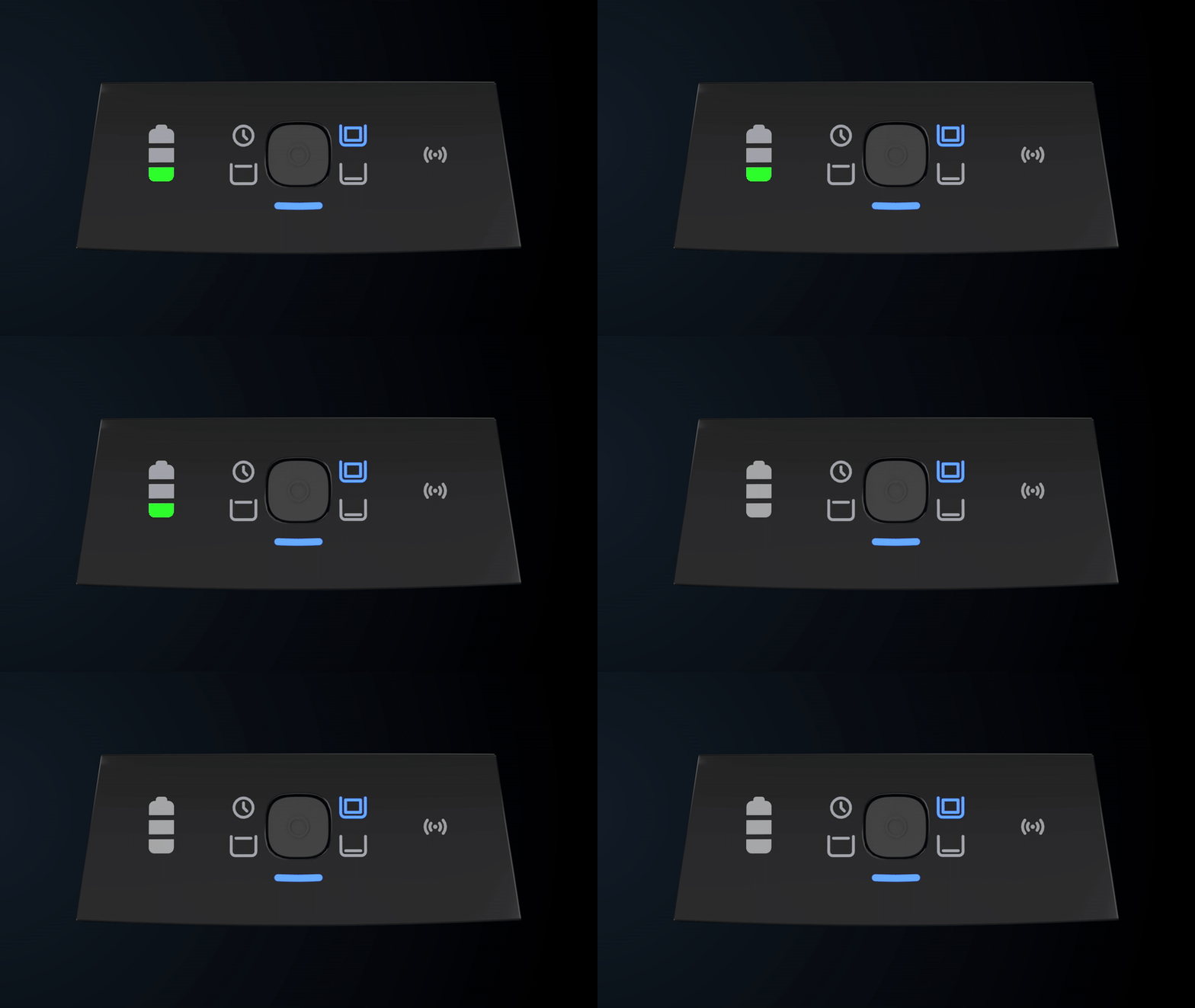
| Blue | Solid | Powered on and waiting to enter the water |
| Blue | Blinking | Operating in the water |
| Green | Blinking | Running in UltraRun™ mode or waiting for pickup |
| Red | Blinking | An error needs attention. Open the Maytronics One app for instructions. |
| Yellow | Solid | Full filter |
Use the examples below to identify what the interface panel is showing.
Powering on the robot
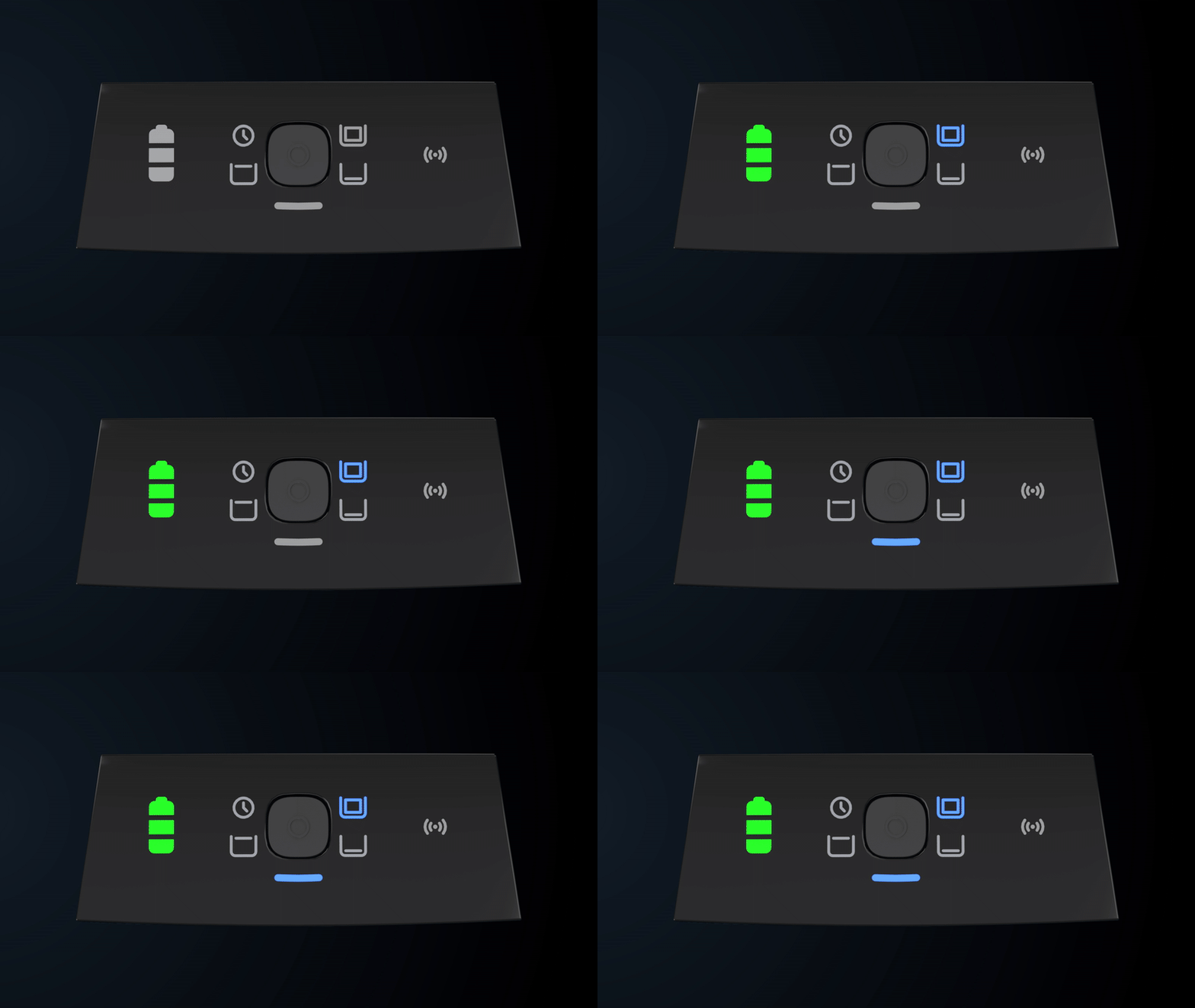
Robot running in the water
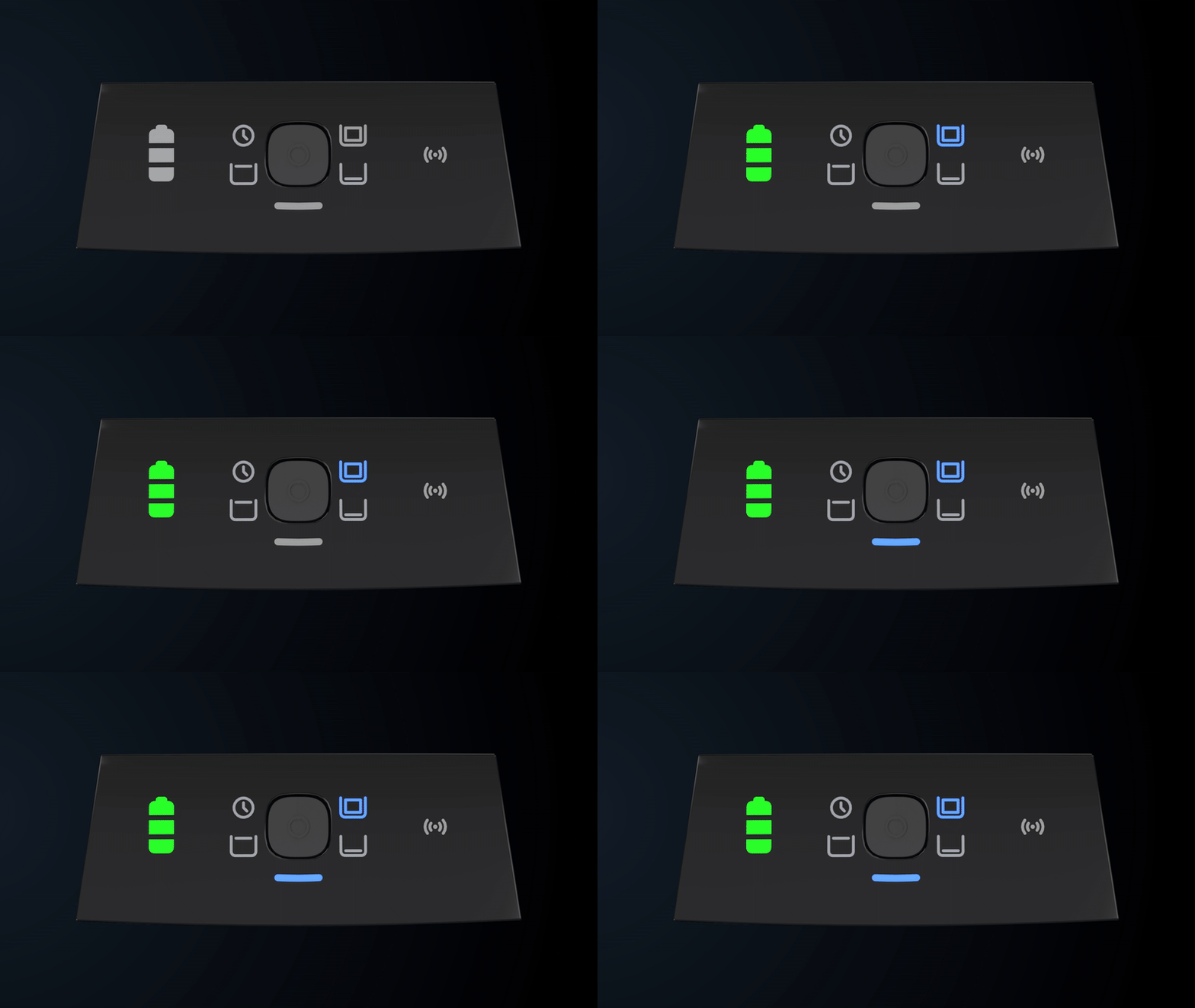
A blinking blue status LED means the robot is operating in the water.
Pairing with Bluetooth
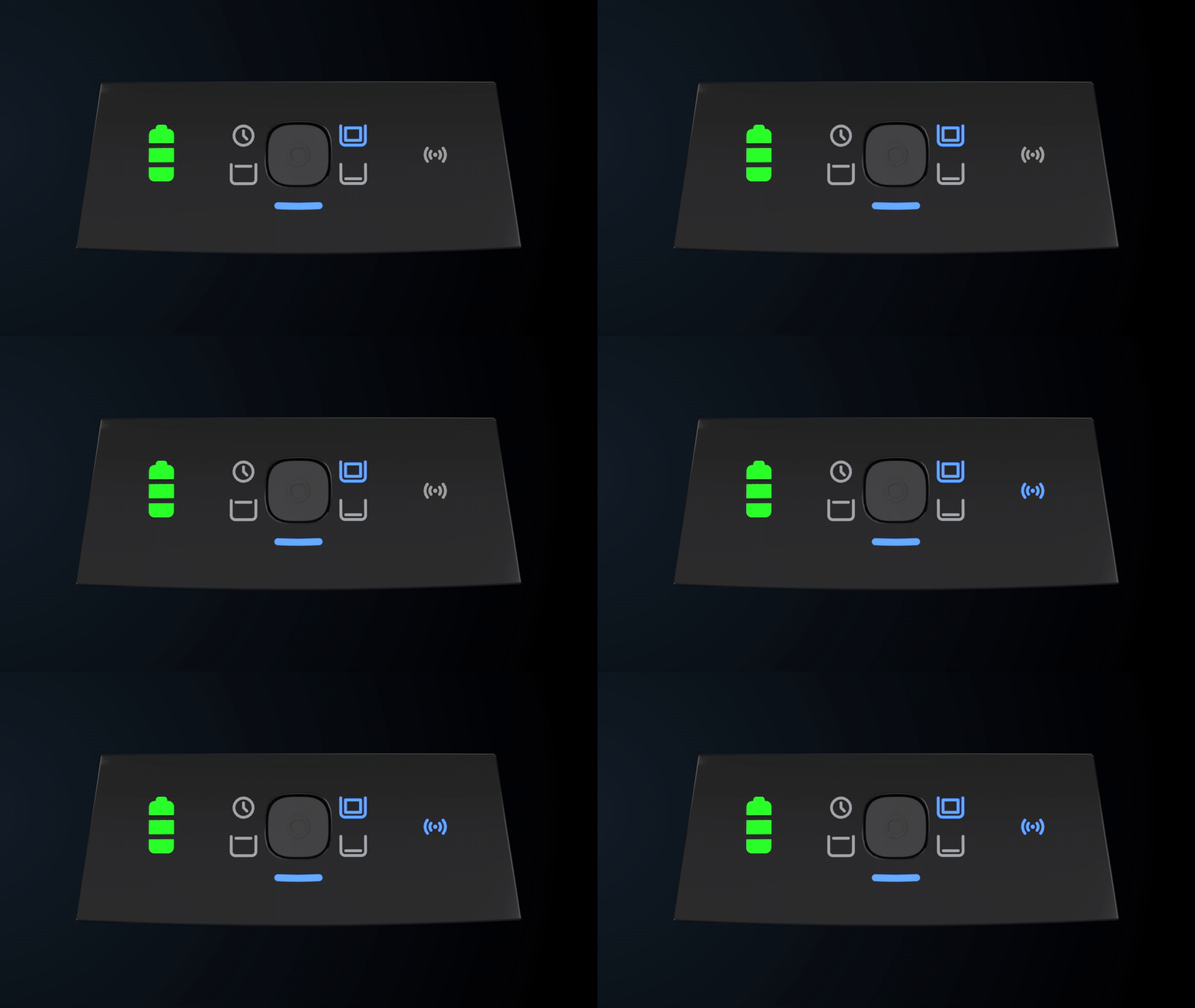
A blinking blue connectivity LED means Bluetooth pairing is active. You can set up the robot's Wi-Fi connection in the Maytronics One app. Solid blue on the connectivity LED confirms an established BLE/Wi-Fi connection.
Choosing a cleaning mode
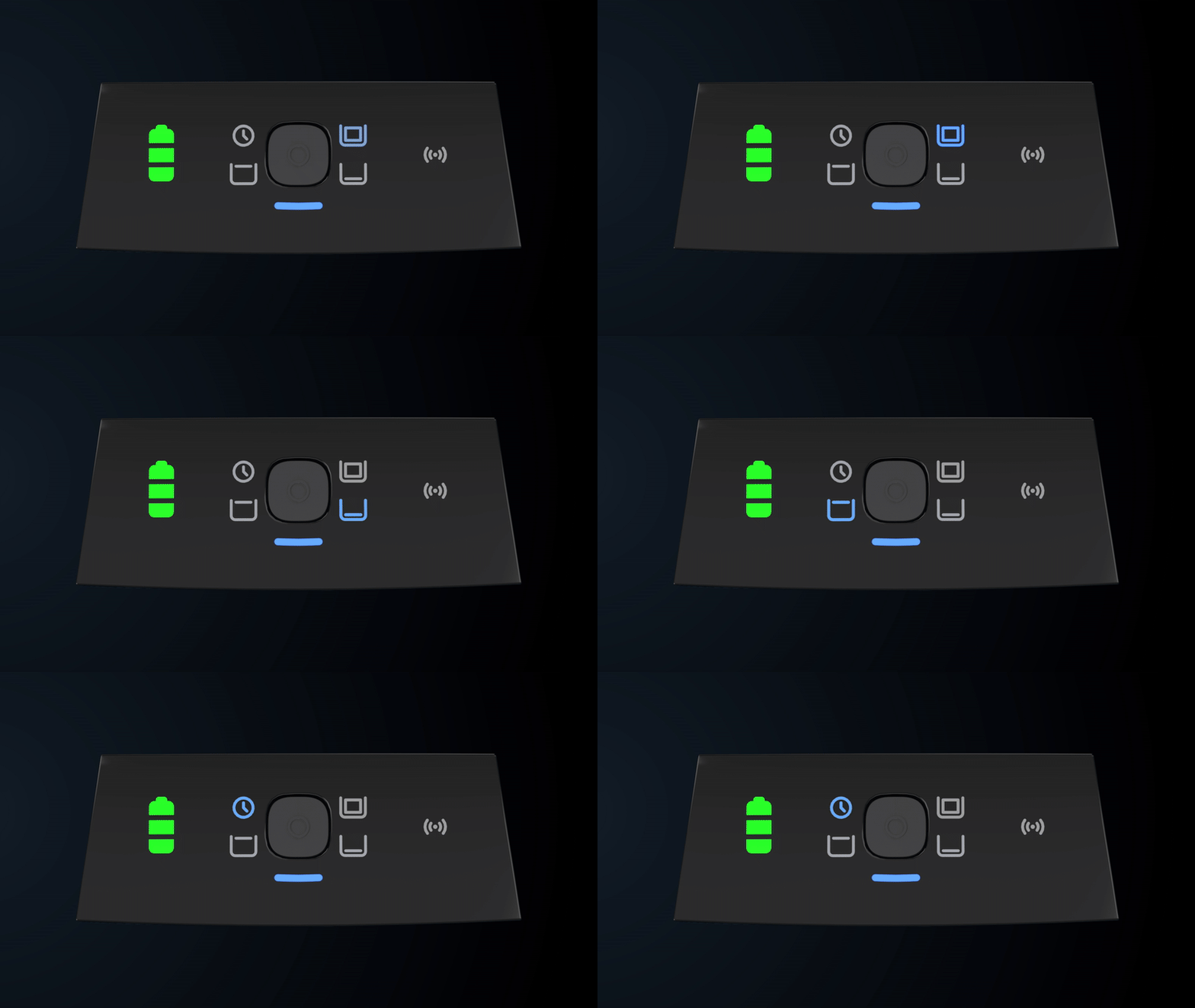
While you choose a cleaning mode with the robot out of the water, the Robot Status LED stays solid blue. After you place the robot in the water, that LED blinks blue.
UltraRun™ operation or pickup readiness
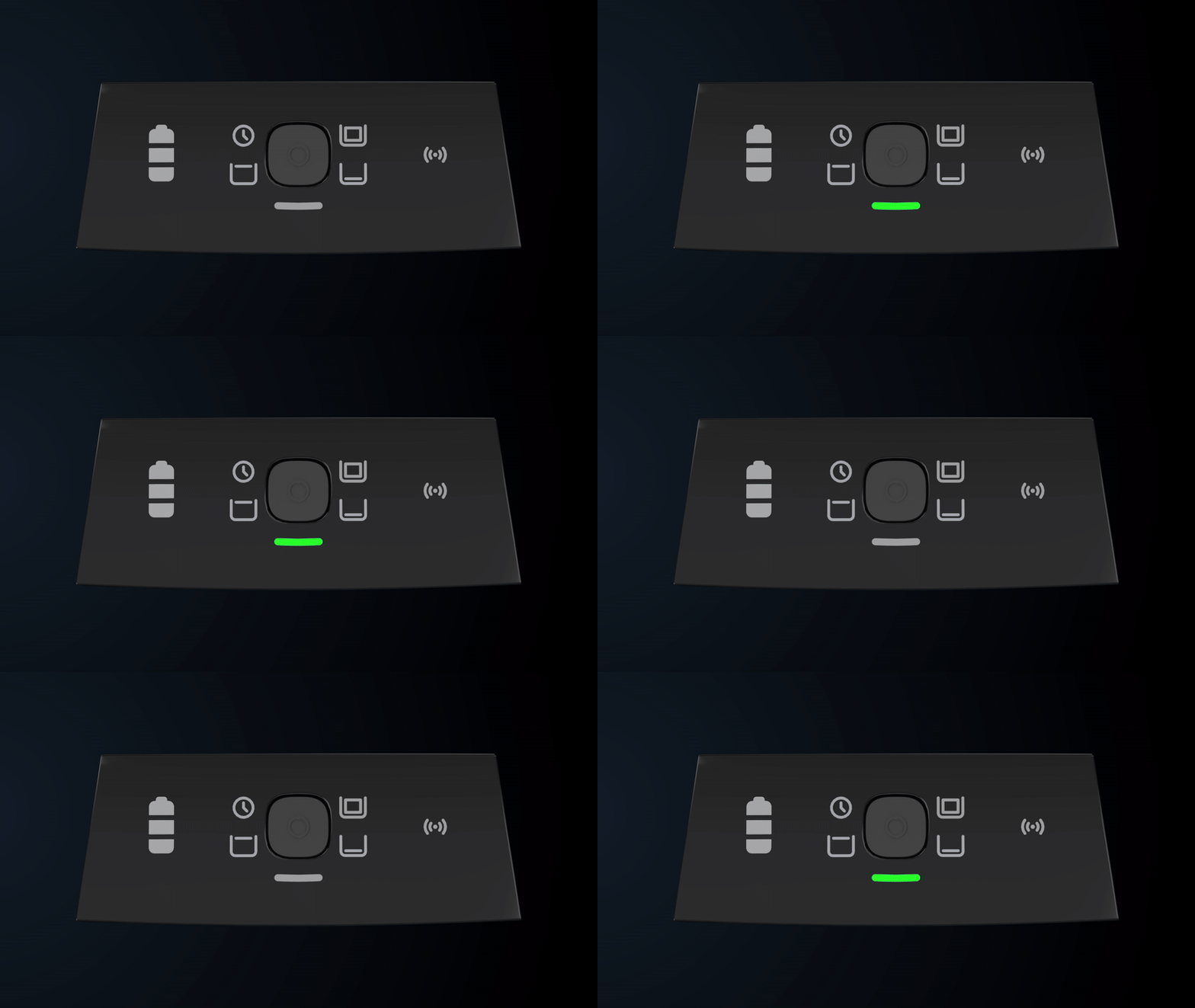
A blinking green status LED means the robot is running in UltraRun™ mode or waiting for pickup after its cycle ends.
Low battery indication
Robot error indication
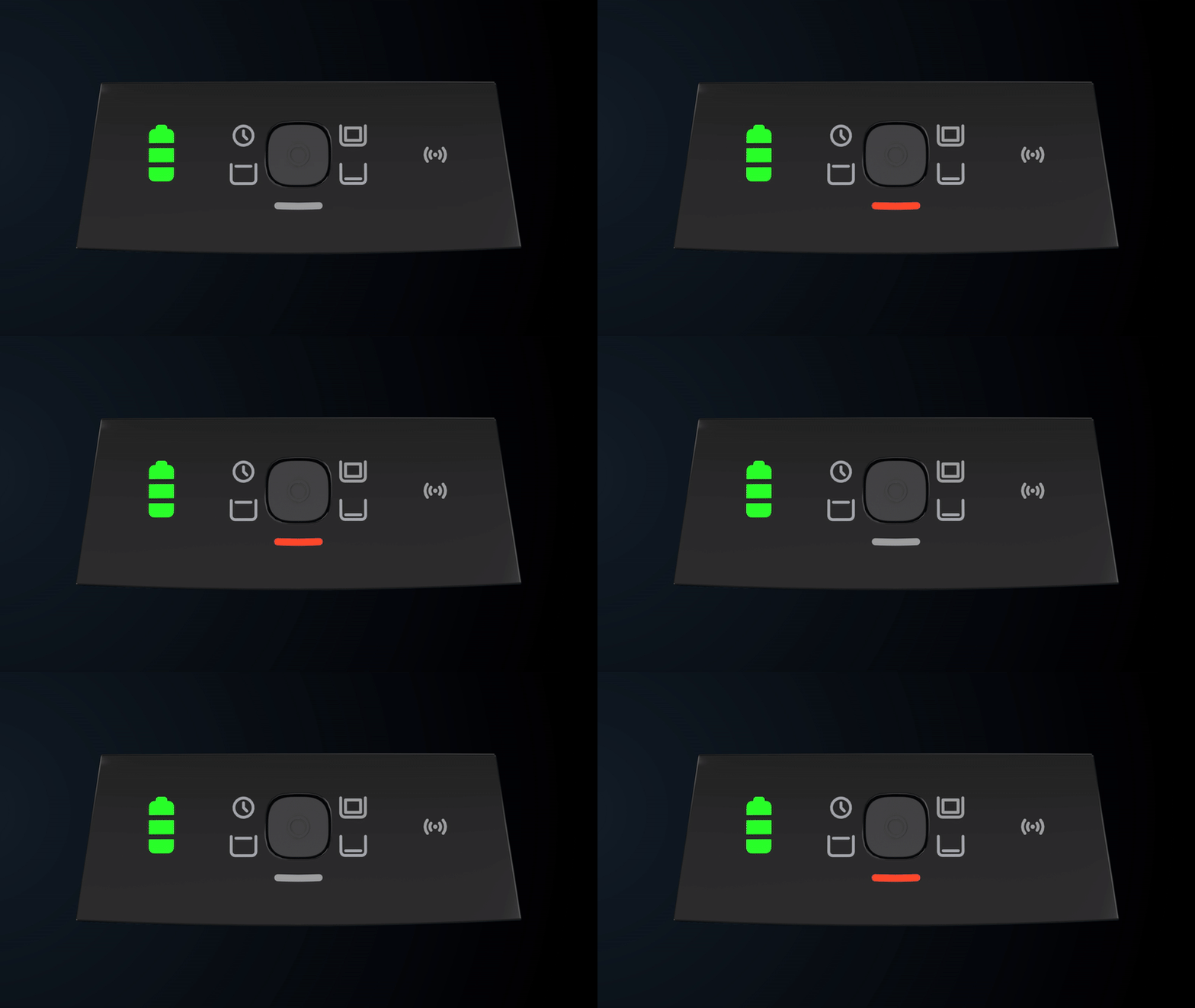
A blinking red status LED signals an error. Follow the instructions shown in the Maytronics One app.
Full filter indication

A solid yellow status LED means the filter has filled up.
Source: Maytronics support. Same steps and facts, rewritten for clarity; the videos and illustrations are Maytronics' own.
By model
This answer on your robot.
Maytronics tags this answer for the 1 model below.
Still need help?

