
























Support answer · Use & Maintenance
What do the LEDs on my Liberty 600 mean?
Short answer: The front LED is decorative, while the panel LEDs show charging, low battery, temperature alerts, malfunctions, and cleaning status.
Based on Maytronics support, updated 2025-12-22, rewritten by Poolbots' pool experts. Applies to 1 model.
The answer
What to know.

The Dolphin Liberty 600 has a front LED for ambiance only. It does not signal errors. To adjust it, open the MaytronicsOne app and select Visual Effects on the home screen.
The interface panel LEDs indicate the robot's status. Use the guide below to identify each pattern.
Robot powering on
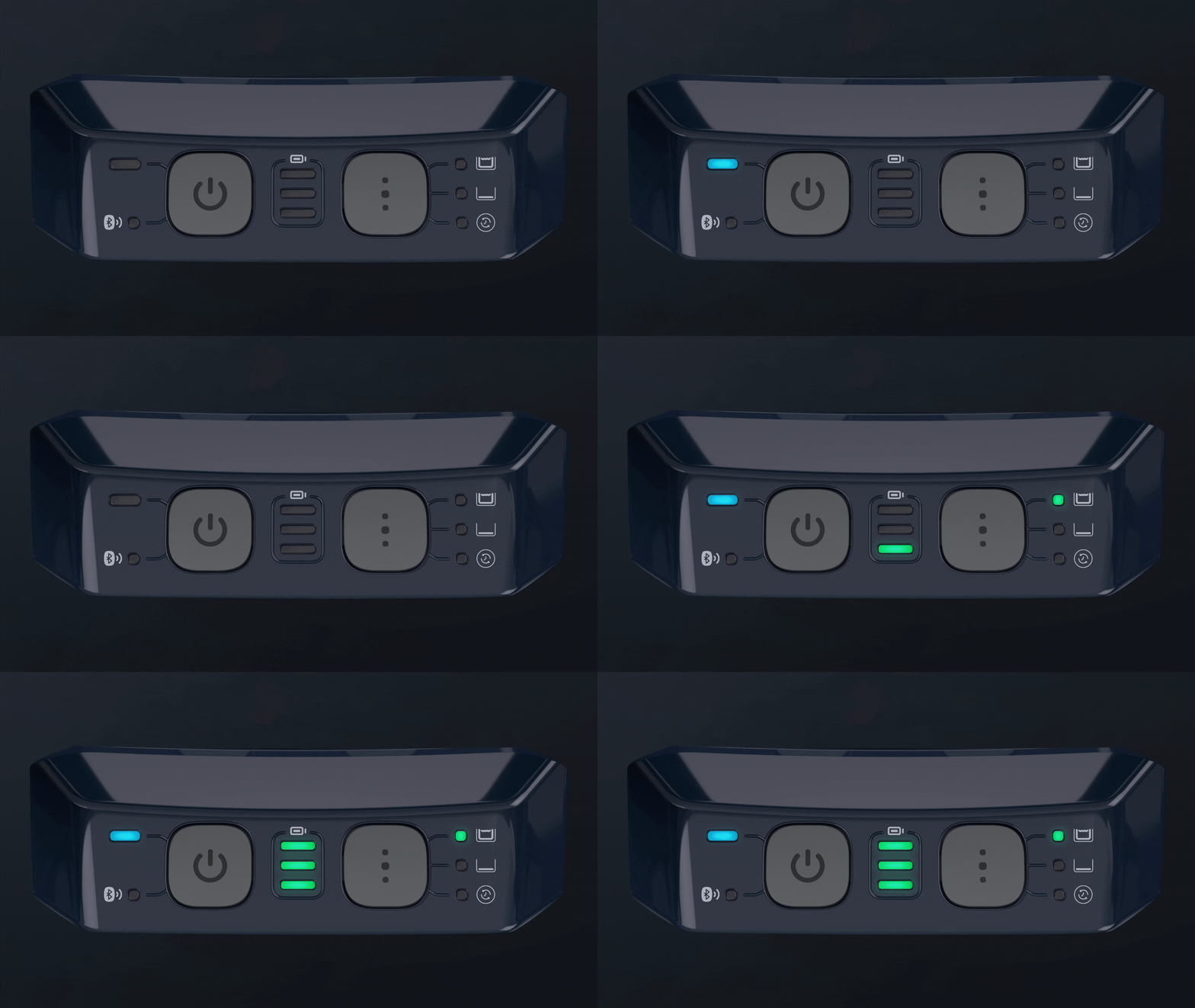
Solid red power button LED

A steady red light signals a malfunction. Open the Maytronics One app to see the error, then follow the instructions shown in the app.
Blinking green power button LED
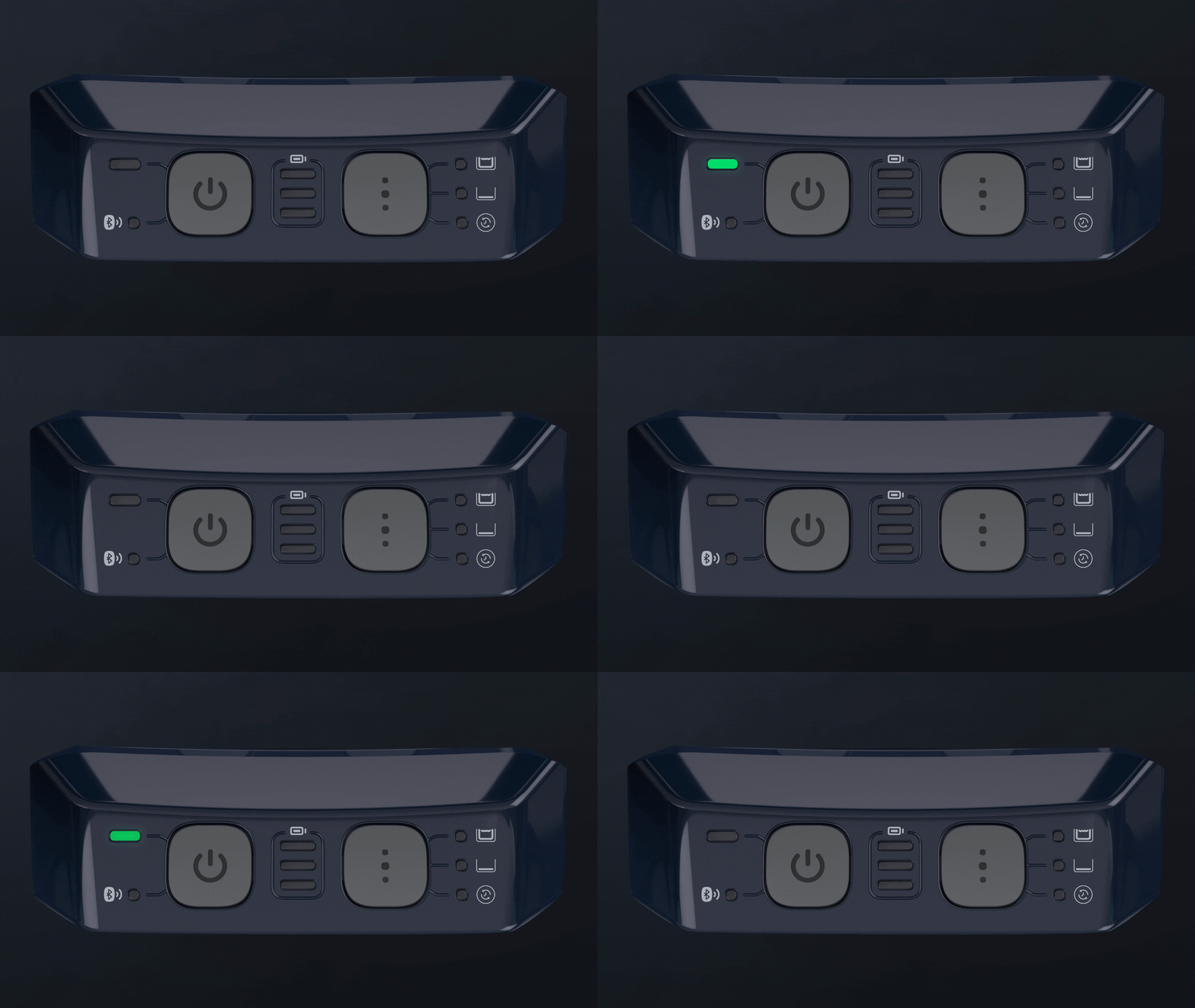
The cleaning cycle has finished. The robot is now in Pick-Up Ready mode, waiting for the Clicker.
Blinking battery status LEDs, middle, top, and bottom
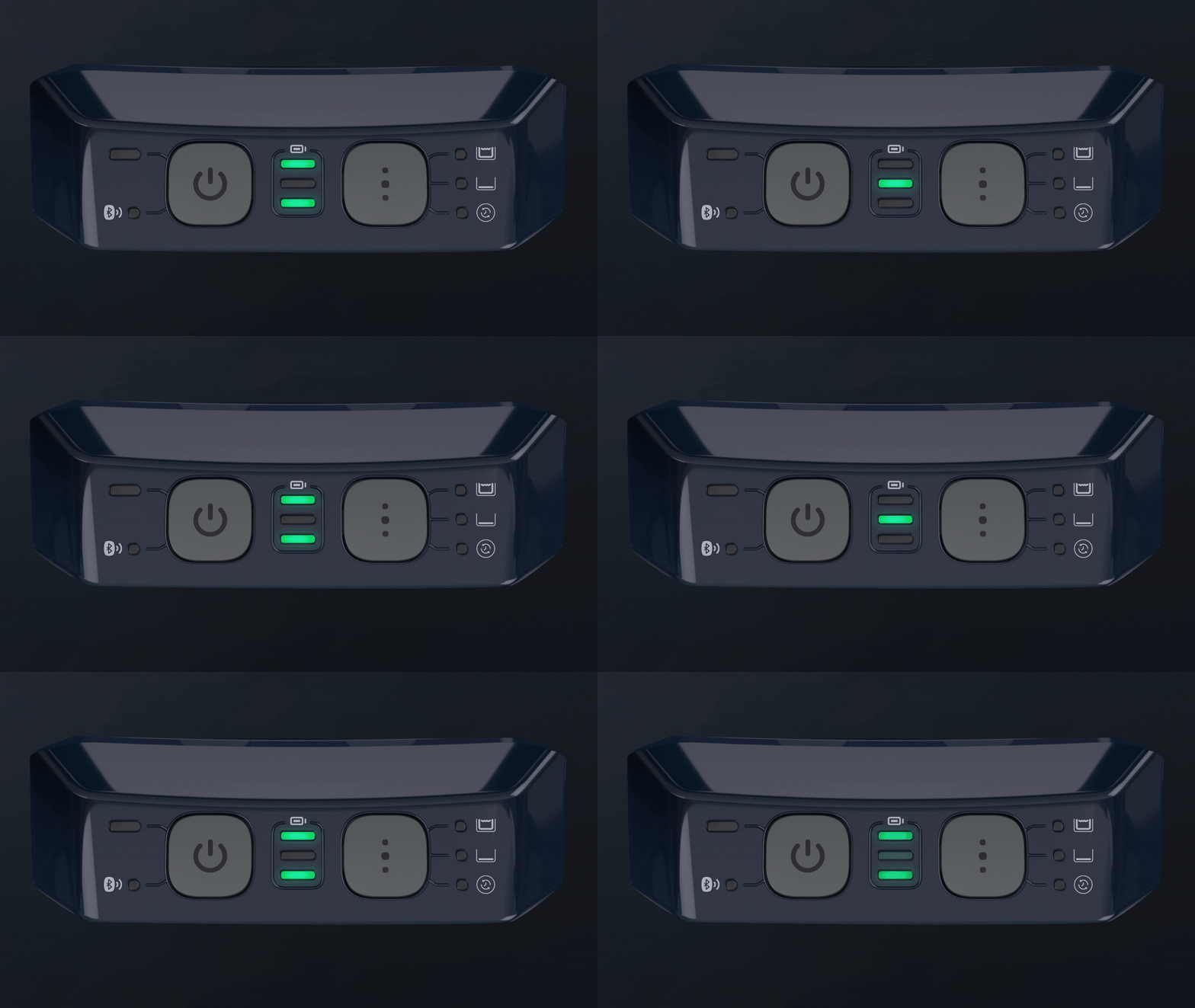
The battery temperature is too high or too low. Place the robot in the shade, or take it indoors during cold weather. Charge it where the temperature is between 41°F and 95°F.
Battery status LEDs lighting up one at a time

The LEDs light in sequence while the battery charges.
Blinking bottom battery status LED
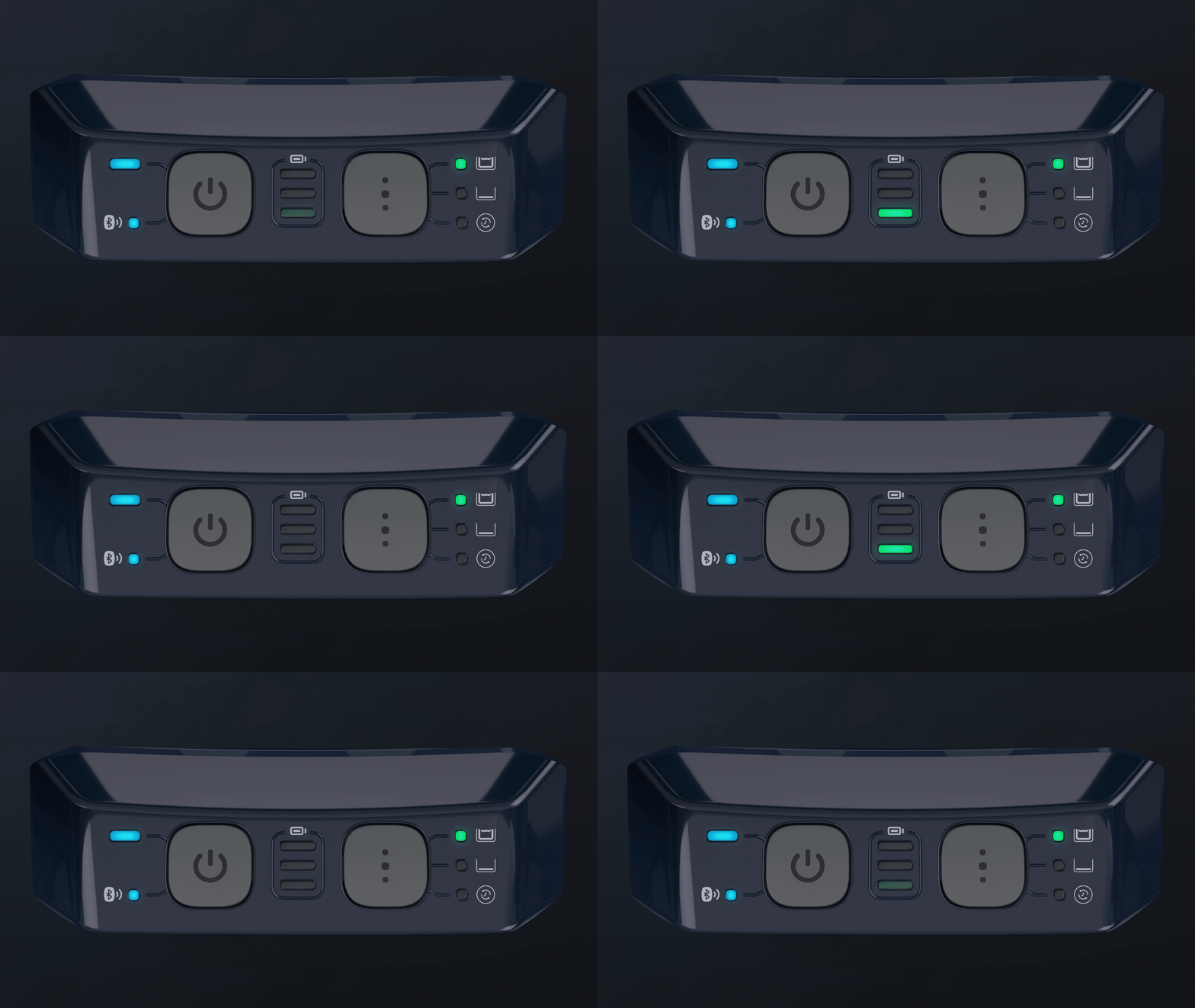
A blinking bottom battery LED means the charge is low.
Ultra-Clean Mode

All cleaning mode LEDs glow solid green when Ultra-Clean mode is selected.
Source: Maytronics support. Same steps and facts, rewritten for clarity; the videos and illustrations are Maytronics' own.
By model
This answer on your robot.
Maytronics tags this answer for the 1 model below.
Still need help?

