














Genuine Maytronics part · Filters
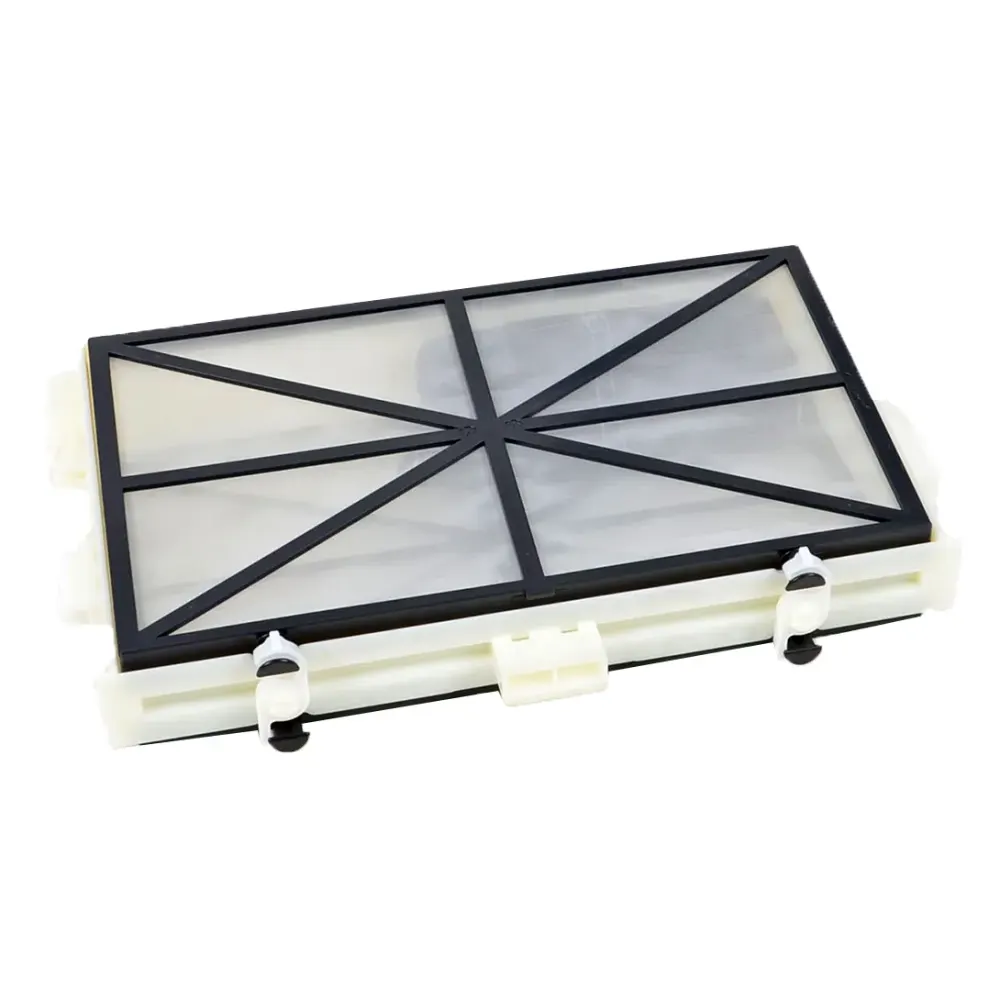
Replacement Filter Assembly
Part number 9991428-ASSY · Maytronics Fine Filter Assembly, M Line · UPC 718117205255 · 1 year part warranty
Genuine Maytronics replacement fine filter assembly for Dolphin Sigma, Dolphin M400 and Dolphin Nautilus CC Supreme.
Condition NewIn stock, ready to ship
$89 MSRP $109
Save $20Free shipping
Overview
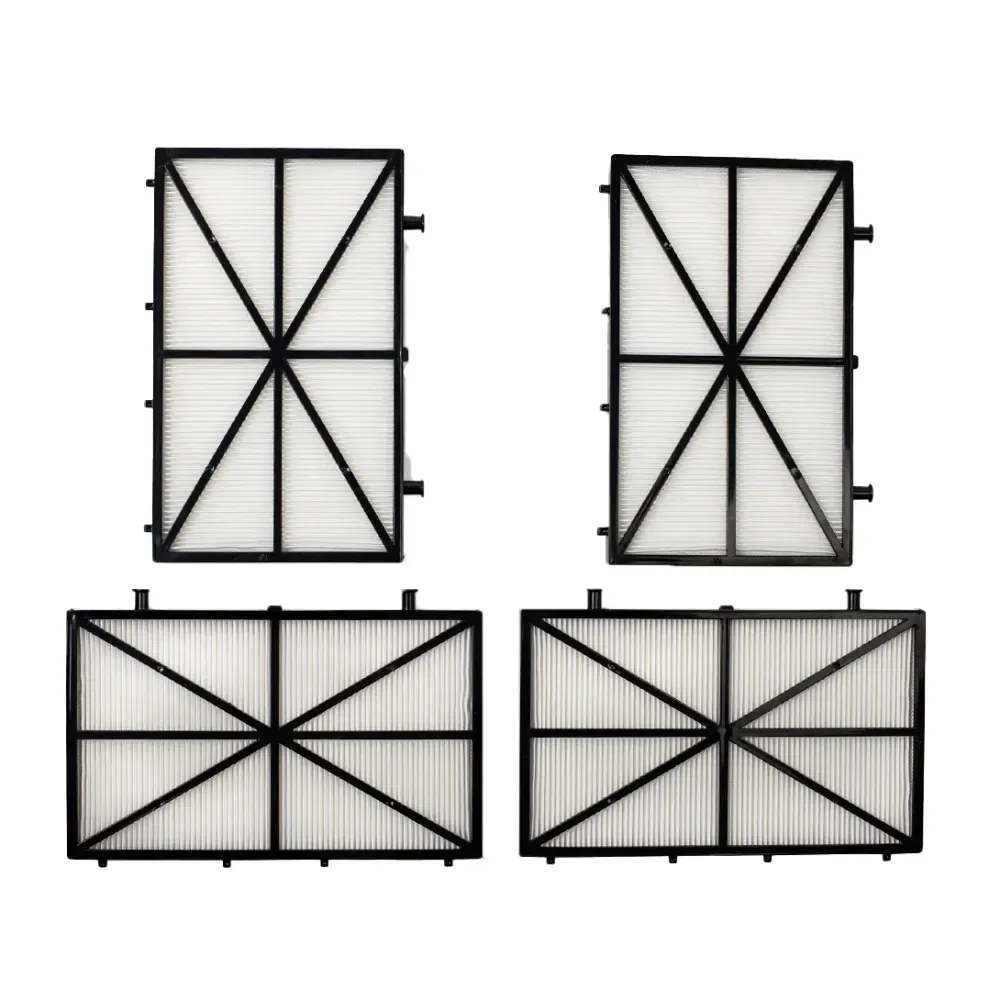
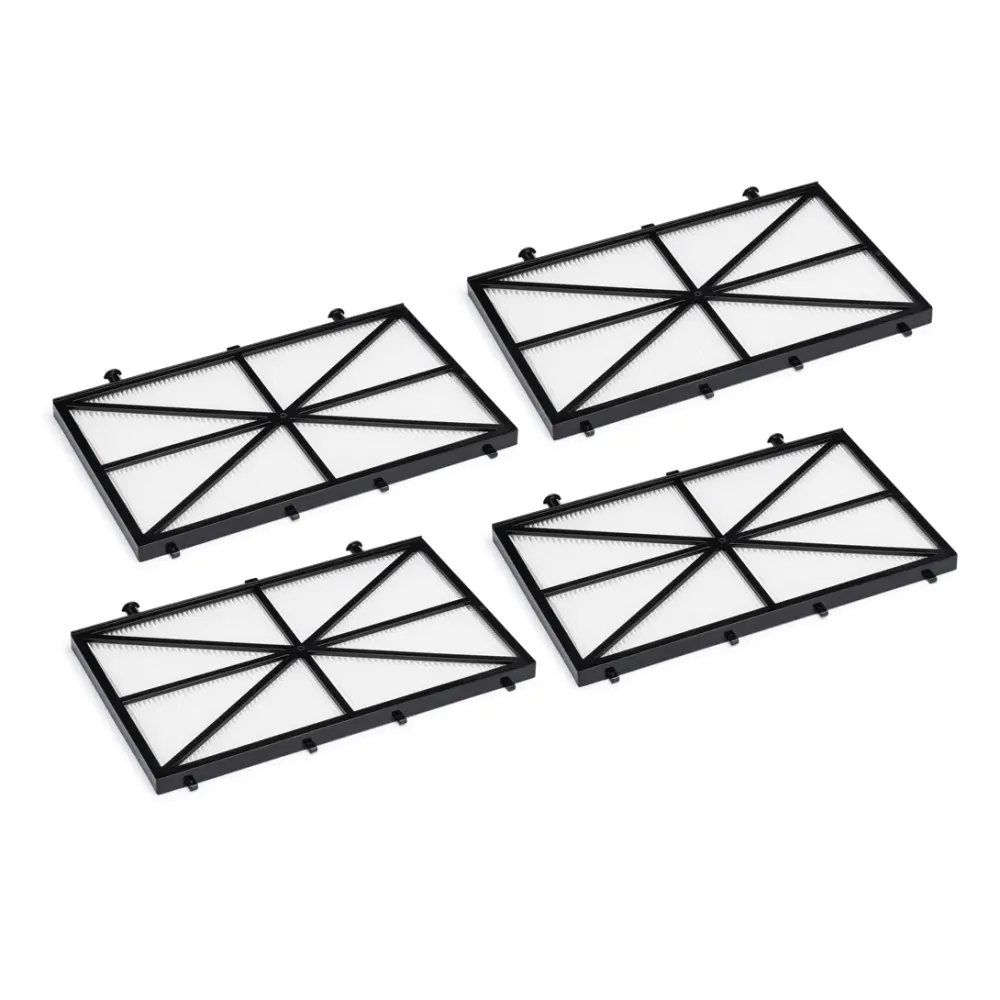
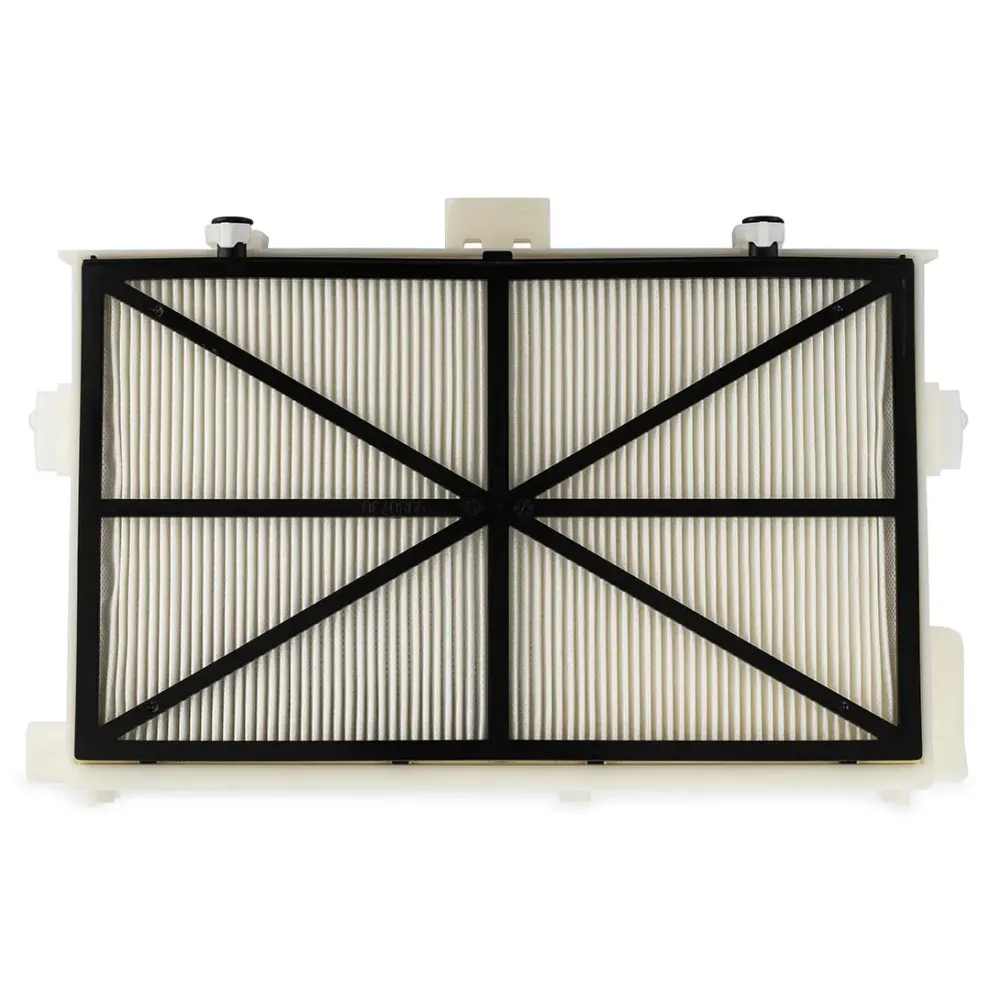
Replacement Filter Assembly with two standard filters. Compatible with: Sigma, M200, Nautilus CC Plus, Nautilus CC Plus w/ Wi-Fi
- 2 Standard Mesh Filters Included
- Sigma, M200, Nautilus CC Plus
- Complete Assembly
- Maytronics Genuine Part
Listed by Poolbots for: M200, Nautilus CC Plus, Nautilus CC Plus Wi-Fi, Sigma.
Delivery & returns
Free 1–3 day FedEx shipping to the 48 contiguous states, fully tracked. Estimated delivery from 1 business day to 3 business days.
30-day trial with no restocking fees. Shipping policy · Return policy · Warranty
About this part
What it does and when to replace it.
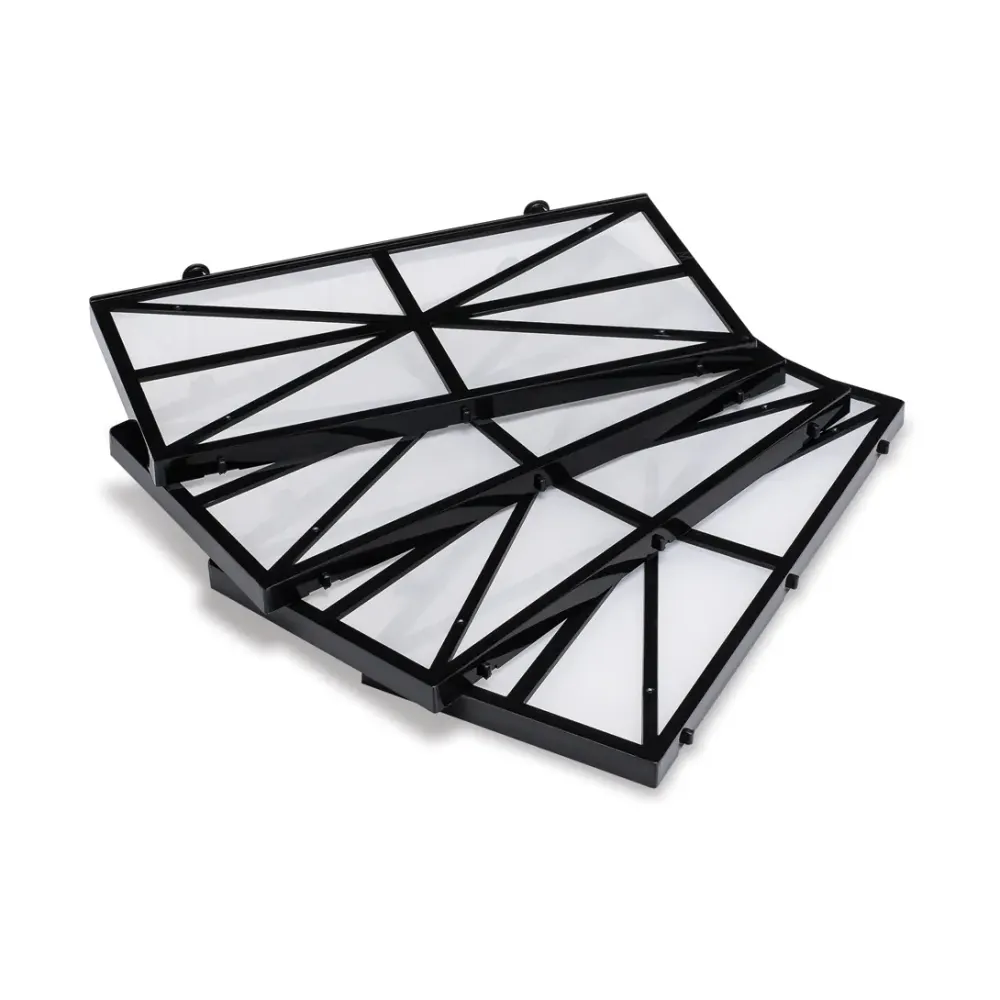
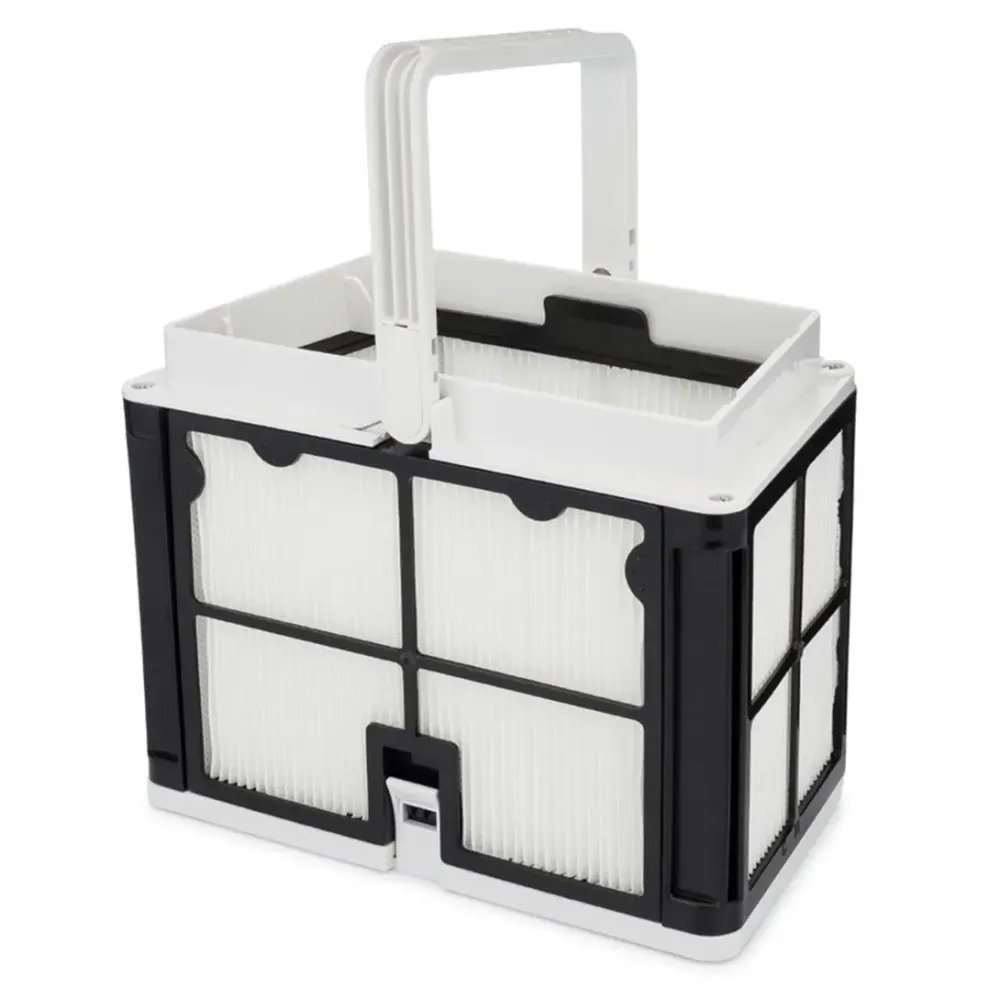
This genuine Maytronics Fine Filter Assembly, M Line traps debris collected by your Dolphin robot. It replaces the robot's fine filter assembly and comes with a 1-year part warranty.
Part 9991428-ASSY has confirmed compatibility with Dolphin Sigma, Dolphin M400, Dolphin Wave 60, Dolphin Oasis Z5i, Dolphin Wave 80, Dolphin Nautilus CC Supreme, Dolphin Explorer E40, Dolphin Nautilus CC Plus, Dolphin Explorer E25 and Dolphin Nautilus CC Plus WiFi. Match your exact model before ordering.
Highlights
- Replacement Fine Filter Assembly
- Includes 2 Standard Mesh Filters + Assembly
- Compatible with: Sigma, M200, Nautilus CC Plus, Nautilus CC Plus w/ Wi-Fi
- Match your robot's exact model name to the confirmed compatibility list before ordering part 9991428-ASSY.
- For help confirming fit, contact Poolbots' pool experts through live chat or by phone.
Compatibility
Fits these Dolphin robots.
Confirmed by Maytronics' compatibility checker and each robot's own spare-parts list.
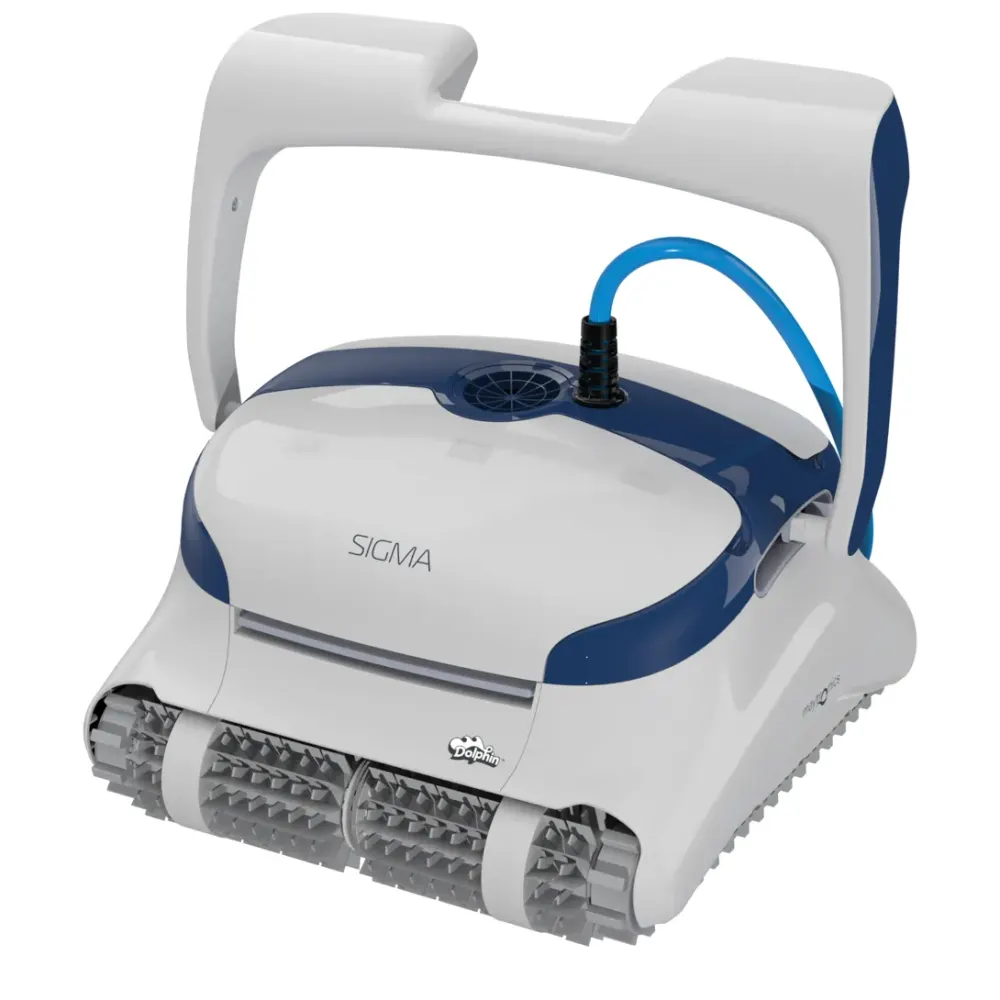
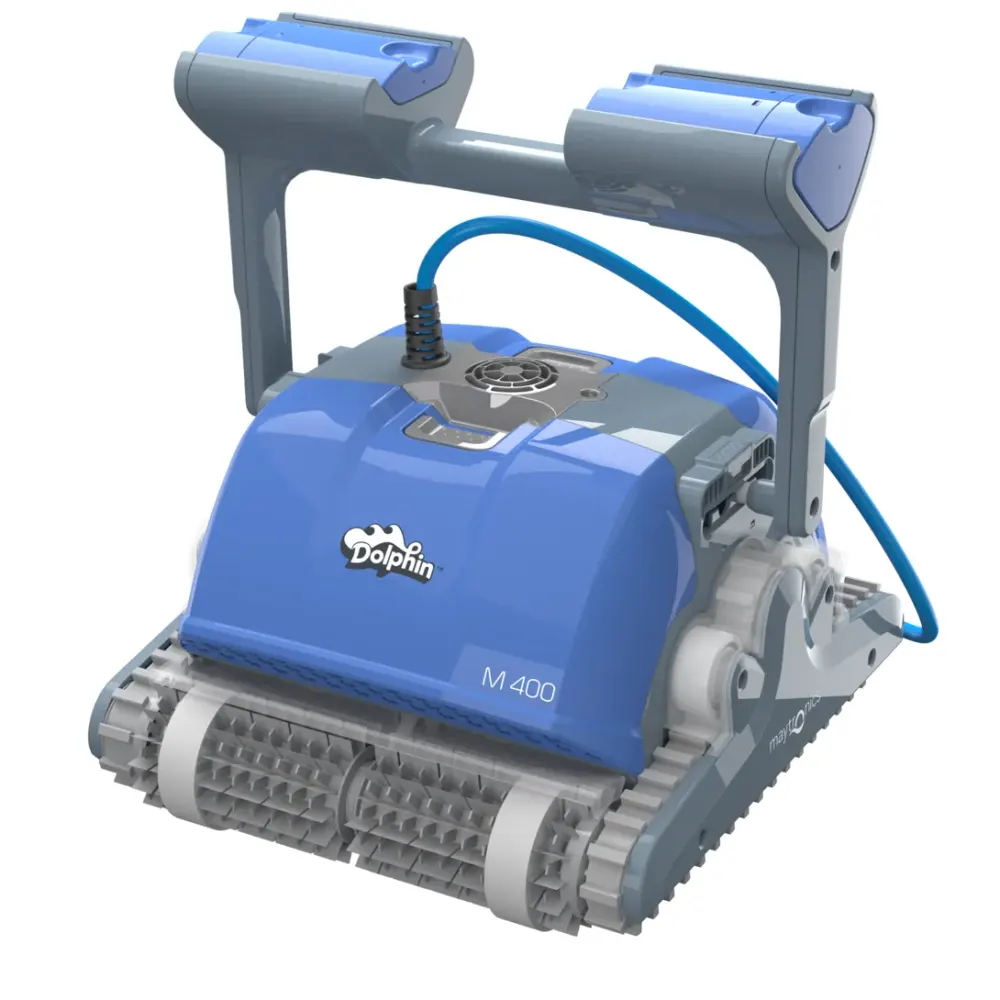
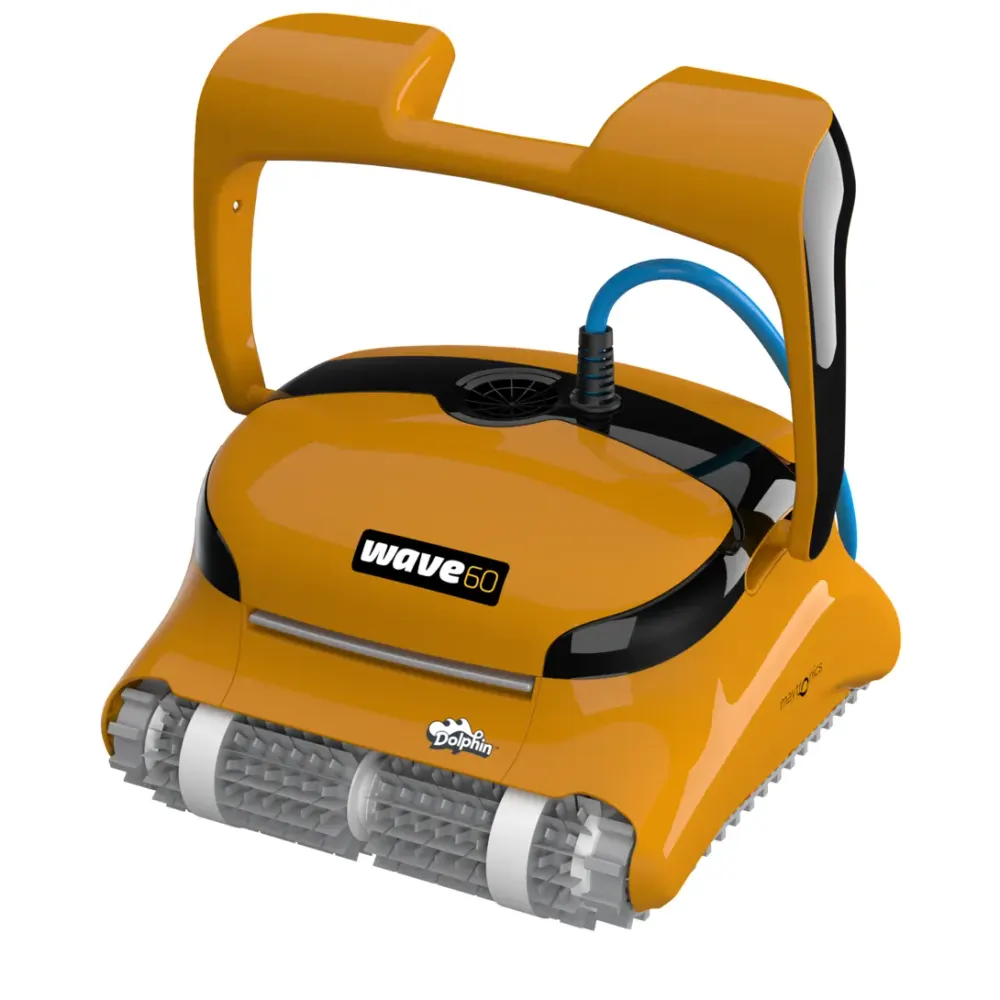
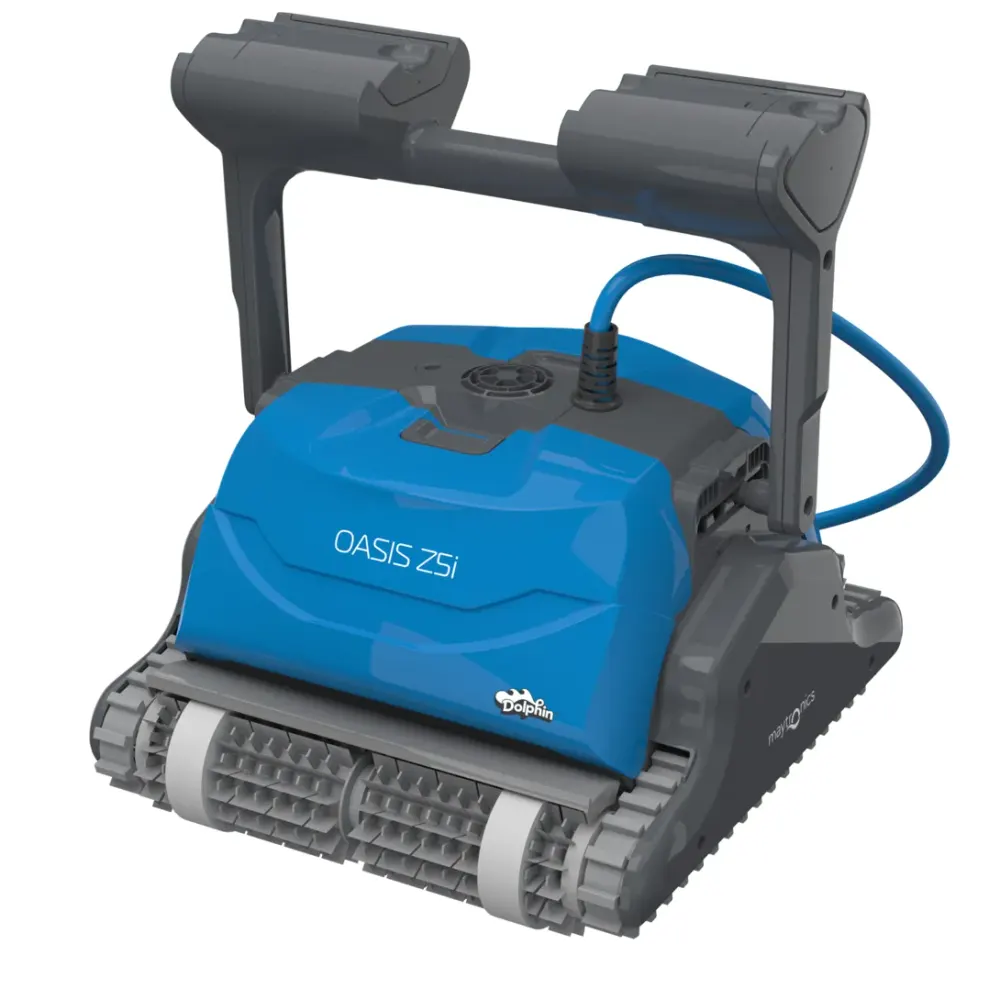
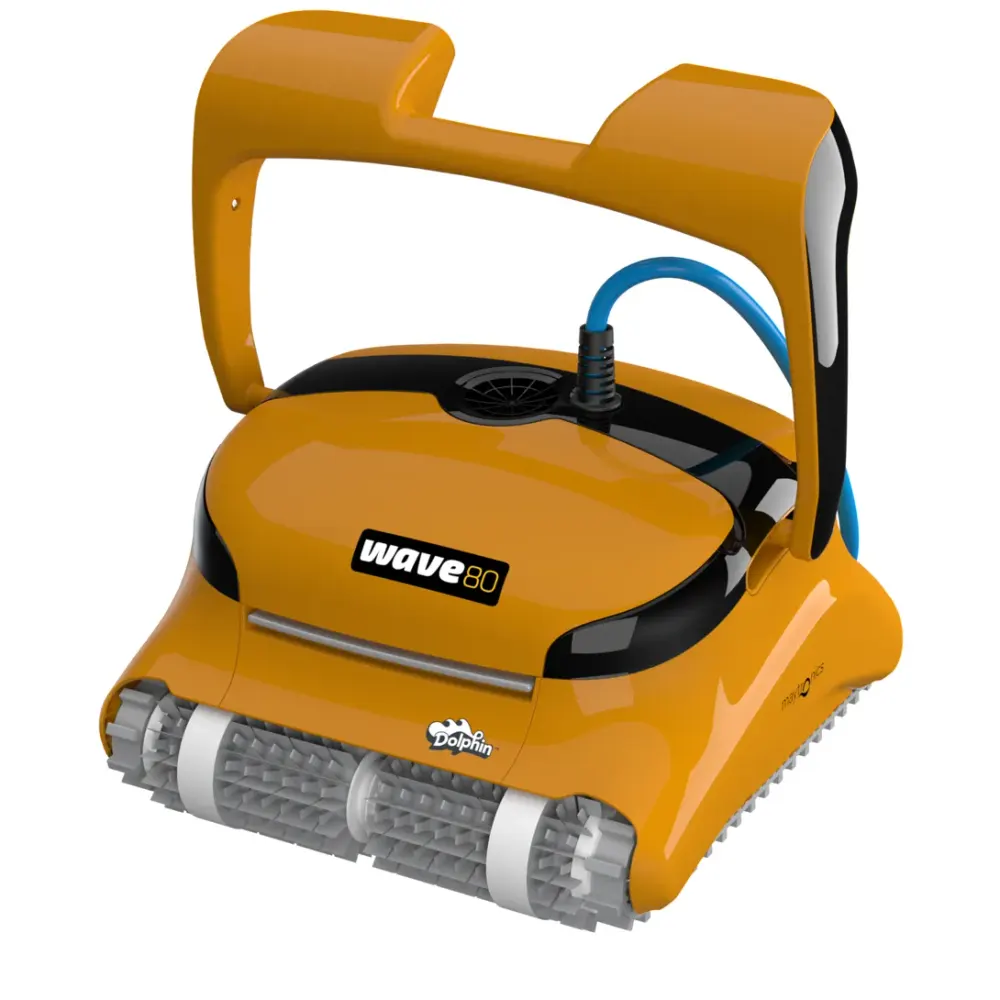
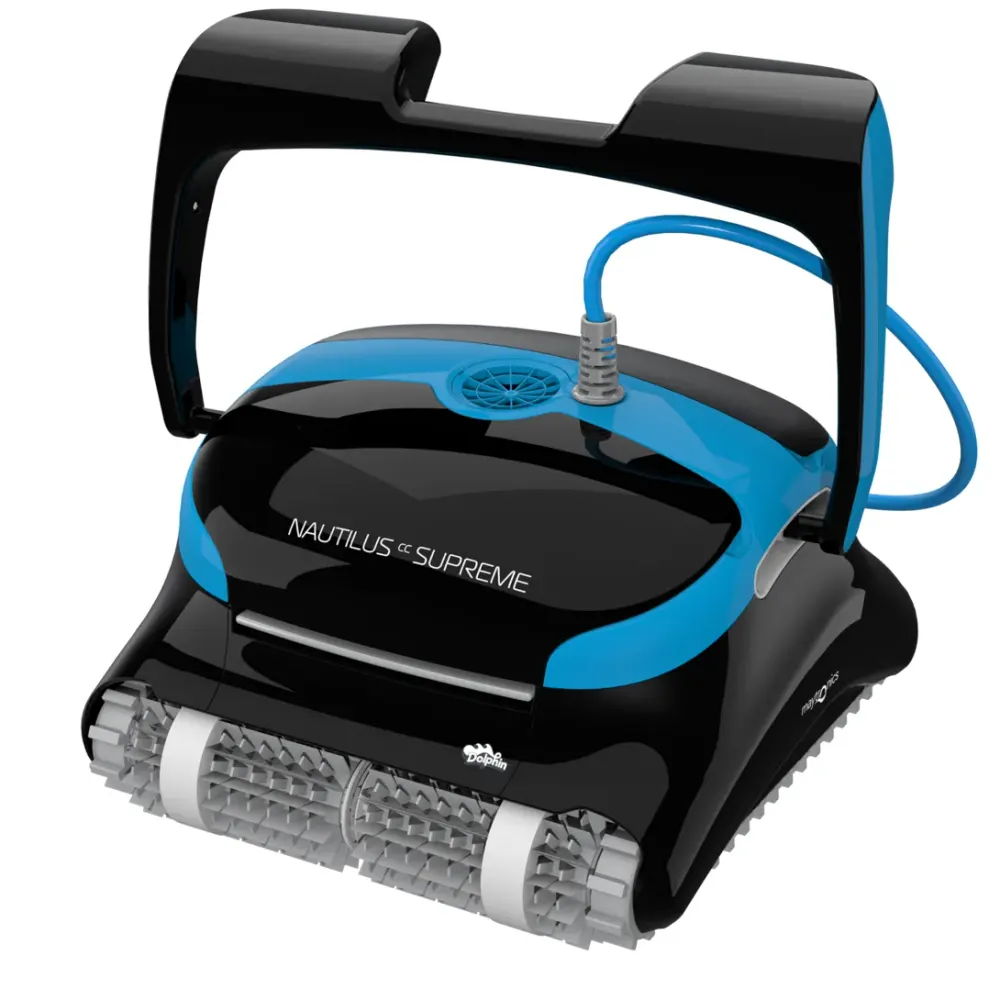
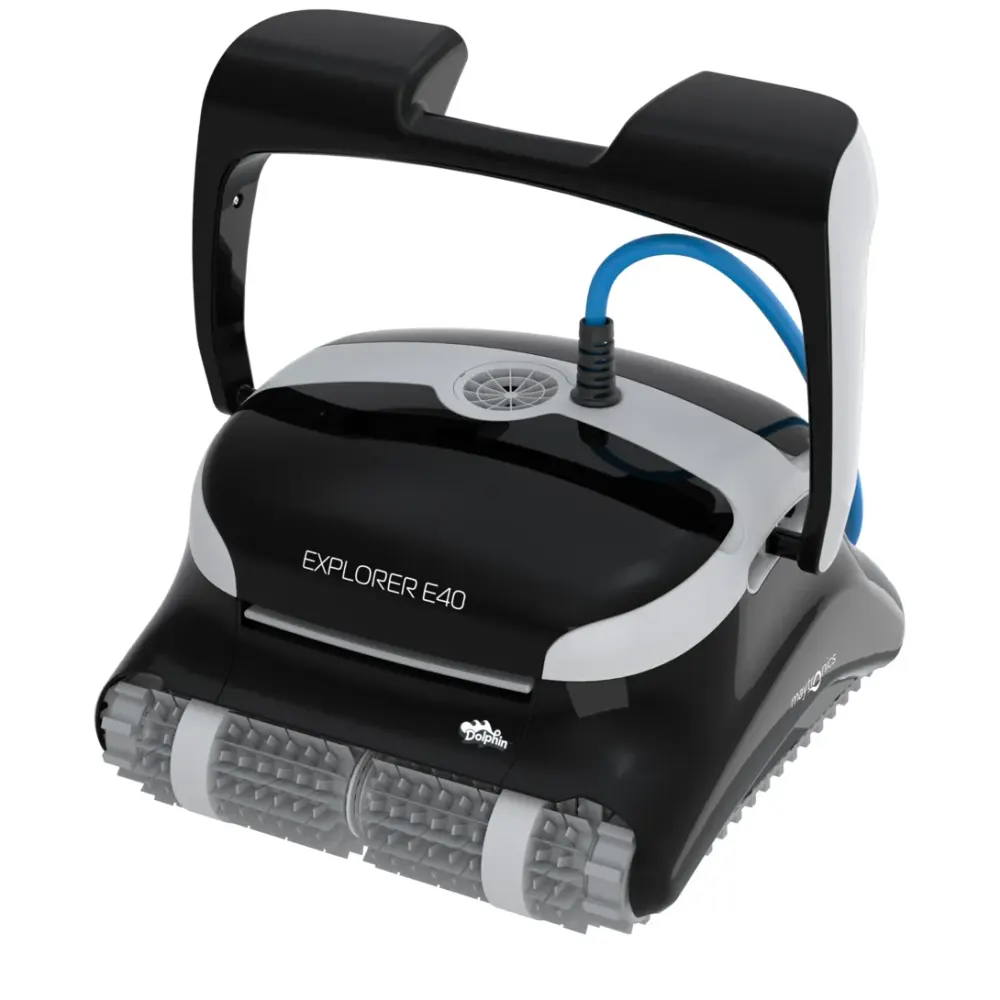
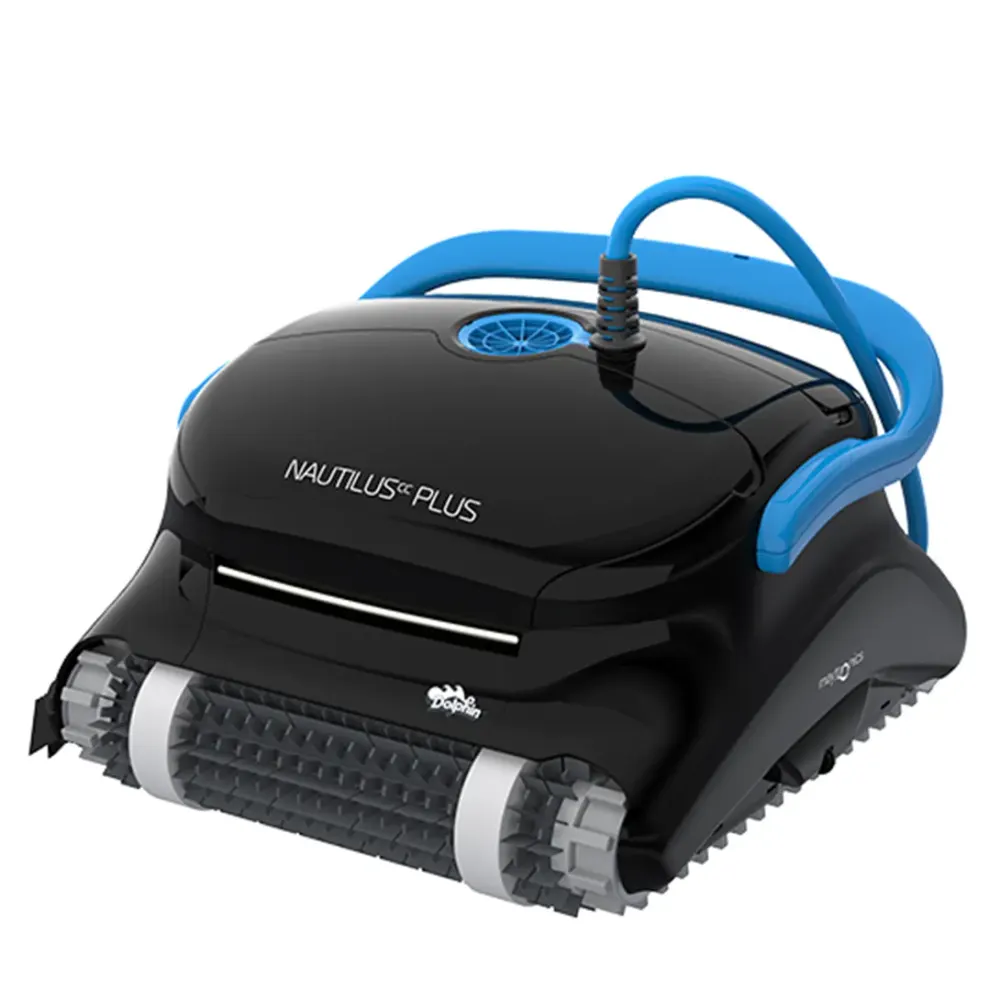
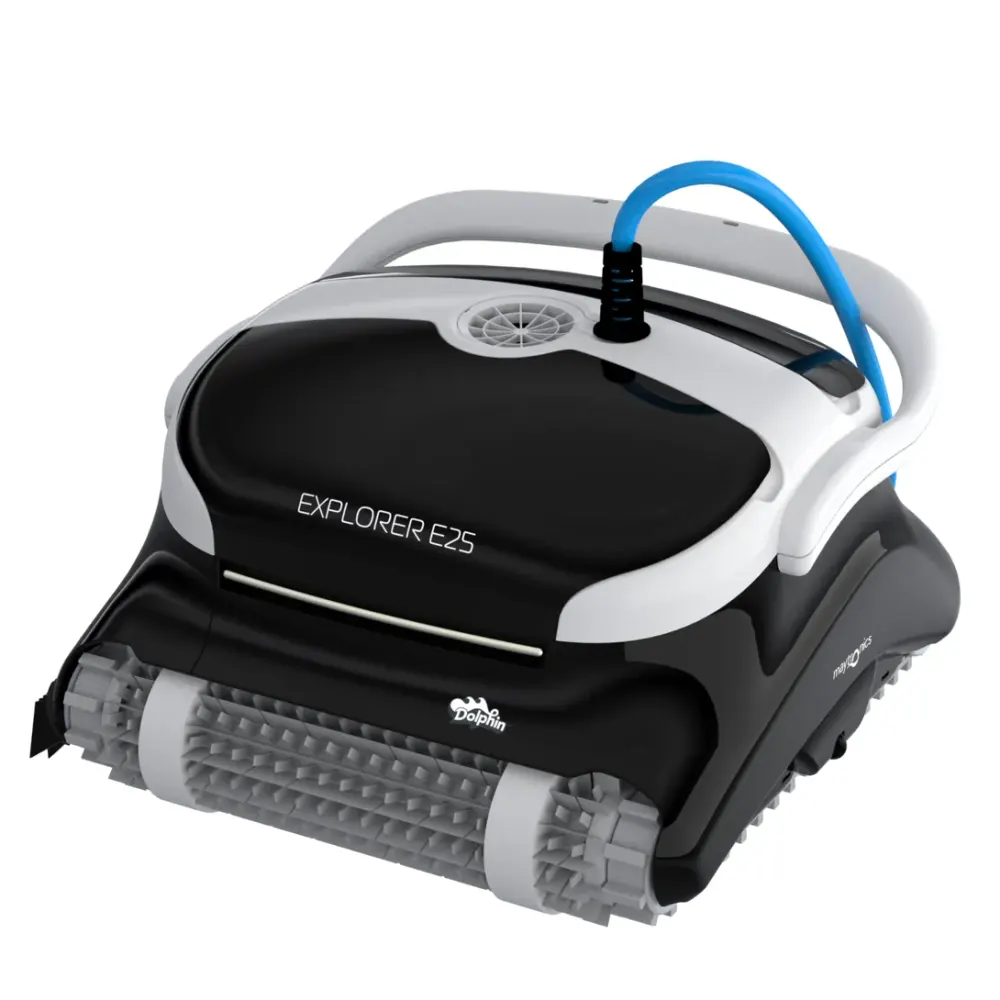
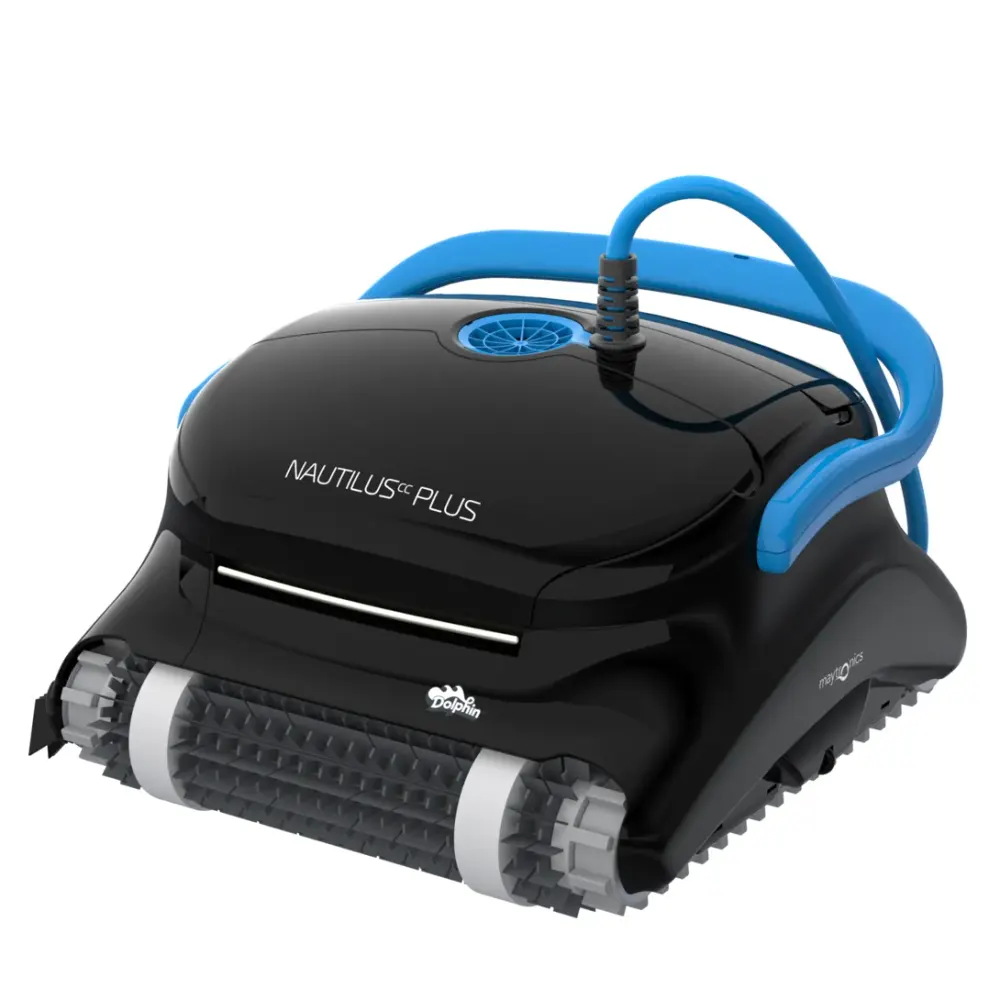
Also listed by Maytronics for: Dolphin Sigma, Dolphin M400, Dolphin Nautilus CC Supreme, Dolphin Nautilus CC Plus, Dolphin Nautilus CC Plus w/ Wi-Fi, Explorer, Dolphin Hydro 40, Dolphin DIVER PRO 150, Dolphin Evolution 40, EX45, Dolphin EX45, F40, PS40, SF40, Dolphin SF40, Dolphin Swell M, Dolphin Zenit 15, Dolphin Active Classic, Dolphin Easy Comfort, Dolphin KAPTUR 150, Dolphin X60, Dolphin Maximus X70, Dolphin Zenit 20, Dolphin Active X4, Dolphin Comfort Active, Dolphin KAPTUR 400, PS50, Dolphin Dolphin 4, Dolphin SOPRA PE RFECT, Dolphin TopStar gold, Dolphin Evolution 50, F50, Dolphin Maxi Kart, Dolphin SF50, Dolphin DIVER PRO 400, Dolphin EX60, Dolphin DIVER PRO 500, Dolphin Blue Maxi 65, Dolphin Evolution 60, F60.
Poolbots lists this filters item for: M200, Nautilus CC Plus, Nautilus CC Plus Wi-Fi, Sigma.
Do it yourself
How to replace it at home.
Switch off and unplug the power supply.
Remove the robot from the pool and access the filter using your robot's instructions.
Remove the old fine filter assembly, noting its position.
Install the replacement assembly in the same position, following your robot's instructions.
Secure the filter access before using the robot again.
Step-by-step answers for this kind of part
How do I replace the filter panels on my Dolphin robot?Video15 min
Find your model below, then follow its video and instructions. The panel removal and installation steps vary by filter design.
S50 (Cayman, T15, T25, Active 10, Escape, Encore, E20, E25) & S100 (Advantage, Proteus DX3, Saturn, Echo, Nautilus CC, Active 15, Escape, Liberty 200/300/400)

Step 1Remove the old filter panels
- Lift the filter cover open.
- Take the filter basket out of the robot.
- Press the plastic release at the top of the filter's wide side, then lift out the released panel. The narrow side panels come out easily. The front and back panels are secured with screws, so use a Phillips-head screwdriver to release them.
- Follow the same process for the opposite side panel.
Step 2Install the replacement panels
- Slide a replacement panel into the basket.
- Push the panel against the frame until it clicks into place.
- Fit the other side panel the same way.
- With both panels in position, clip the filter's bottom section back into place.
S200 (E30, Advantage Ultra, Active 20, Quantum, T30, Proteus DX4, Triton PS) / S300 (E35/E35i, Proteus DX5i, Active 30, T35/T45, Premium 40, Explorer E30, E40i, Active 30i, T55i) / S400 (E50i, Active 50, Explorer E50) / Liberty 600

Step 1Remove the old filter panels
- Lift the filter cover open.
- Take the filter basket out of the robot.
- Press the plastic release at the top of the filter's side, then lift out the panel that releases.
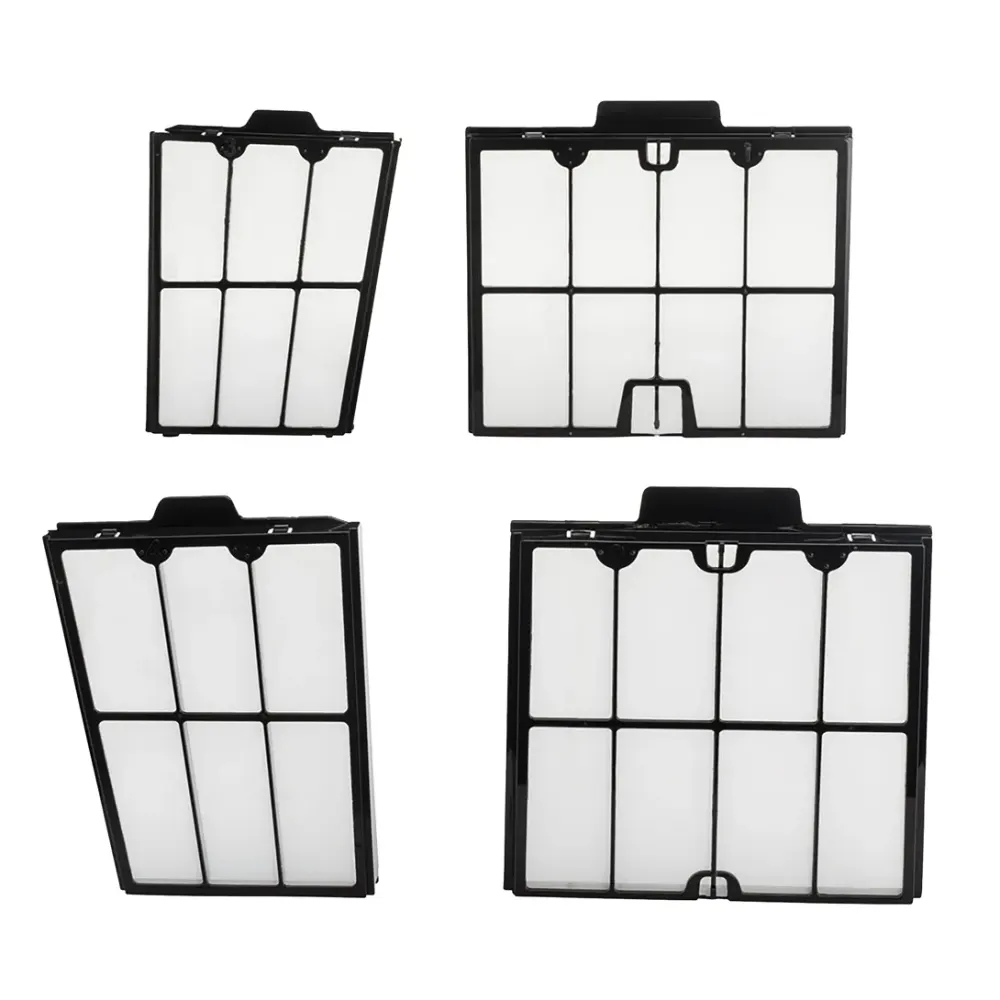
- Work through the remaining narrow and wide panels using the same method.
Step 2Install the replacement panels
- Set the bottom edge of a replacement panel into the filter's lower rail.
- Push the panel into the frame so it clips into the filter.
- Press it against the frame until you hear it click.
- Fit each remaining narrow and wide panel the same way.
Premier/Dx4 (Bag filter)

Filter bag setup for Dolphin Premier
- Turn the robot upside down so you can reach the filter area.
- Release the clips underneath the filter assembly.
- Lift the assembly out of the robot.
- If the white filter screen is not already fitted, secure it with the two screws.
- Check that the filter bag sits securely on the assembly's guard rails.
- Put the filter bag assembly back in, following the guide and video.
Filter cartridge assembly setup for Dolphin Premier
- Turn the robot upside down so you can reach the filter area.
- Release the clips underneath the filter assembly.
- Lift the assembly out of the robot.
- Make sure the white filter screen is not installed for this setup.
- Follow the guide and video to reinstall the assembly.
- Fasten the clips underneath the assembly to secure it.
M250 (Dx3, Nautilus CC Plus)

Step 1Prepare the filter cartridges
- Lift the filter covers and take the cartridges out of the robot.
- Release the clips at the top of each cartridge.
- Inspect the non-return flap for debris.
- Check that the frame is clean before fitting replacement panels.
Step 2Fit the replacement panels
- Seat the locating tabs along the bottom of each panel in the matching grooves on the base frame.
M400/M500 (Sigma, Nautilus CC Supreme, Aquarius XL, Oasis)
Step 1Prepare the filter cartridges
- Lift the filter covers and take the cartridges out of the robot.
- Release the clips at the top of each cartridge.
- Inspect the non-return flap for debris.
- Check that the frame is clean before fitting replacement panels.
Step 2Fit the replacement panels
- Seat the locating tabs along the bottom of each panel in the matching grooves on the base frame.
M600/M700 (Active 60, E60i, Premium 60, Explorer E70)

Step 1Remove the old filter panels
- Lift the filter cover open.
- Take the filter basket out of the robot.
- Press the plastic release at the top of the filter's side, then lift out the panel that releases.
- Work through the remaining narrow and wide panels using the same method.
Step 2Install the replacement panels
- Set the bottom edge of a replacement panel into the filter's lower rail.
- Push the panel into the frame so it clips into the filter.
- Press it against the frame until you hear it click.
- Fit each remaining narrow and wide panel the same way.
Replacement panels and filter care
You can purchase replacement filter panels from Poolbots. Before ordering, confirm that the panel part number matches your robot. For help choosing the correct panels, contact Poolbots' pool experts by live chat or phone.
Additional references:
Specifications
Size & Dimension
- Gross Weight
- 0.761 lb
General Info
- Warranty (years)
- 1
- UPC
- 718117205255
Questions
Replacement Filter Assembly, answered.
Does this fit both Dolphin Nautilus CC Plus and Dolphin Nautilus CC Plus WiFi?
Yes. Both Dolphin Nautilus CC Plus and Dolphin Nautilus CC Plus WiFi are confirmed compatible with part 9991428-ASSY.
Is this a genuine Maytronics replacement?
Yes. This is a genuine Maytronics spare part that replaces the fine filter assembly in compatible Dolphin robots.
What warranty comes with this part?
The fine filter assembly comes with a 1-year part warranty.
Filters
Related parts.


Try It for 30 Days
Try any robot or part in your pool for 30 days. We believe a pool robot is an investment, and we know you'll love it. Which is why we have a 30 Day Trial. If you don't love it, simply return it. Unlike the other guys, we never charge a restocking fee or any other fees - meaning no restocking fee ever.
Here at Poolbots, we carry only the top models for the top brands. All of our products are backed by a full manufacturer's warranty.

