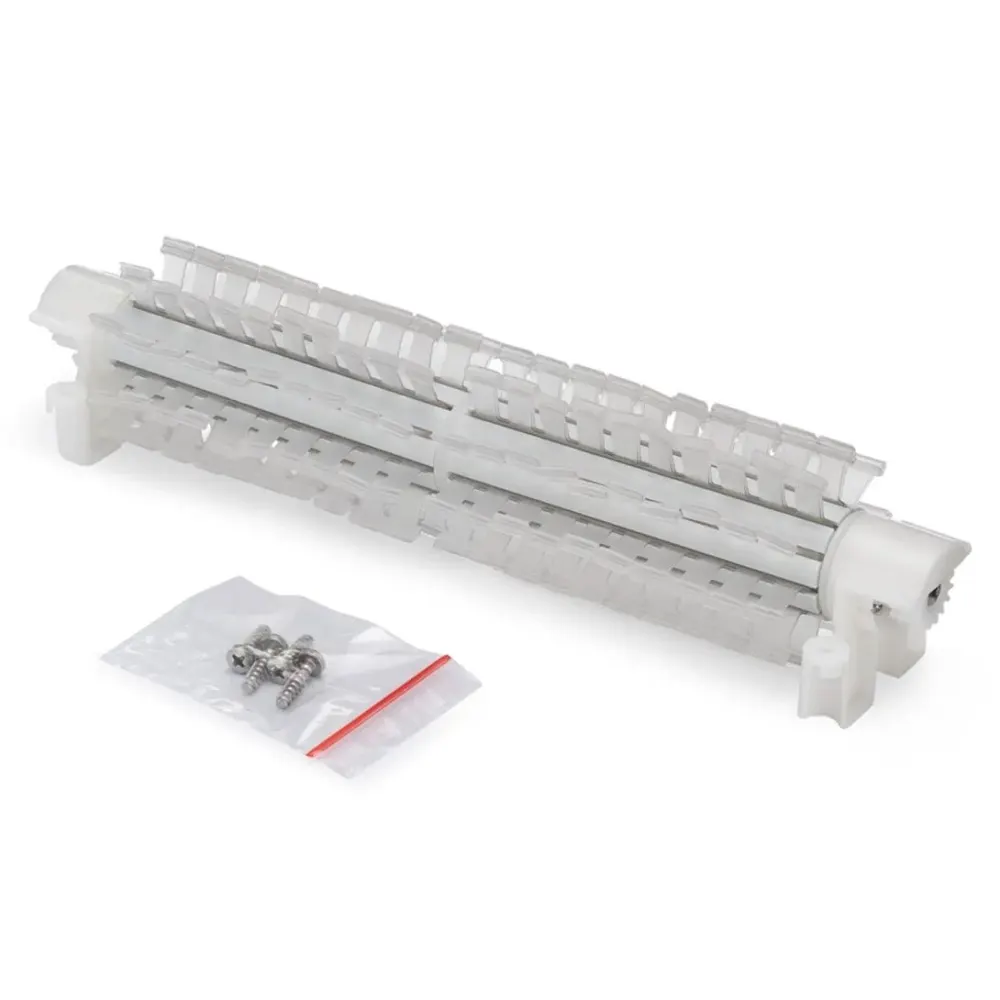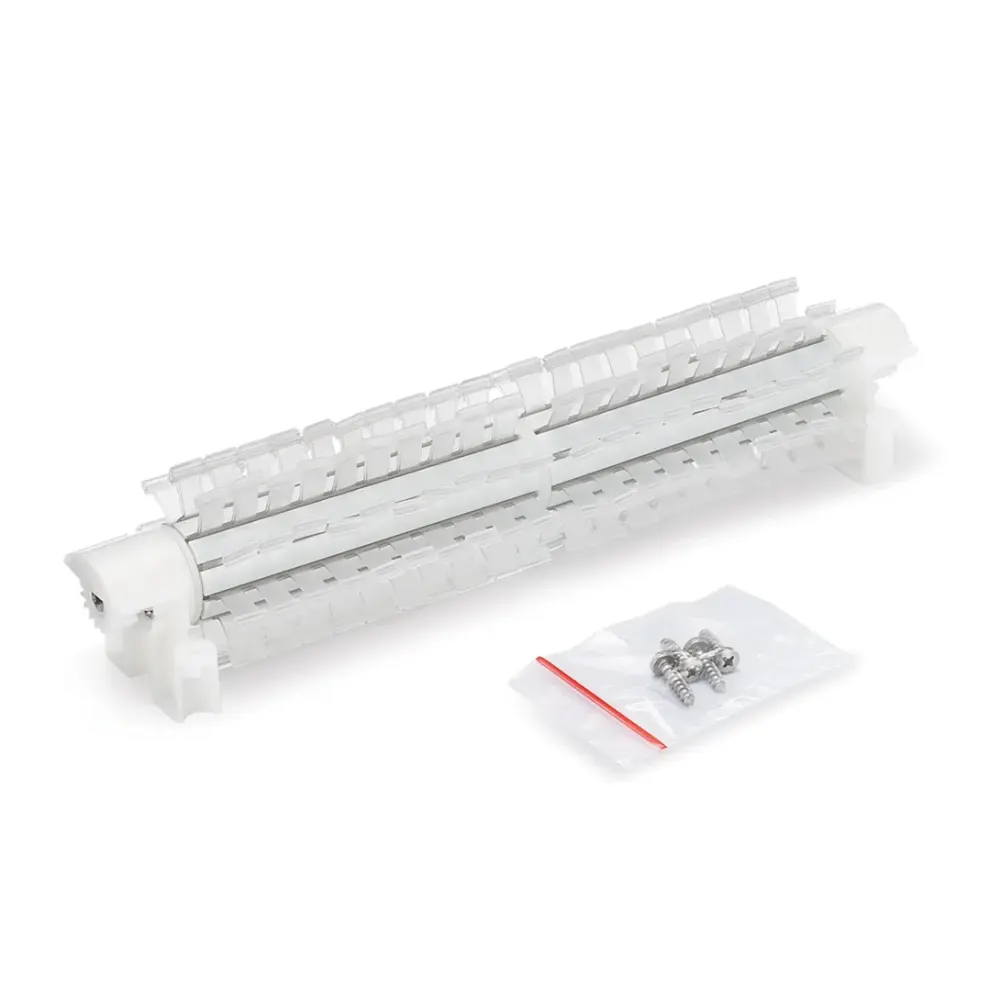
Genuine Maytronics part · Brushes & Climbing Rings
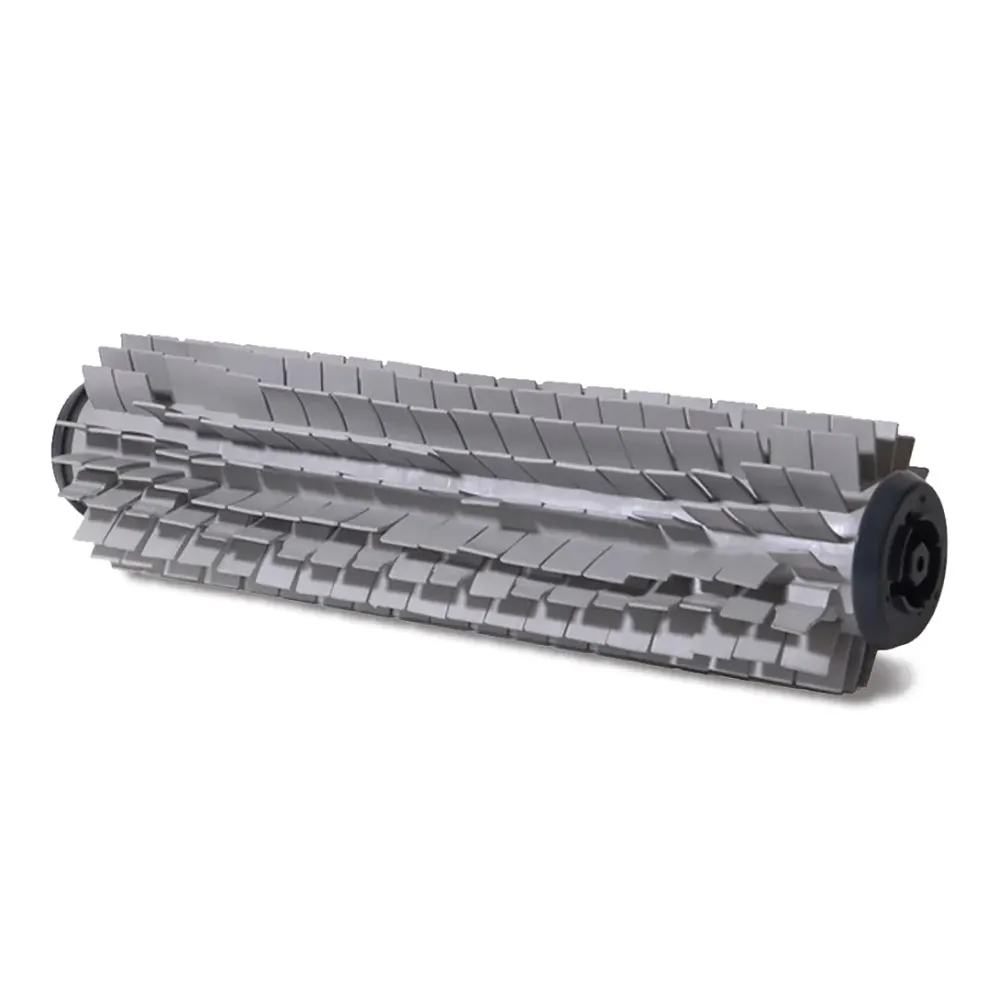
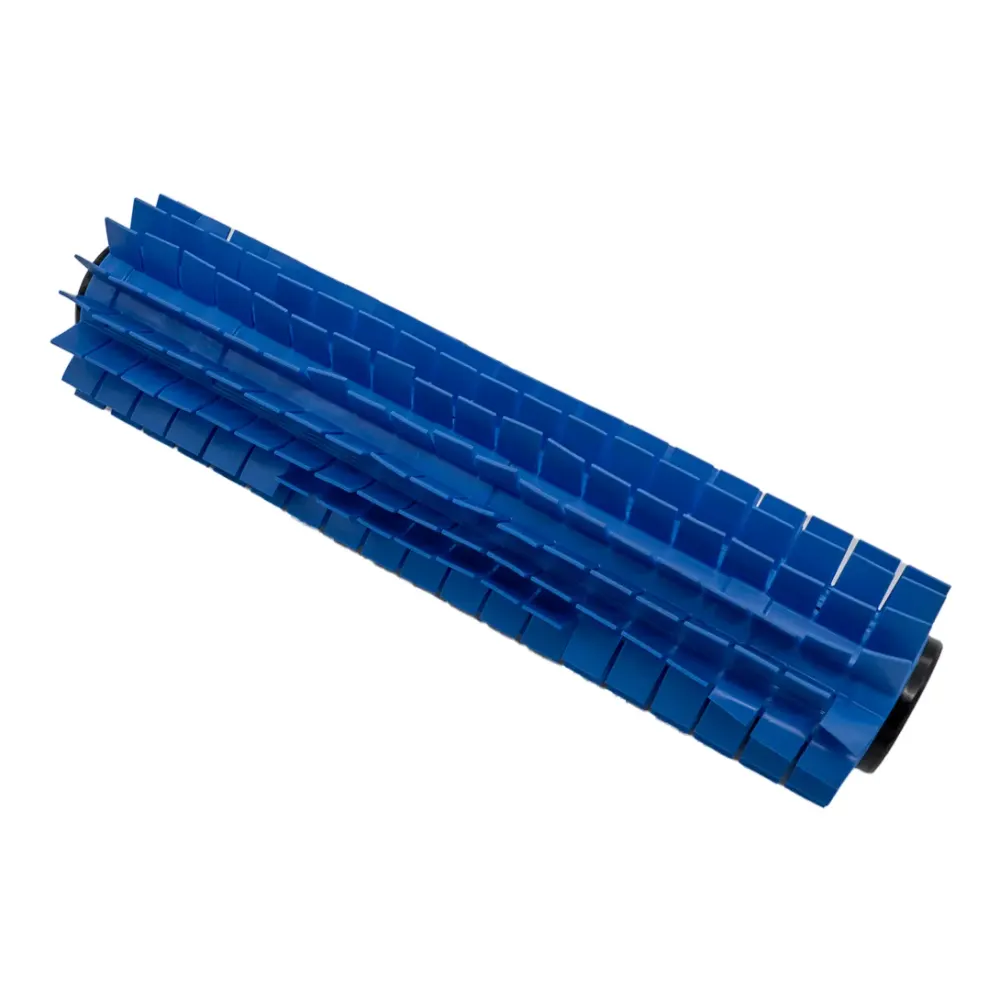
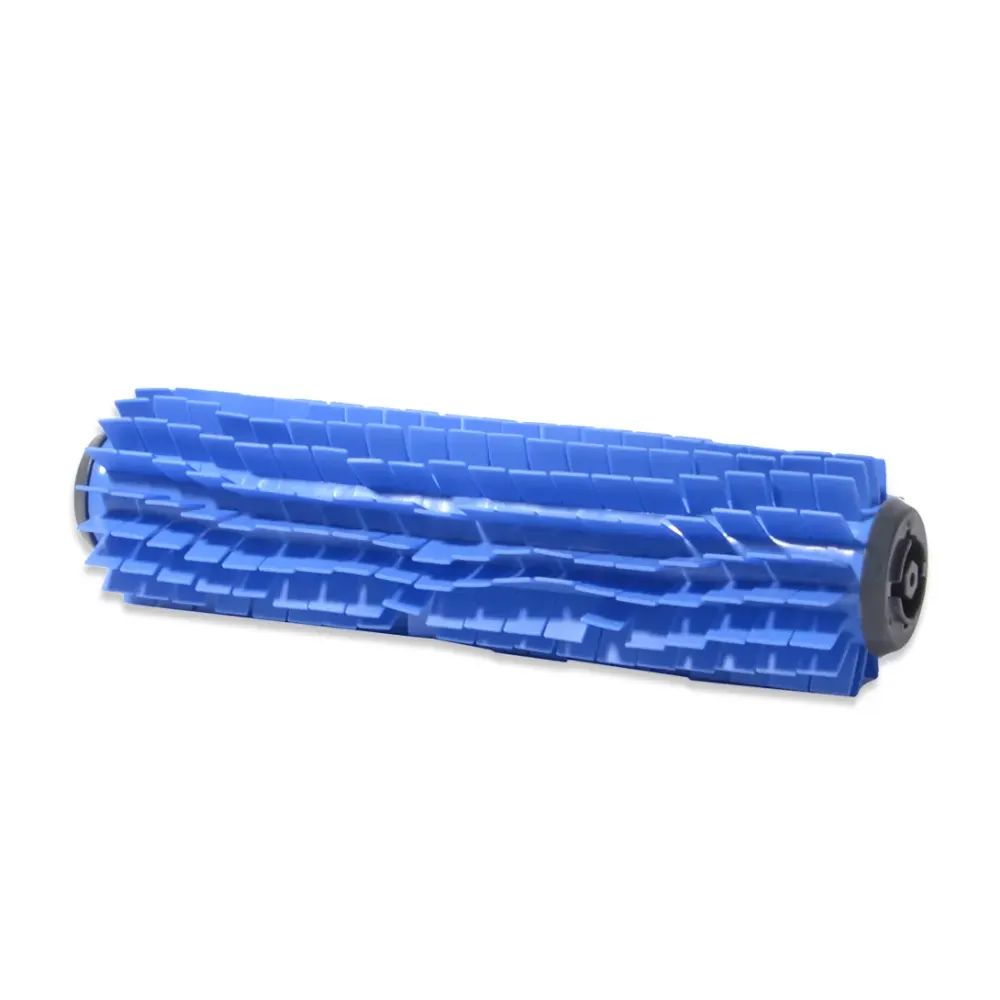
Active Brush Assembly S1, Blue
Part number 9995546-ASSY · UPC 3701314140068 · 1 year part warranty
Genuine Maytronics blue active brush assembly for Dolphin S100 and Dolphin S50.
$30 MSRP
Out of stock
About this part
What it does and when to replace it.
This genuine Maytronics blue active brush assembly replaces a worn or damaged brush on your Dolphin robot. It is a standard brush that scrubs pool surfaces during cleaning.
Confirmed compatibility includes Dolphin S100 and Dolphin S50. Use part number 9995546-ASSY to identify the replacement. Poolbots does not currently stock this part. Contact Poolbots' pool experts by live chat or phone for help checking fit and buying options.
- Confirm the robot's model name, not just the brush color, before selecting a replacement.
- Have part number 9995546-ASSY ready when you contact Poolbots' pool experts.
Compatibility
Fits these Dolphin robots.
Confirmed by Maytronics' compatibility checker and each robot's own spare-parts list.
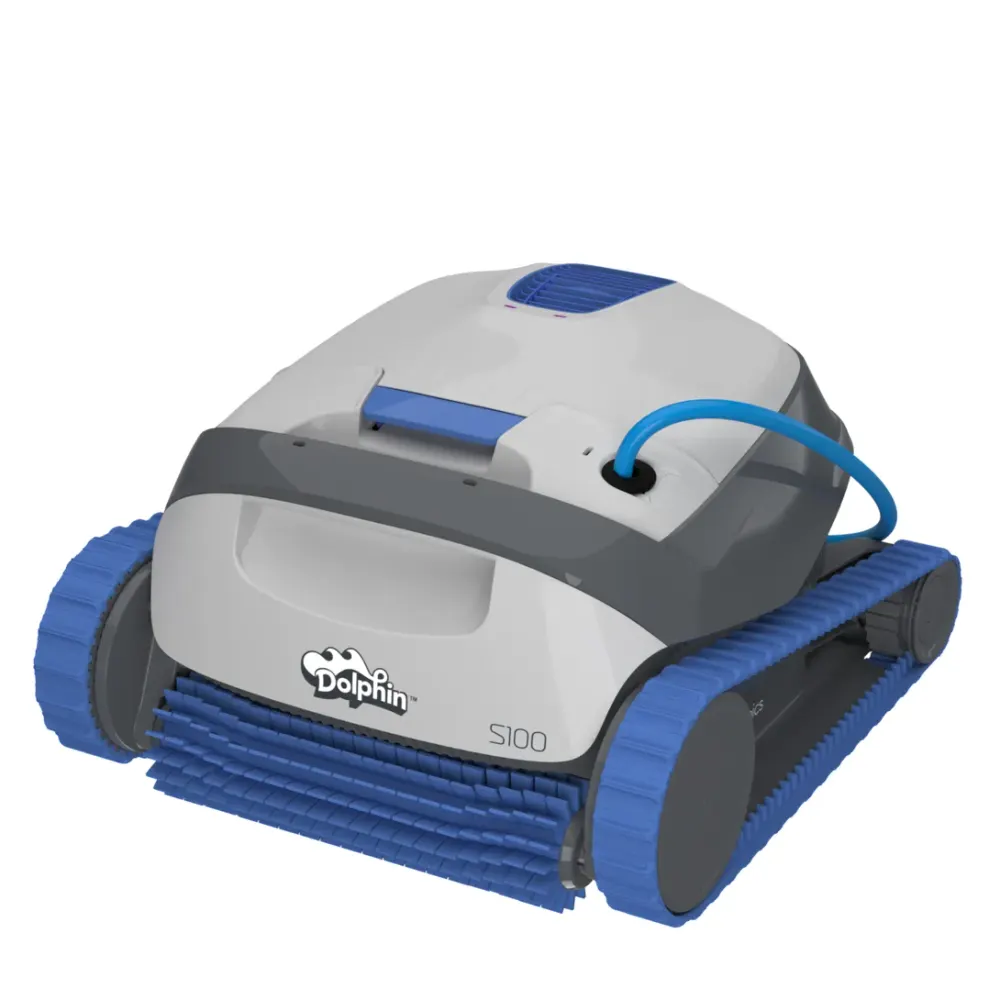
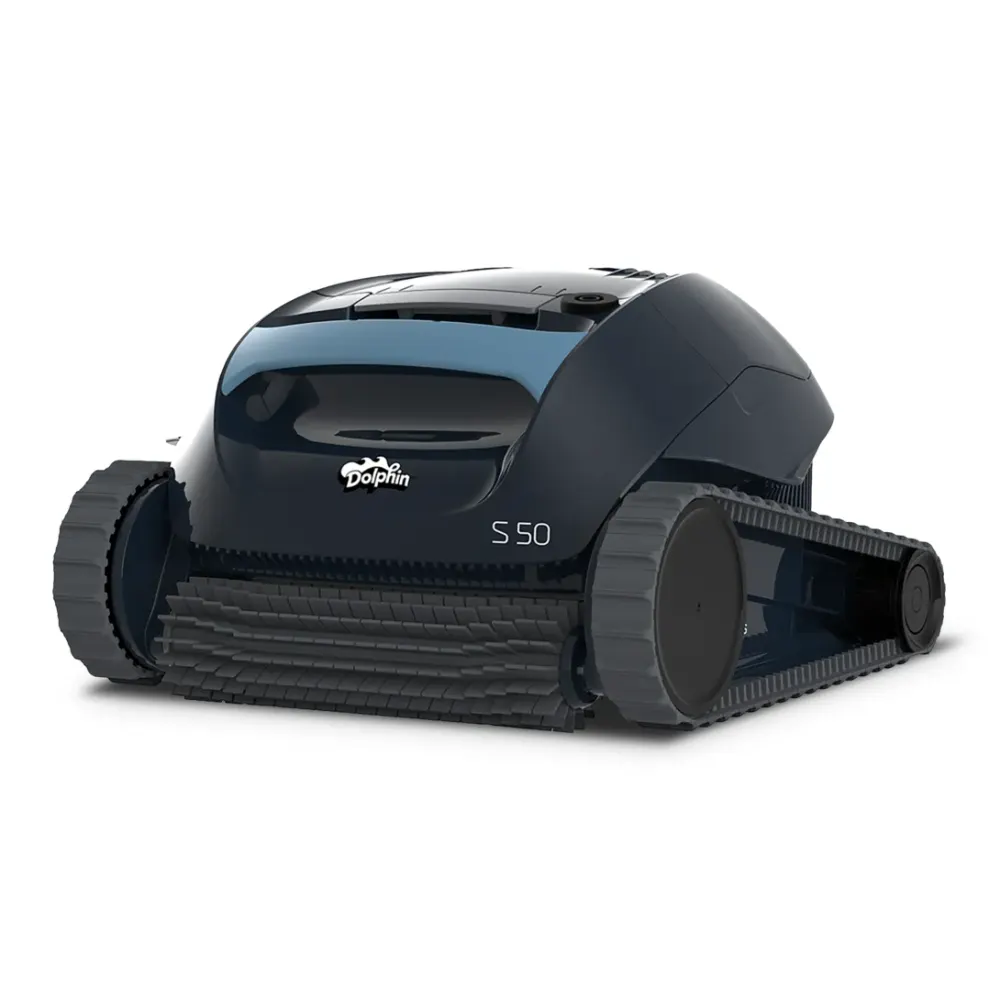
Also listed by Maytronics for: Dolphin S100, S50, S100.
Do it yourself
How to replace it at home.
Switch off and unplug the power supply.
Remove the robot from the pool and place it on a stable surface.
Follow your robot's brush-replacement instructions to remove the old assembly.
Install 9995546-ASSY using those instructions, then check that the assembly is secure.
Step-by-step answers for this kind of part
How do I replace the climbing rings on my Dolphin brushes?Video20 min

These steps apply to all Dolphin models equipped with climbing rings.
-
Step 1: Soak the existing climbing rings Soak the rings in the pool, or leave them in water for 10 minutes. Make sure they are completely soaked before continuing.
-
Step 2: Turn the robot over Take the robot out of the pool and place it upside down.
-
Step 3: Check that the power is unplugged Confirm that the power supply is disconnected from the outlet before working on the brushes.
-
Step 4: Release the brush With a flathead screwdriver, release both sides of the brush from their sockets.
-
Step 5: Take out the brush Remove the released brush from the robot.
-
Step 6: Remove the old rings Take the existing climbing rings off the brush.
-
Step 7: Fit the replacement rings Let the new climbing rings soak in water until they are flexible. Work them onto the brush.
-
Step 8: Reinstall the brush With the new rings in position, slide the brush into its sockets. Press it into place.
Brush removal and installation videos
These videos show how to remove and reinstall the brushes. Use them as a reference for steps 2-5 and 8.
M Line (DX3/Sigma/Nautilus CC Plus/Nautilus CC Supreme/M400)

M600 (Active 60, Explorer E70)

For help finding replacement climbing rings, contact Poolbots' pool experts by live chat or phone.
How do I replace the brushes on my Dolphin robot?Video30 min
Disconnect the power supply from the electrical outlet before starting. Find the front, middle, or rear brush section below, then follow the video and instructions for your model.
For help choosing a replacement brush, contact Poolbots' pool experts by live chat or phone.
Front brush
S50 (E10, E20/E25, Active 10, Cayman, Escape, Encore)

Replacement front brush: 9995544-ASSY.
- Disconnect the power supply from the electrical outlet.
- Turn the robot over so its underside faces up.
- Take the tracks off the robot.
- Use a flathead screwdriver to remove the wheel disk.
- Turn the wheel until you can see the drive gear's retaining screw through it.
- Loosen and remove the screw, then take out the white drive gear.
- Ease the old brush out gently.
- Slide the replacement brush into position. Put the drive gear back and secure it with its screw.
- Put the wheel cover and tracks back on.
- Turn the brush by hand to check that it moves smoothly.
S100 (Advantage, Proteus DX3, Saturn, Echo, Nautilus CC, Active 15, Cayman, Escape, Explorer E20)

- Disconnect the power supply from the electrical outlet.
- Turn the robot over so its underside faces up.
- Take the tracks off the robot.
- Use a flathead screwdriver to remove the wheel disk.
- Turn the wheel until you can see the drive gear's retaining screw through it.
- Loosen and remove the screw, then take out the white drive gear.
- Ease the old brush out gently.
- Slide the replacement brush into position. Put the drive gear back and secure it with its screw.
- Put the wheel cover and tracks back on.
- Turn the brush by hand to check that it moves smoothly.
S200 (E30, Advantage Ultra, Active 20, Quantum, T35, Triton PS)

- Disconnect the power supply from the electrical outlet.
- Take the tracks off the robot.
- Use a Phillips screwdriver to remove the four screws securing the brush.
- Lift out the old brush.
- Fit the replacement brush and secure it with the four screws.
- Turn the brush by hand to check for smooth movement.
S300 & S400
S300 (E35/E35i, Proteus DX5i, Active 30, T35/T45, Premium 40, Explorer E30, E40i, Active 30i, T55i)
S400 (E50i, Active 50, Explorer E50)

- Disconnect the power supply from the electrical outlet.
- Take the tracks off the robot.
- Use a Phillips screwdriver to remove the four screws securing the brush.
- Lift out the old brush.
- Fit the replacement brush and secure it with the four screws.
- Turn the brush by hand to check for smooth movement.
M400/M500 (Sigma, Oasis, Nautilus CC Supreme, Aquarius XL, C4)
- Gently push the brush out with a flathead screwdriver until it releases.
- Position the replacement brush where the old one sat.
- Press the brush inward until it is seated.
- Turn the wheels to check that the brush moves properly.
M250 (Nautilus CC Plus, Dx3, Zenit 20)
Follow the video for the front-brush replacement procedure.
Premier

Follow the video for the front-brush replacement procedure.
Middle brush
M400/M500

- Disconnect the power supply from the electrical outlet.
- Turn the robot over so its underside faces up.
- Remove the four screws securing the brush, one at each corner.
- Lift the brush out of the robot.
- Fit the replacement brush in the same position as the old one.
- Reinstall all four screws and tighten them.
Sigma

Replacement middle brush: 9995541-R1.
This middle-brush procedure applies to Sigma produced in 2026 or later.
- Disconnect the power supply from the electrical outlet.
- Turn the robot over so its underside faces up.
- Remove the four screws securing the brush, one at each corner.
- Lift the brush out of the robot.
- Fit the replacement brush in the same position as the old one.
- Reinstall all four screws and tighten them.
Rear brush
S200 (E30, Advantage Ultra, Active 20, Quantum, T35, Triton PS)

Replacement rear brush: 99955380-ASSY.
- Disconnect the power supply from the electrical outlet.
- Turn the robot over so its underside faces up.
- Take the tracks off the robot.
- Carefully free the brush from the notches on both sides, then remove it.
- Fit the replacement brush where the old one sat.
- Put the tracks back on both sides.
- Turn the brush by hand to check for smooth movement.
S300 & S400
S300 (E35/E35i, Proteus DX5i, Active 30, T35/T45, Premium 40, Explorer E30, E40i, Active 30i, T55i)
S400 (E50i, Active 50, Explorer E50)

Replacement rear brush: 99955380-ASSY.
- Disconnect the power supply from the electrical outlet.
- Turn the robot over so its underside faces up.
- Take the tracks off the robot.
- Carefully free the brush from the notches on both sides, then remove it.
- Fit the replacement brush where the old one sat.
- Put the tracks back on both sides.
- Turn the brush by hand to check for smooth movement.
M400/M500 (Sigma, Oasis, Nautilus CC Supreme, Aquarius XL, C4)
Replacement brush assembly: 99955340-ASSY.
- Gently push the brush out with a flathead screwdriver until it releases.
- Position the replacement brush where the old one sat.
- Press the brush inward until it is seated.
- Turn the wheels to check that the brush moves properly.
M600/M700 (Active 60, E60i, Explorer E70)
Replacement rear brush: 99955340-ASSY.
- Disconnect the power supply from the electrical outlet.
- Turn the robot over so its underside faces up.
- Take the tracks off the robot.
- Carefully free the brush from the notches on both sides, then remove it.
- Fit the replacement brush where the old one sat.
- Put the tracks back on both sides.
- Turn the brush by hand to check for smooth movement.
M250 (Nautilus CC Plus, Dx3)

Follow the video for the rear-brush replacement procedure.
M550
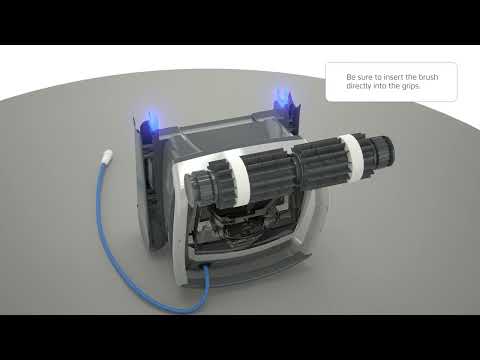
Follow the video for the rear-brush replacement procedure.
Specifications
Product Info
- Active Brush
- Yes
- Brush Type
- Standard Brush
General Info
- Warranty (years)
- 1
- UPC
- 3701314140068
Questions
Active Brush Assembly S1, Blue, answered.
Which robots does this brush assembly fit?
Confirmed compatible models are Dolphin S100 and Dolphin S50. Compatibility with other models is not confirmed in the supplied listing.
Does Poolbots stock this part?
Poolbots does not currently stock this part in its own store. Contact Poolbots' pool experts by live chat or phone for help identifying it and discussing buying options.
What warranty comes with this part?
Maytronics lists a 1-year warranty for this brush assembly.
Brushes & Climbing Rings