















Genuine Maytronics part · Brushes & Climbing Rings
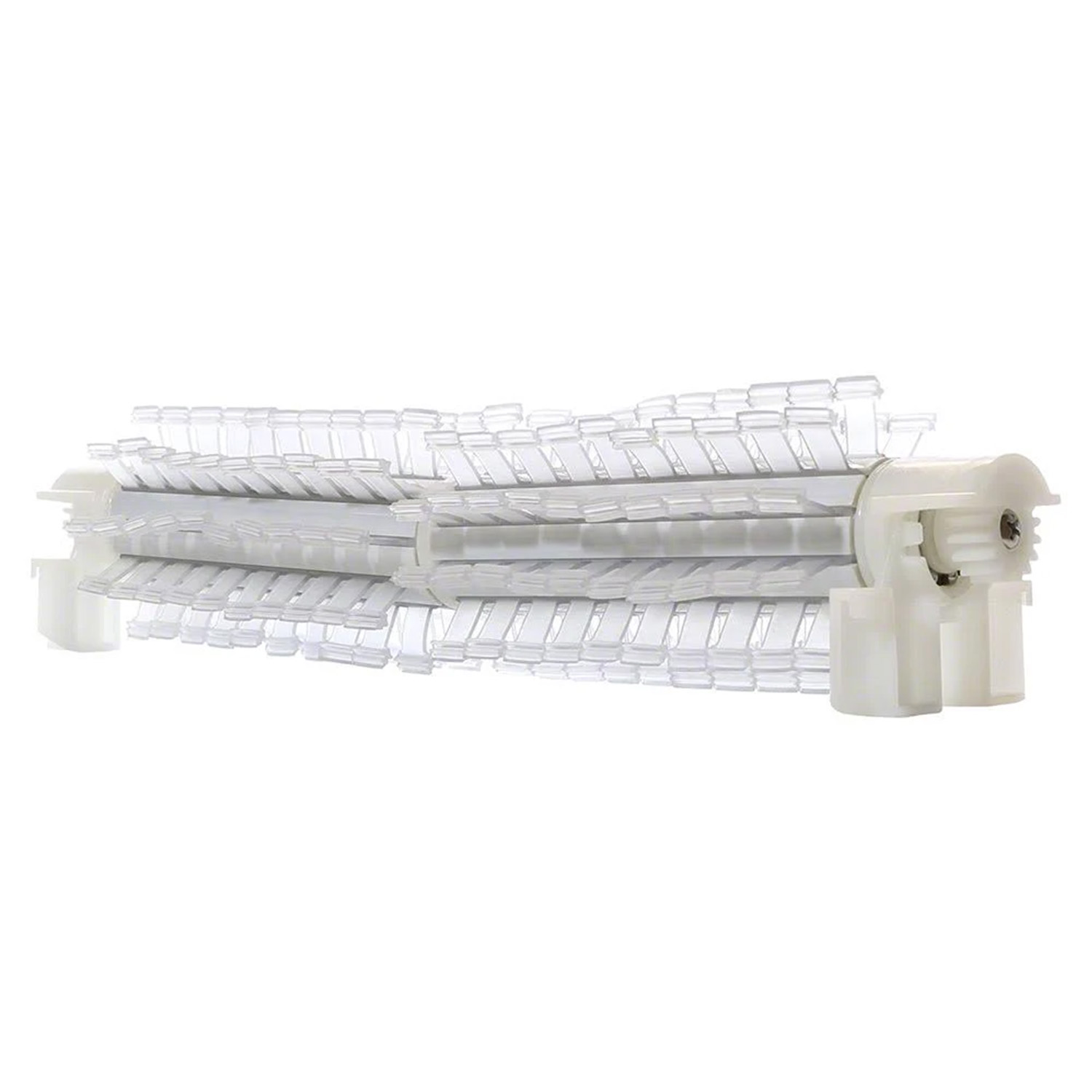
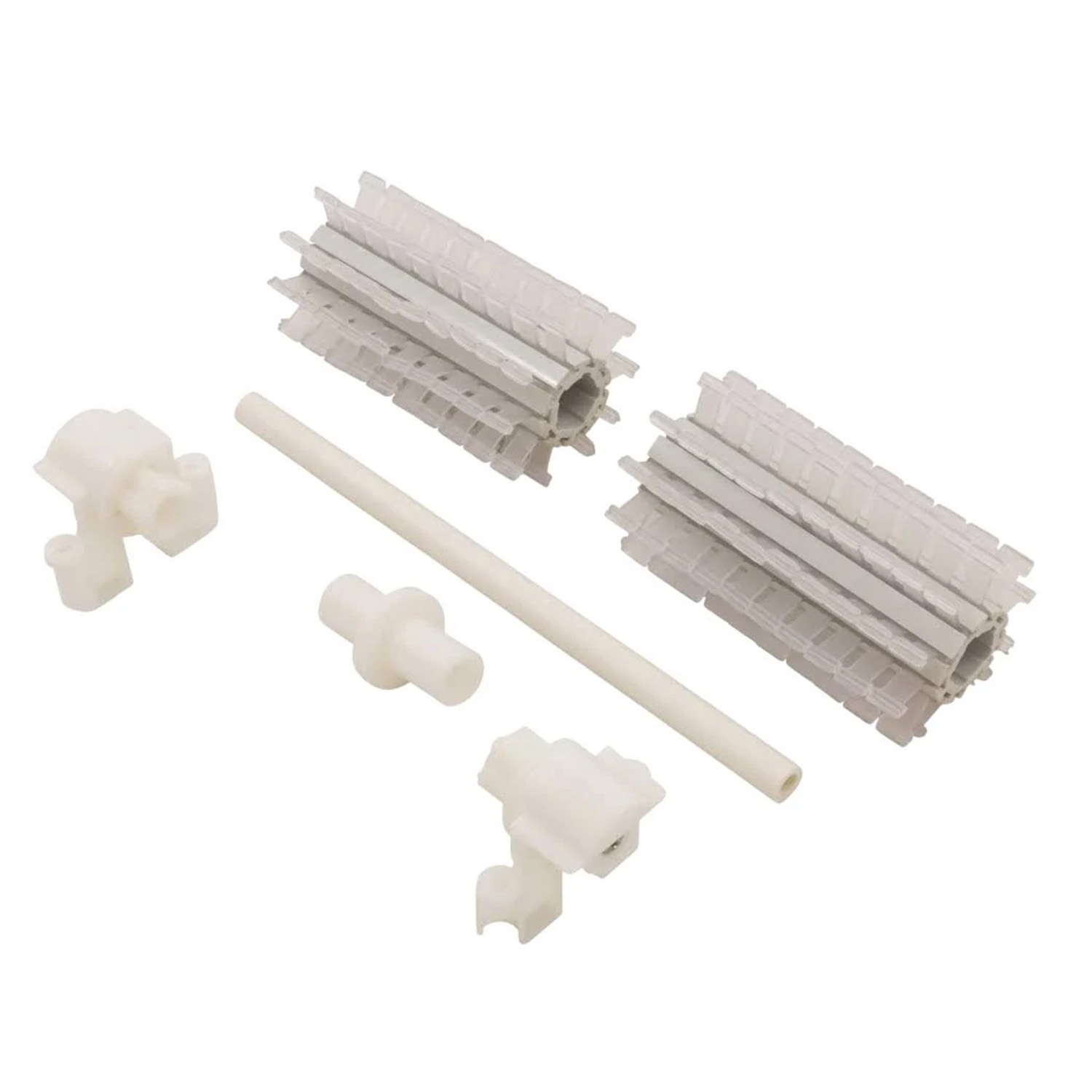
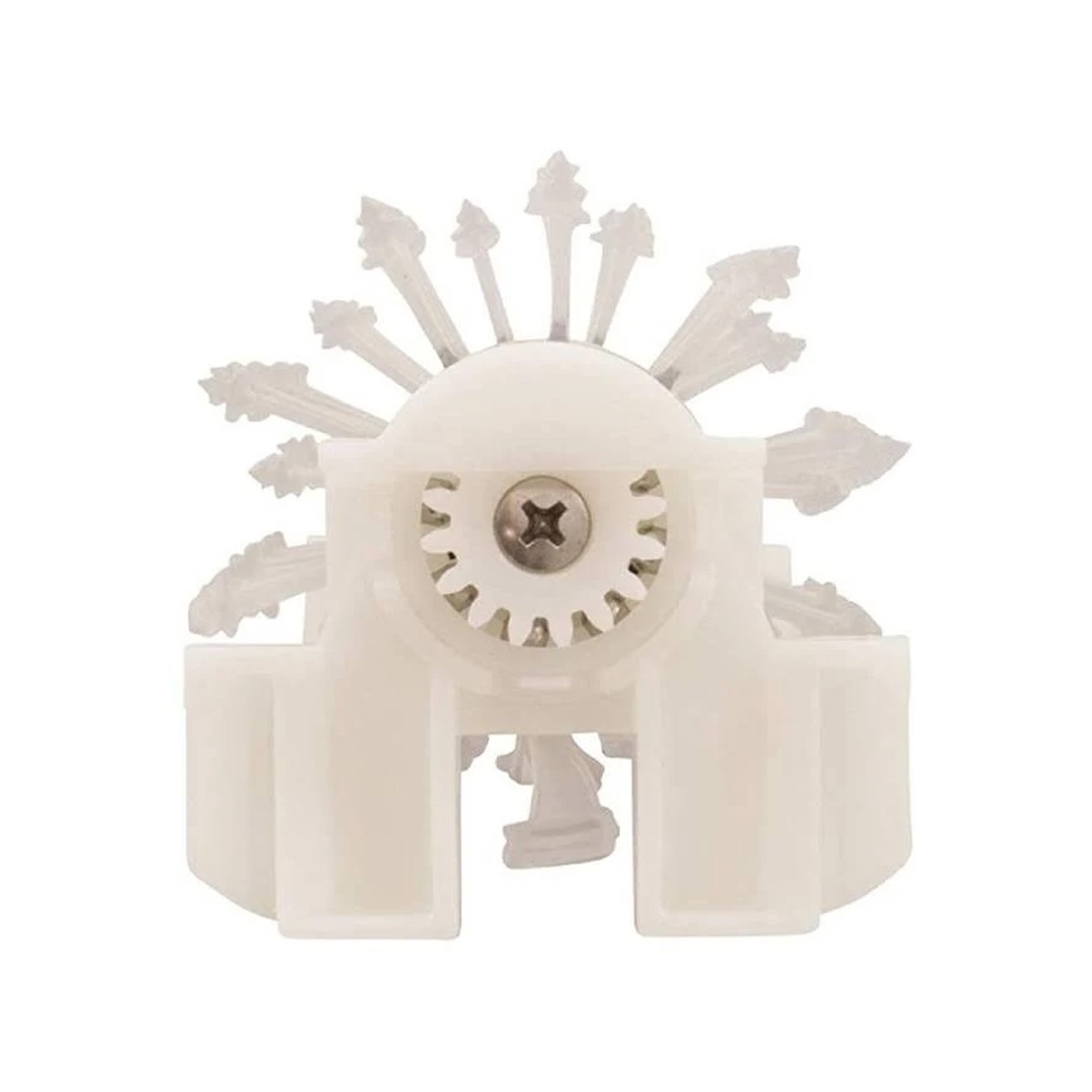
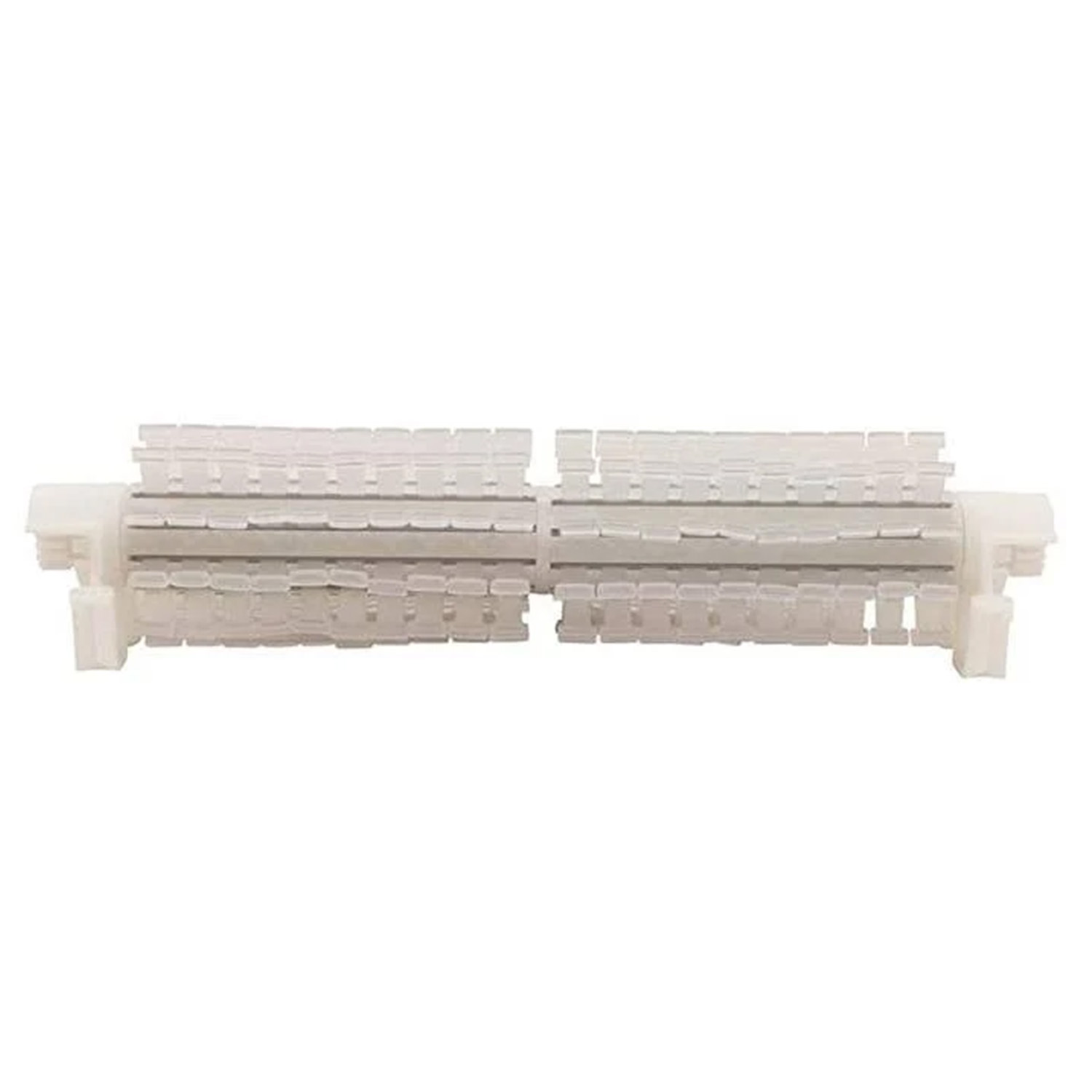
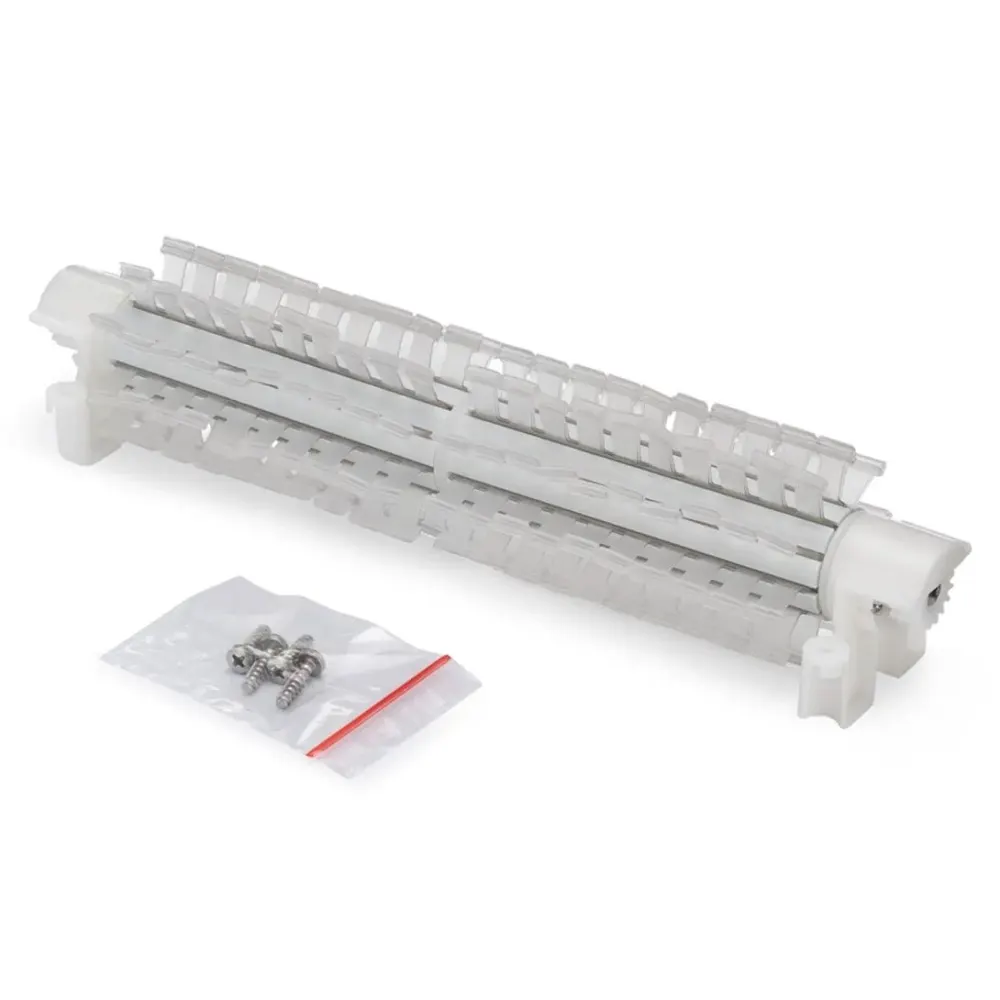
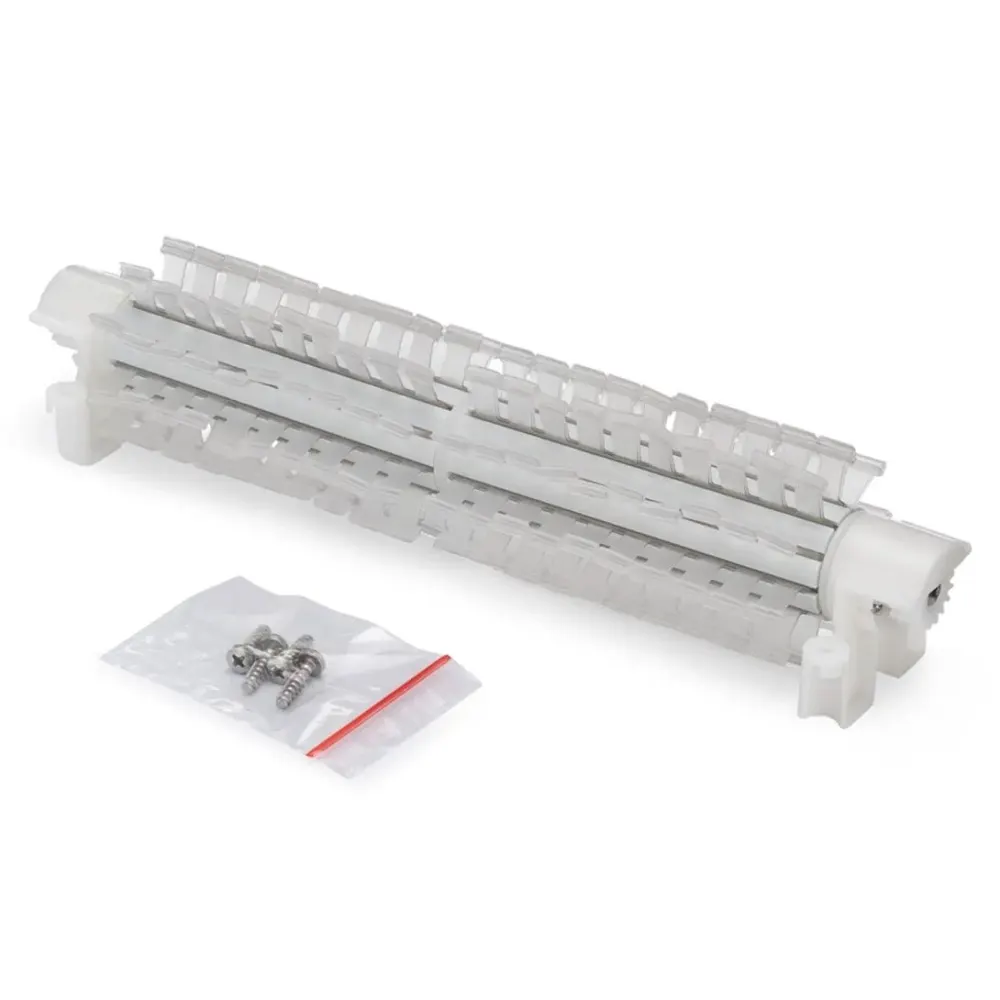
Dolphin Center Brush
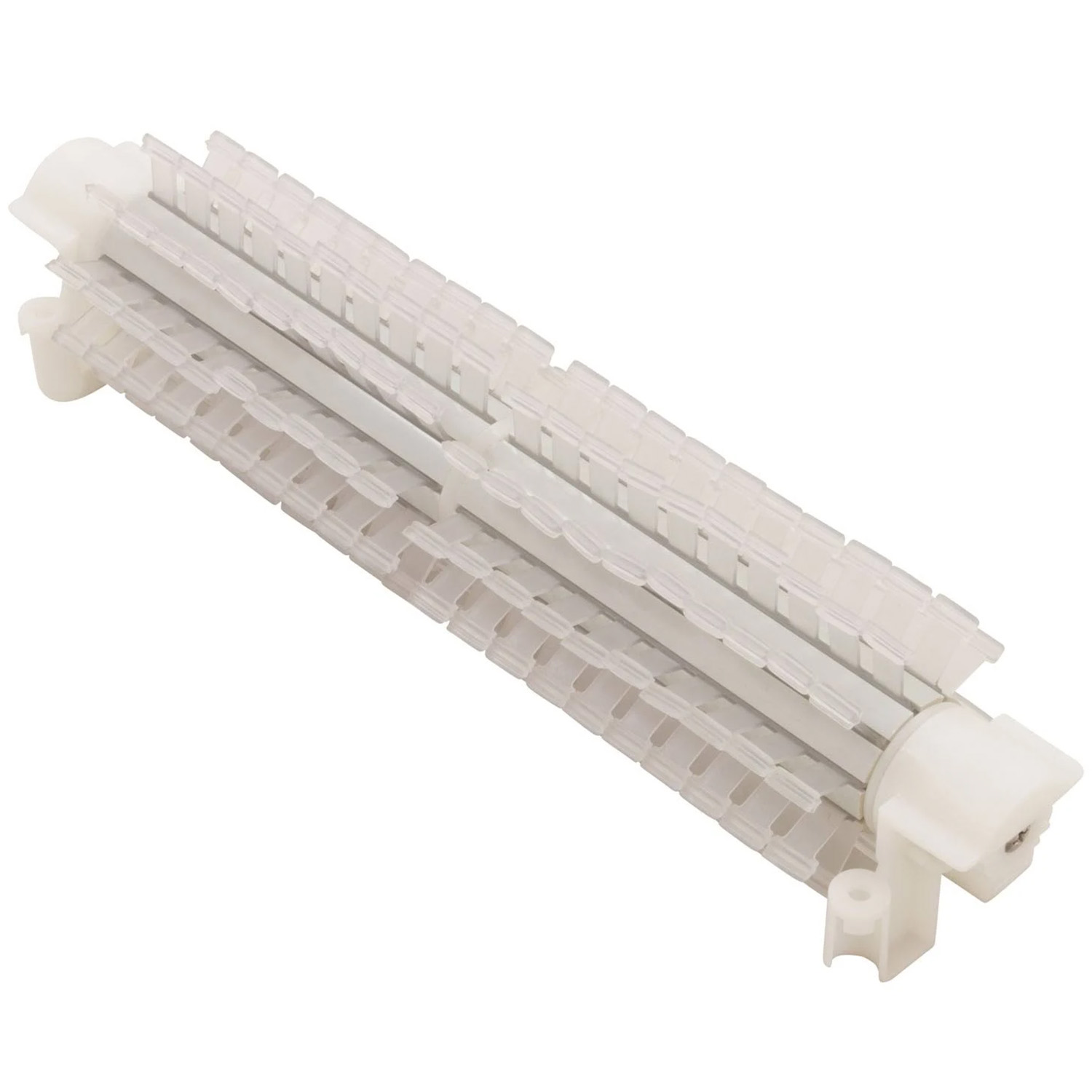
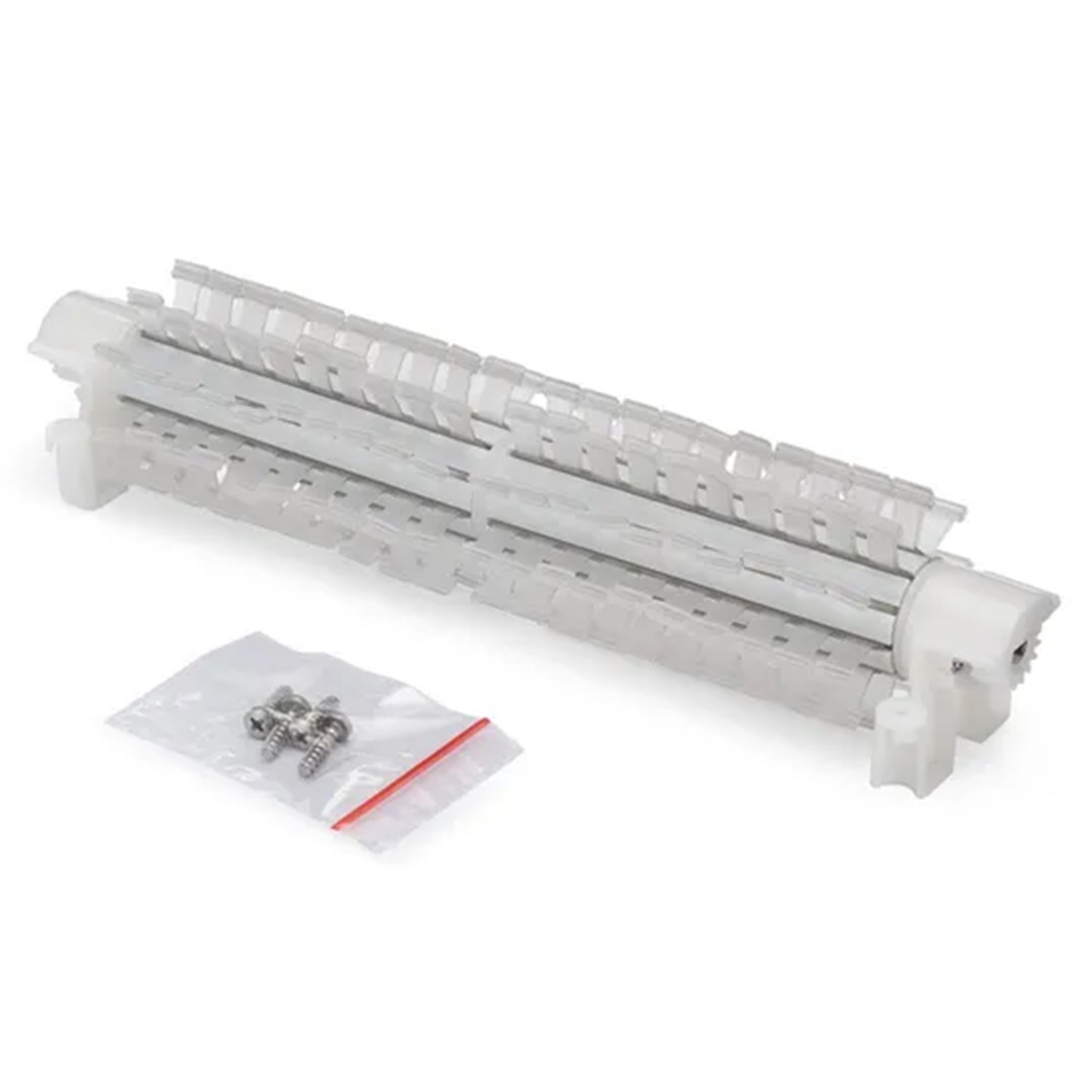
Part number 9995541-R1 · Maytronics Active Brush Assembly (M-Dyn) · UPC 810071221095 · 1 year part warranty
Genuine Maytronics replacement active brush assembly for Dolphin Sigma, Dolphin M400, and Dolphin Wave 60.
Condition NewIn stock, ready to ship
$149 MSRP $199
Save $50Free shipping

Overview
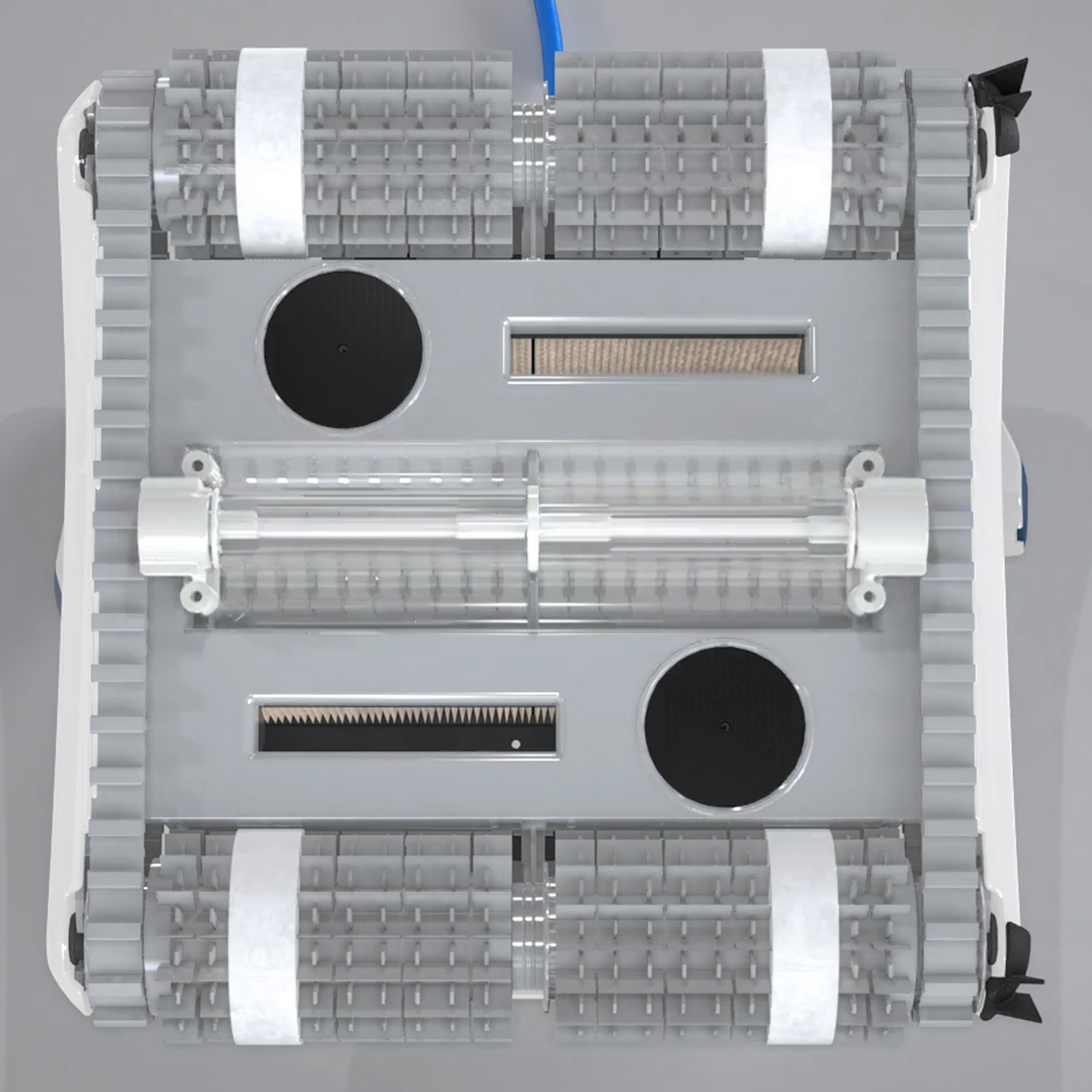
Stop your Dolphin Sigma from getting stuck on the main drain. The Center Brush Upgrade snaps on in minutes and adds a third scrubbing brush for a deeper clean. Authentic Dolphin part.
- No More Getting Stuck on the Main Drain
- Snap-On Install in About 5 Minutes
- Adds a Third Scrubbing Brush for a Deeper Clean
- Authentic Dolphin Part
Listed by Poolbots for: sigma.
Delivery & returns
Free 1–3 day FedEx shipping to the 48 contiguous states, fully tracked. Estimated delivery from 1 business day to 3 business days.
30-day trial with no restocking fees. Shipping policy · Return policy · Warranty
About this part
What it does and when to replace it.
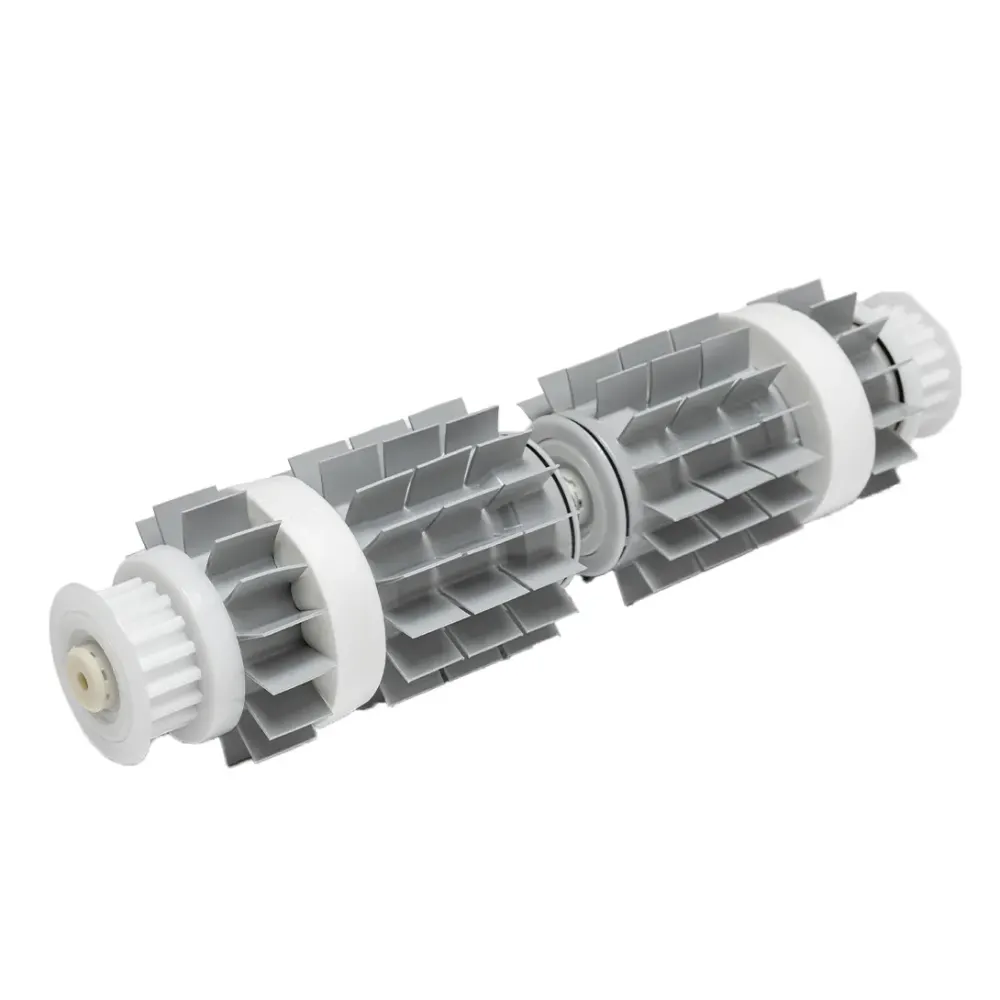
The genuine Maytronics Active Brush Assembly (M-Dyn), part 9995541-R1, replaces the active brush assembly on compatible Dolphin robots. This standard brush helps scrub pool surfaces during cleaning.
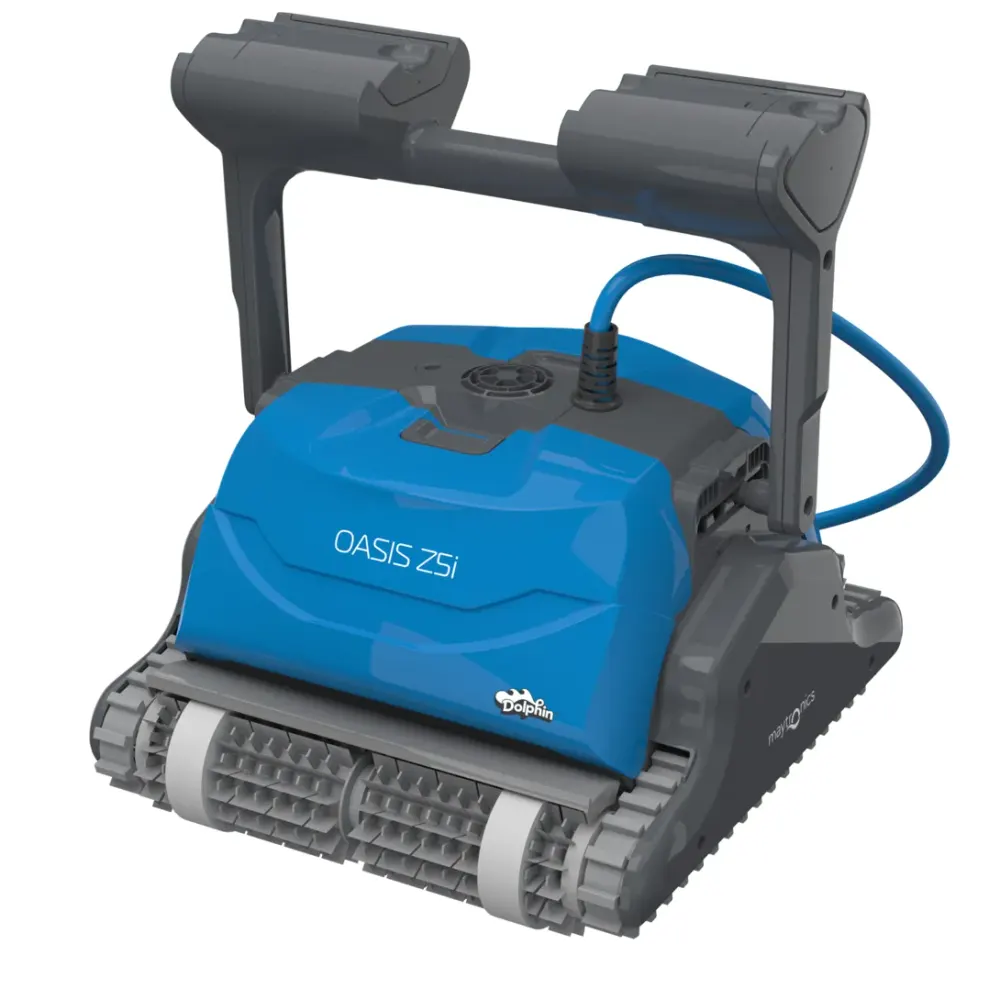
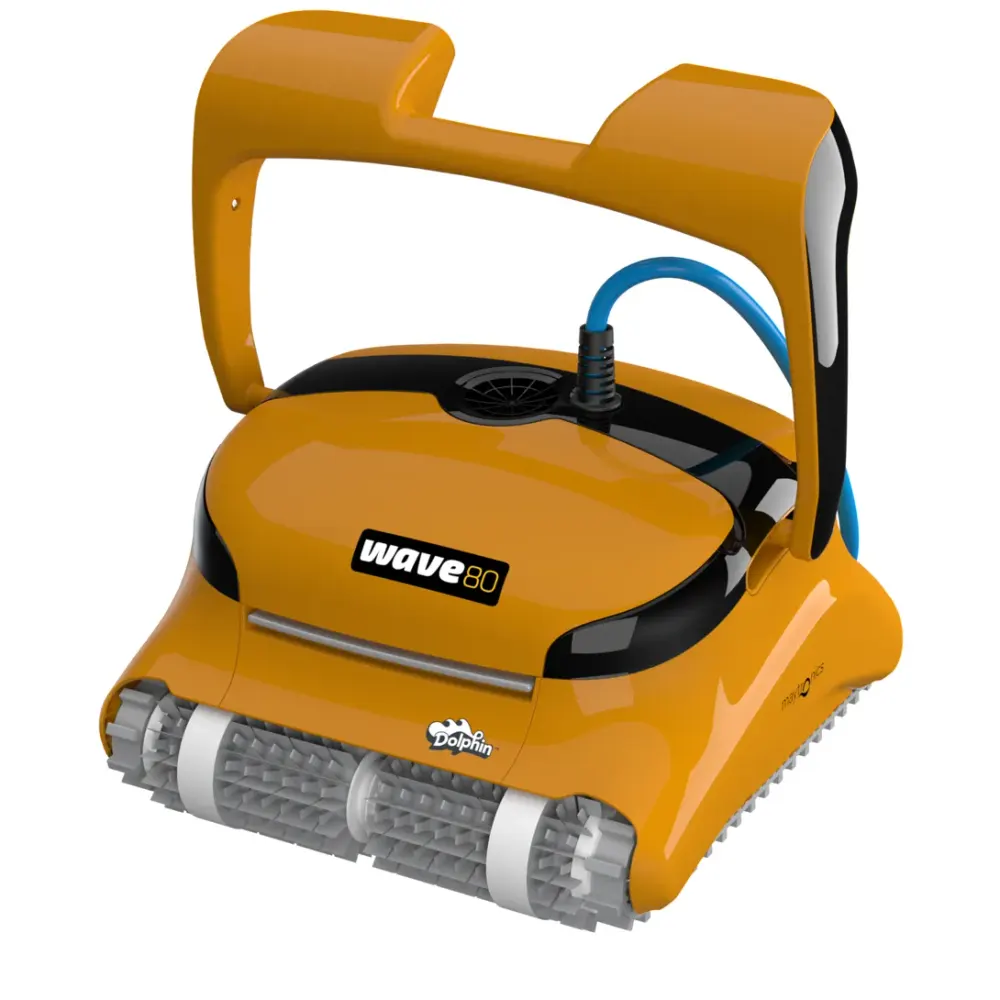
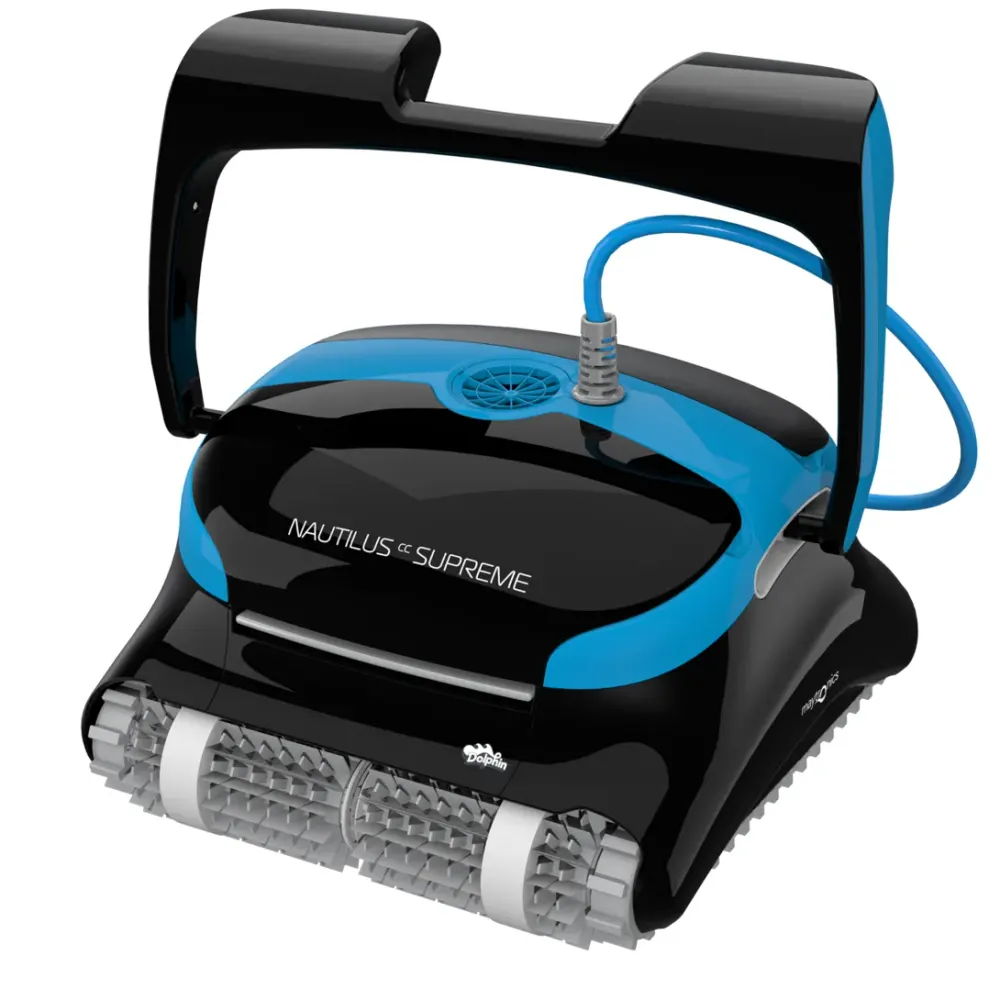
Confirmed fits are Dolphin Sigma, Dolphin M400, Dolphin Wave 60, Dolphin Oasis Z5i, Dolphin Wave 80, and Dolphin Nautilus CC Supreme. Poolbots does not currently stock this part. For help matching it to your robot, contact Poolbots' pool experts by live chat or phone.
Highlights
- The Fix for Main Drains: The Center Brush fills the gap between the Sigma's tracks so it rolls right over the main drain instead of getting stuck - every cleaning cycle finishes, every time.
- Good & Easy Update: Snaps onto your Sigma in about 5 minutes with no tools required - one of the best quality-of-life upgrades you can make to your robot.
- More Scrubbing Power: Adds a third brush between the tracks for extra scrubbing contact and a deeper clean on every pass across the pool floor.
- Compatible with: Dolphin Sigma
- Maytronics Certified Genuine Parts; Keep your Dolphin pool cleaner in top condition
- Authentic Dolphin Part
- Have your robot's exact model name and part number 9995541-R1 ready when contacting Poolbots' pool experts.
- Use the confirmed compatibility list rather than choosing a replacement by appearance alone.
Compatibility
Fits these Dolphin robots.
Confirmed by Maytronics' compatibility checker and each robot's own spare-parts list.
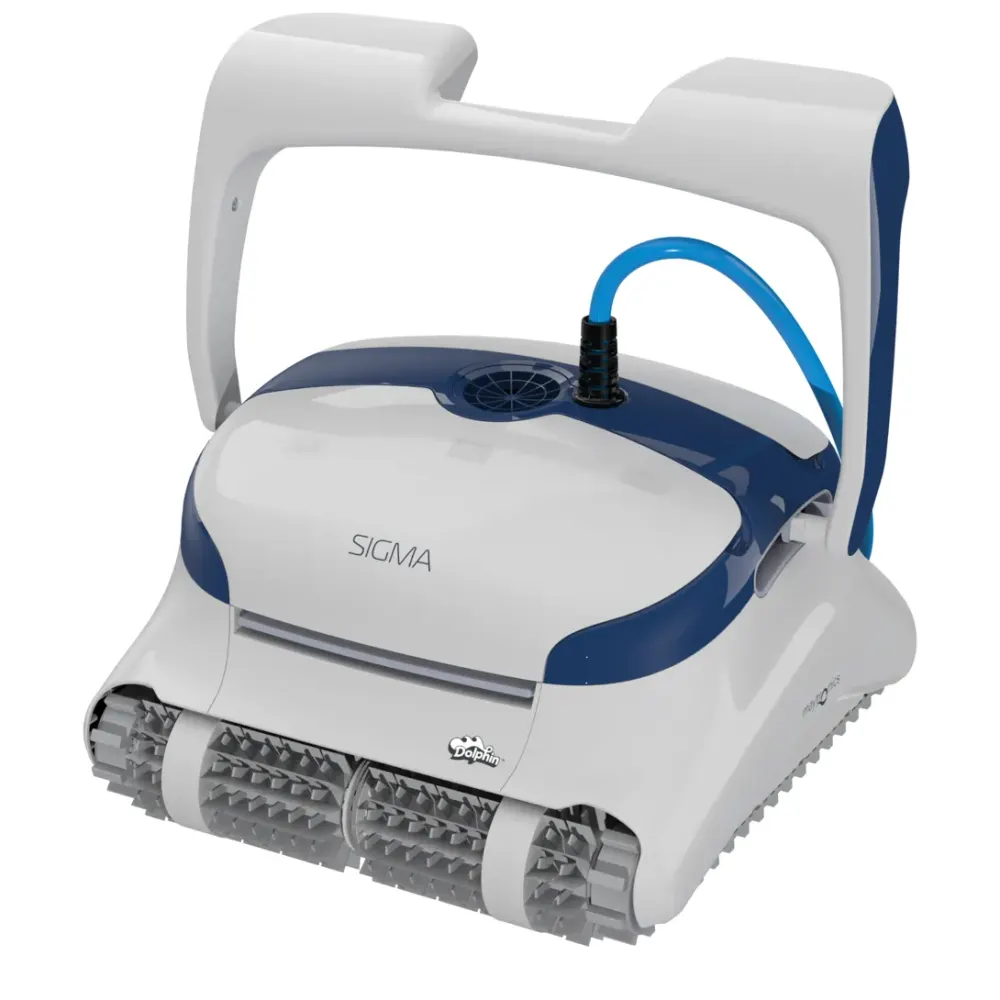
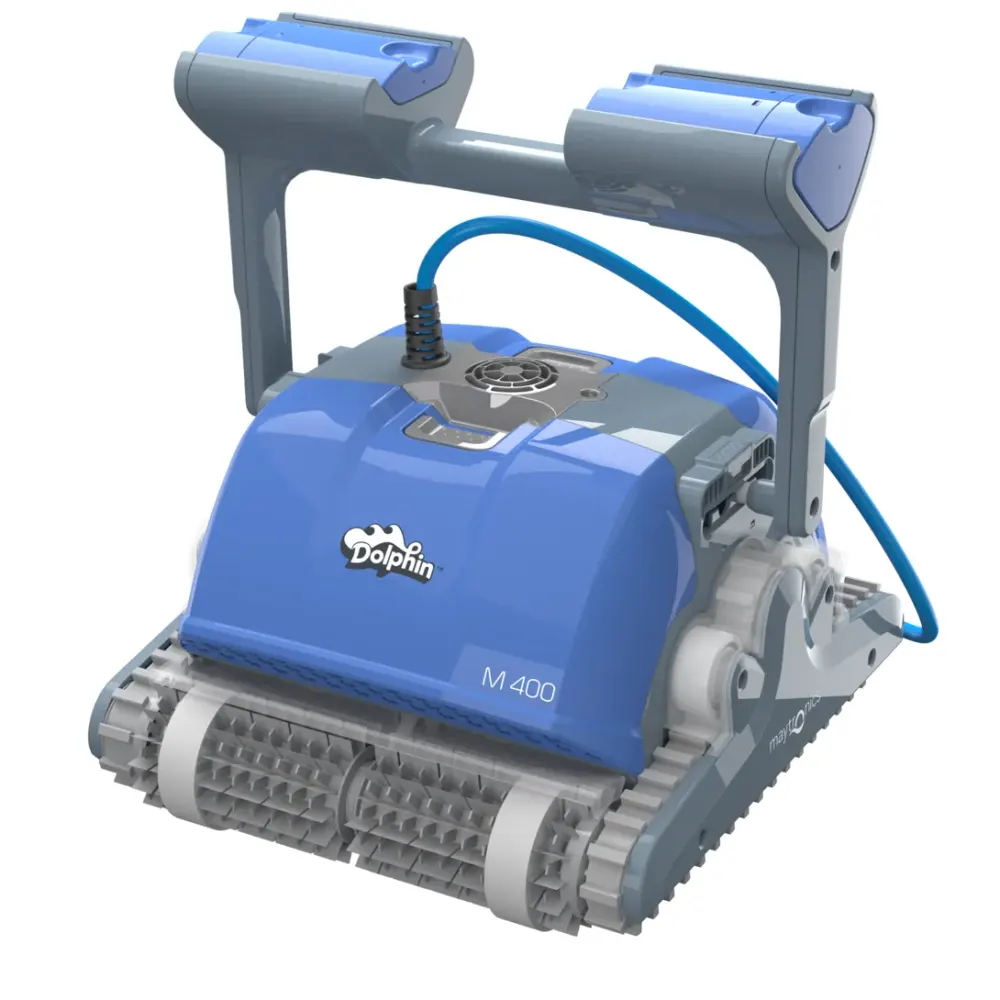
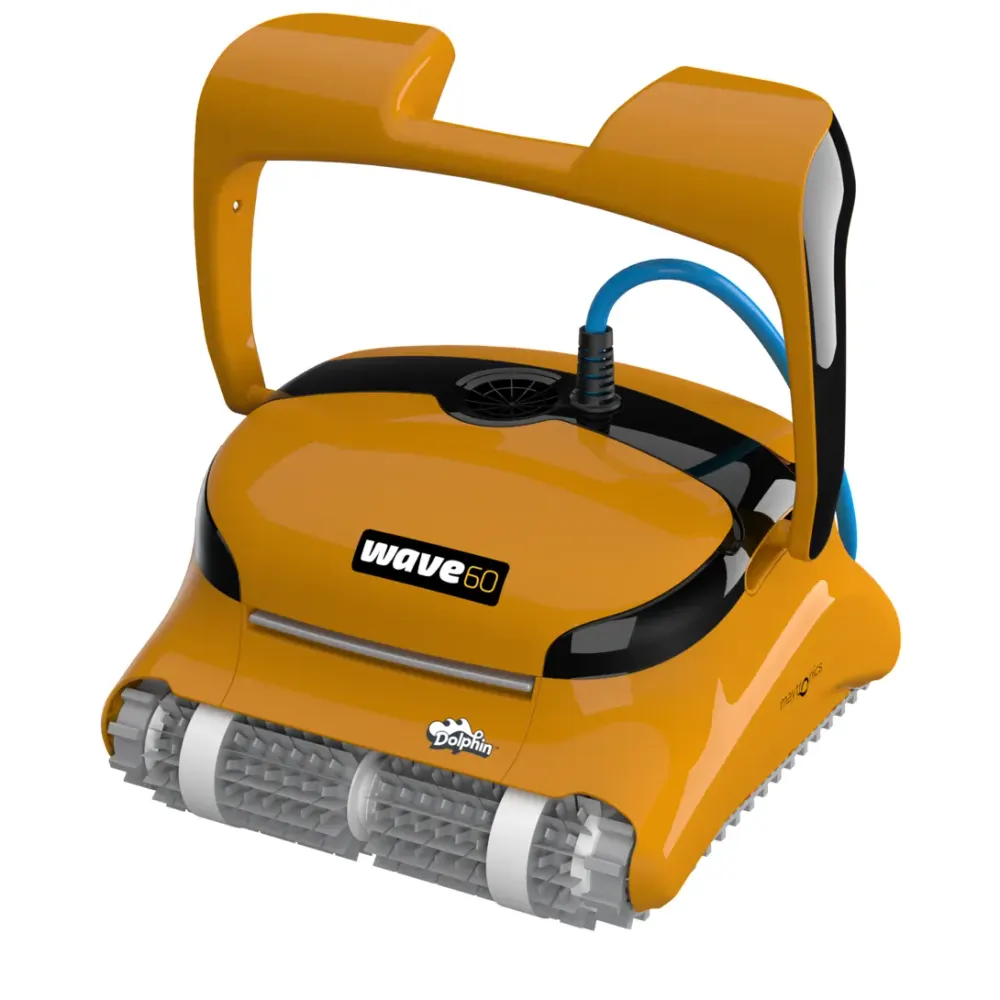
Also listed by Maytronics for: Dolphin M400, Dolphin Wave 60, Dolphin Wave 80, Dolphin Maximus X70, Dolphin Zenit 20, Dolphin Active X4, Dolphin Comfort Active, Dolphin KAPTUR 400, PS50, Dolphin Dolphin 4, Dolphin SOPRA PE RFECT, Dolphin TopStar gold, Dolphin Evolution 50, F50, Dolphin Maxi Kart, Dolphin SF50, Dolphin DIVER PRO 400, Dolphin EX60, Dolphin DIVER PRO 500, Dolphin Blue Maxi 65, Dolphin Evolution 60, F60, Dolphin F60, PS60, SF60, Dolphin SF60, Dolphin Swell MX, Dolphin C5 PRO, Dolphin Pro X1, Dolphin Maximus X90, Dolphin Active X5, Dolphin Deluxe Active, Dolphin KAPTUR 500, Dolphin Dolphin 5, Dolphin SOPRA PREMIUM, Dolphin TopStar platin, Dolphin X90, Dolphin Zenit 30, BIO SUCTION, Dolphin BIO SUCTION.
Poolbots lists this brushes and climbing rings item for: sigma.
Do it yourself
How to replace it at home.
Switch off and unplug the power supply.
Remove the robot from the pool and place it on a stable surface.
Follow your model's brush replacement instructions to remove the old assembly.
Install 9995541-R1 according to those instructions.
Check that the assembly is secure before returning the robot to the pool.
Step-by-step answers for this kind of part
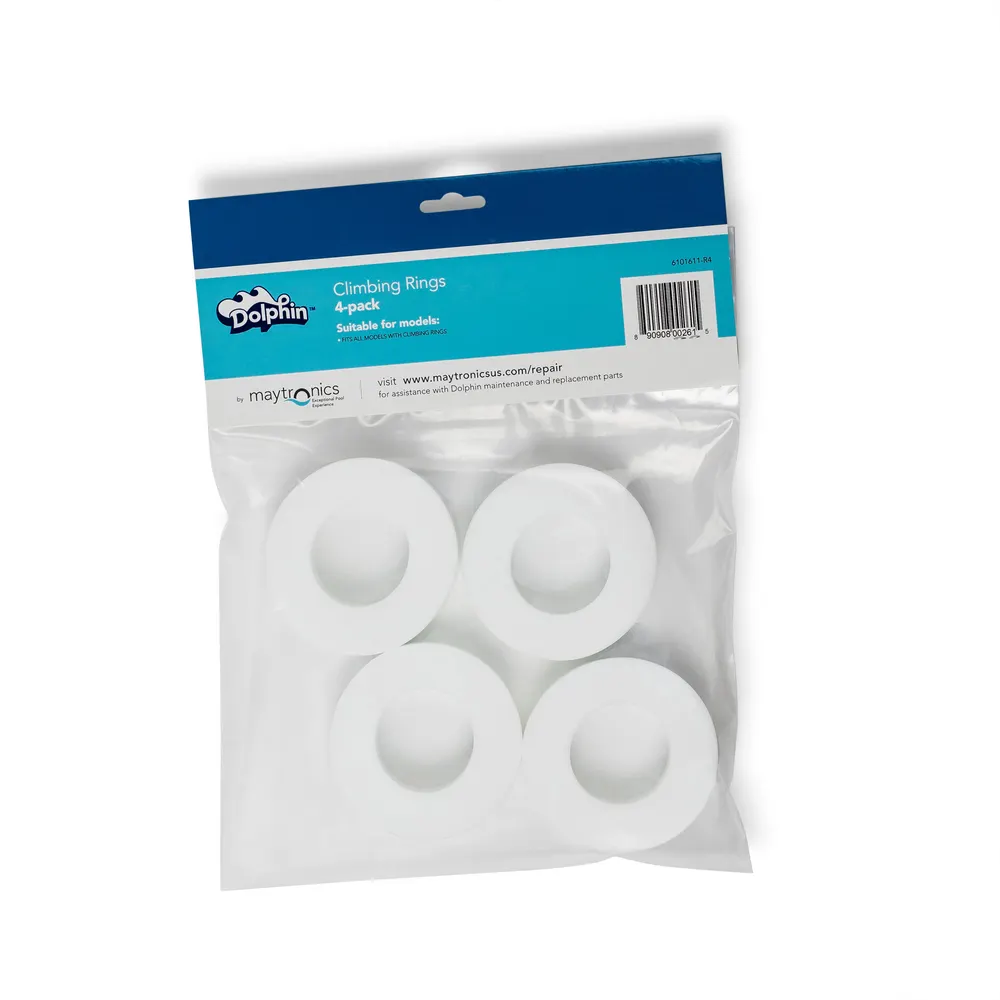
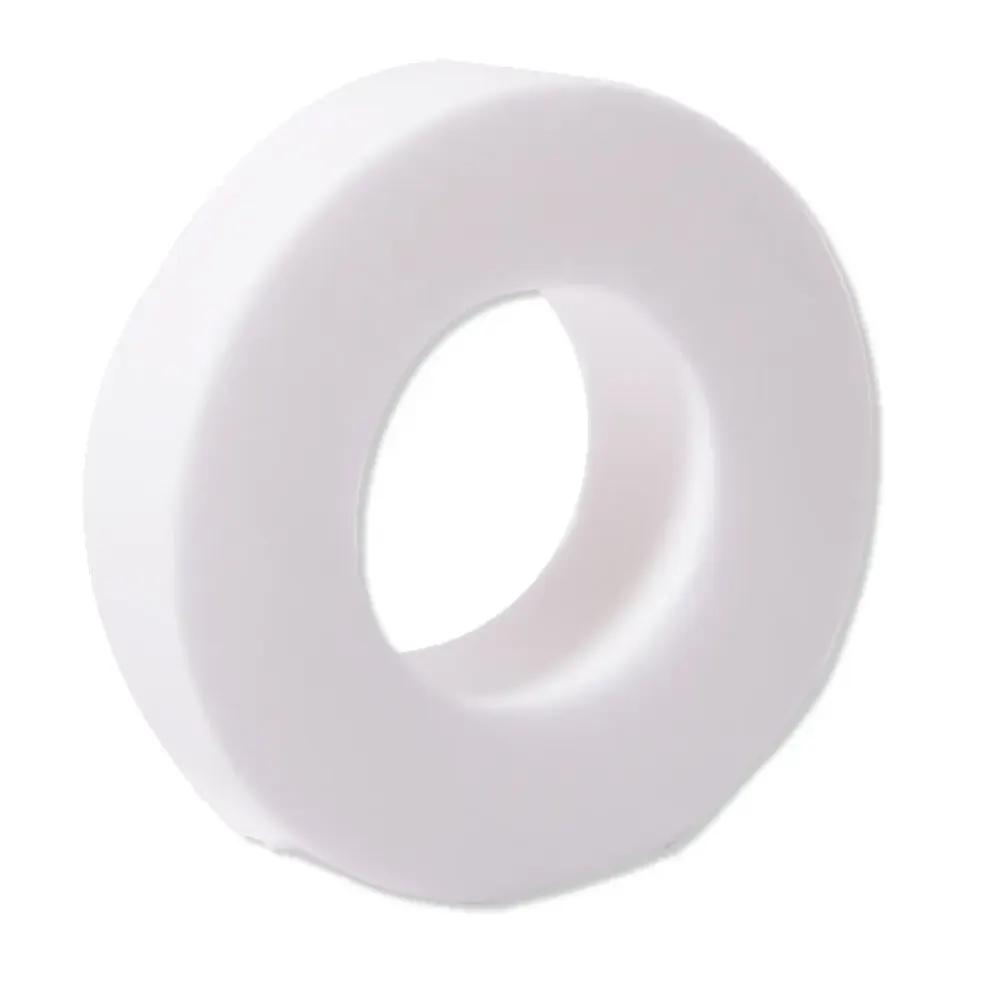
How do I replace the climbing rings on my Dolphin brushes?Video20 min

These steps apply to all Dolphin models equipped with climbing rings.
-
Step 1: Soak the existing climbing rings Soak the rings in the pool, or leave them in water for 10 minutes. Make sure they are completely soaked before continuing.
-
Step 2: Turn the robot over Take the robot out of the pool and place it upside down.
-
Step 3: Check that the power is unplugged Confirm that the power supply is disconnected from the outlet before working on the brushes.
-
Step 4: Release the brush With a flathead screwdriver, release both sides of the brush from their sockets.
-
Step 5: Take out the brush Remove the released brush from the robot.
-
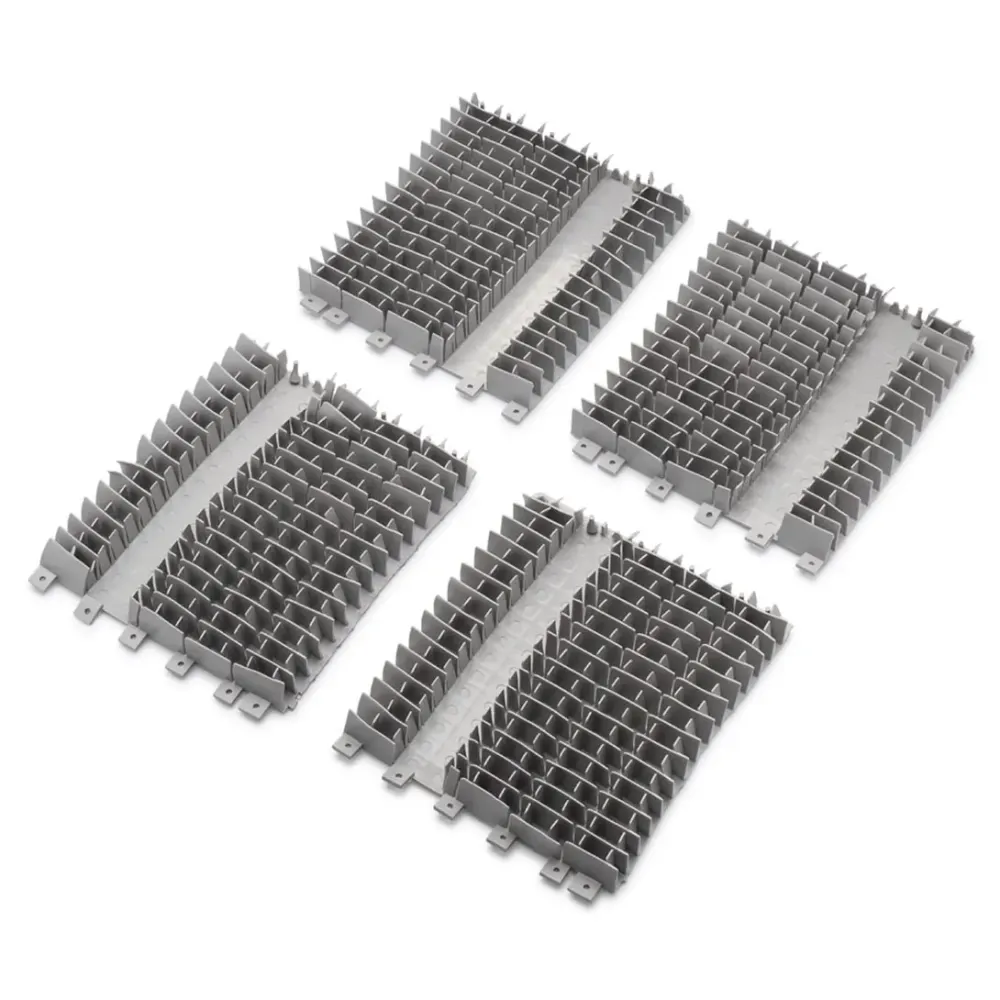
Step 6: Remove the old rings Take the existing climbing rings off the brush.
-
Step 7: Fit the replacement rings Let the new climbing rings soak in water until they are flexible. Work them onto the brush.
-
Step 8: Reinstall the brush With the new rings in position, slide the brush into its sockets. Press it into place.
Brush removal and installation videos
These videos show how to remove and reinstall the brushes. Use them as a reference for steps 2-5 and 8.
M Line (DX3/Sigma/Nautilus CC Plus/Nautilus CC Supreme/M400)

M600 (Active 60, Explorer E70)

For help finding replacement climbing rings, contact Poolbots' pool experts by live chat or phone.
How do I replace the brushes on my Dolphin robot?Video30 min
Disconnect the power supply from the electrical outlet before starting. Find the front, middle, or rear brush section below, then follow the video and instructions for your model.
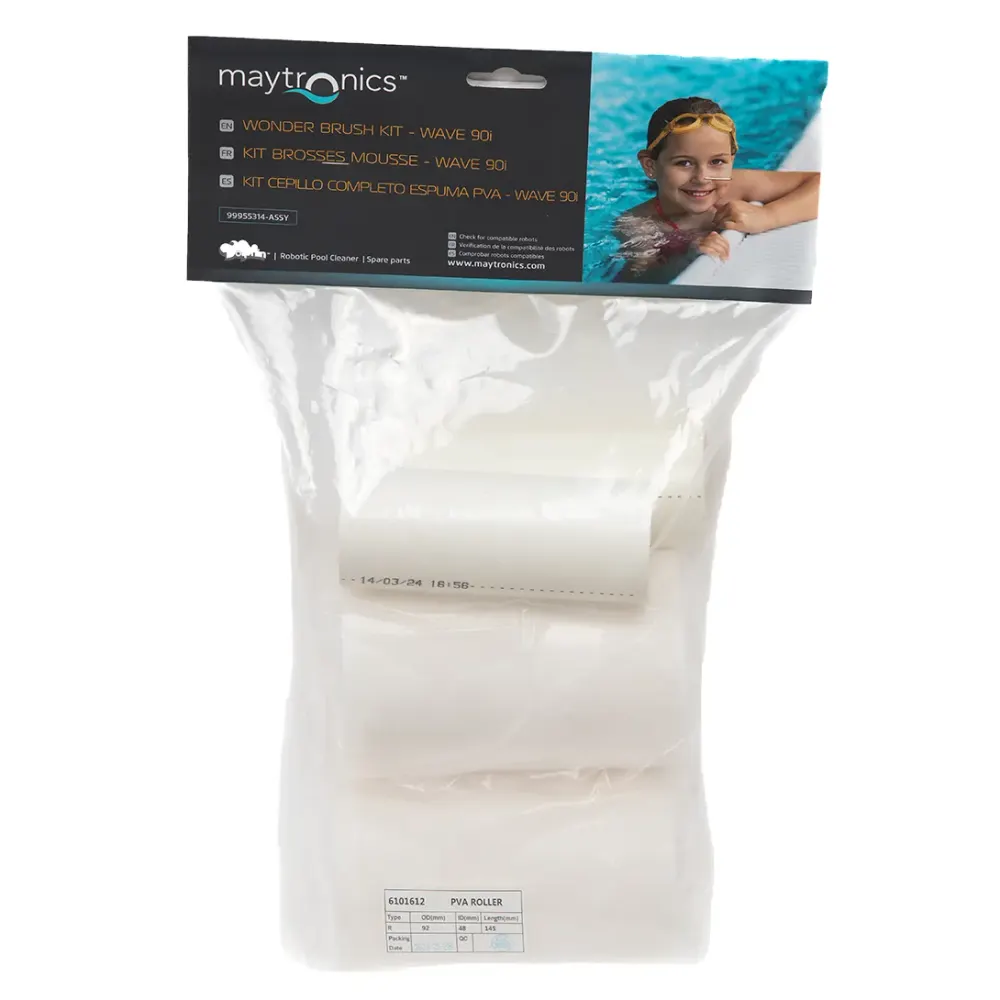
For help choosing a replacement brush, contact Poolbots' pool experts by live chat or phone.
Front brush
S50 (E10, E20/E25, Active 10, Cayman, Escape, Encore)

Replacement front brush: 9995544-ASSY.
- Disconnect the power supply from the electrical outlet.
- Turn the robot over so its underside faces up.
- Take the tracks off the robot.
- Use a flathead screwdriver to remove the wheel disk.
- Turn the wheel until you can see the drive gear's retaining screw through it.
- Loosen and remove the screw, then take out the white drive gear.
- Ease the old brush out gently.
- Slide the replacement brush into position. Put the drive gear back and secure it with its screw.
- Put the wheel cover and tracks back on.
- Turn the brush by hand to check that it moves smoothly.
S100 (Advantage, Proteus DX3, Saturn, Echo, Nautilus CC, Active 15, Cayman, Escape, Explorer E20)

- Disconnect the power supply from the electrical outlet.
- Turn the robot over so its underside faces up.
- Take the tracks off the robot.
- Use a flathead screwdriver to remove the wheel disk.
- Turn the wheel until you can see the drive gear's retaining screw through it.
- Loosen and remove the screw, then take out the white drive gear.
- Ease the old brush out gently.
- Slide the replacement brush into position. Put the drive gear back and secure it with its screw.
- Put the wheel cover and tracks back on.
- Turn the brush by hand to check that it moves smoothly.
S200 (E30, Advantage Ultra, Active 20, Quantum, T35, Triton PS)

- Disconnect the power supply from the electrical outlet.
- Take the tracks off the robot.
- Use a Phillips screwdriver to remove the four screws securing the brush.
- Lift out the old brush.
- Fit the replacement brush and secure it with the four screws.
- Turn the brush by hand to check for smooth movement.
S300 & S400
S300 (E35/E35i, Proteus DX5i, Active 30, T35/T45, Premium 40, Explorer E30, E40i, Active 30i, T55i)
S400 (E50i, Active 50, Explorer E50)

- Disconnect the power supply from the electrical outlet.
- Take the tracks off the robot.
- Use a Phillips screwdriver to remove the four screws securing the brush.
- Lift out the old brush.
- Fit the replacement brush and secure it with the four screws.
- Turn the brush by hand to check for smooth movement.
M400/M500 (Sigma, Oasis, Nautilus CC Supreme, Aquarius XL, C4)
- Gently push the brush out with a flathead screwdriver until it releases.
- Position the replacement brush where the old one sat.
- Press the brush inward until it is seated.
- Turn the wheels to check that the brush moves properly.
M250 (Nautilus CC Plus, Dx3, Zenit 20)
Follow the video for the front-brush replacement procedure.
Premier

Follow the video for the front-brush replacement procedure.
Middle brush
M400/M500

- Disconnect the power supply from the electrical outlet.
- Turn the robot over so its underside faces up.
- Remove the four screws securing the brush, one at each corner.
- Lift the brush out of the robot.
- Fit the replacement brush in the same position as the old one.
- Reinstall all four screws and tighten them.
Sigma

Replacement middle brush: 9995541-R1.
This middle-brush procedure applies to Sigma produced in 2026 or later.
- Disconnect the power supply from the electrical outlet.
- Turn the robot over so its underside faces up.
- Remove the four screws securing the brush, one at each corner.
- Lift the brush out of the robot.
- Fit the replacement brush in the same position as the old one.
- Reinstall all four screws and tighten them.
Rear brush
S200 (E30, Advantage Ultra, Active 20, Quantum, T35, Triton PS)
Replacement rear brush: 99955380-ASSY.
- Disconnect the power supply from the electrical outlet.
- Turn the robot over so its underside faces up.
- Take the tracks off the robot.
- Carefully free the brush from the notches on both sides, then remove it.
- Fit the replacement brush where the old one sat.
- Put the tracks back on both sides.
- Turn the brush by hand to check for smooth movement.
S300 & S400
S300 (E35/E35i, Proteus DX5i, Active 30, T35/T45, Premium 40, Explorer E30, E40i, Active 30i, T55i)
S400 (E50i, Active 50, Explorer E50)

Replacement rear brush: 99955380-ASSY.
- Disconnect the power supply from the electrical outlet.
- Turn the robot over so its underside faces up.
- Take the tracks off the robot.
- Carefully free the brush from the notches on both sides, then remove it.
- Fit the replacement brush where the old one sat.
- Put the tracks back on both sides.
- Turn the brush by hand to check for smooth movement.
M400/M500 (Sigma, Oasis, Nautilus CC Supreme, Aquarius XL, C4)
Replacement brush assembly: 99955340-ASSY.
- Gently push the brush out with a flathead screwdriver until it releases.
- Position the replacement brush where the old one sat.
- Press the brush inward until it is seated.
- Turn the wheels to check that the brush moves properly.
M600/M700 (Active 60, E60i, Explorer E70)
Replacement rear brush: 99955340-ASSY.
- Disconnect the power supply from the electrical outlet.
- Turn the robot over so its underside faces up.
- Take the tracks off the robot.
- Carefully free the brush from the notches on both sides, then remove it.
- Fit the replacement brush where the old one sat.
- Put the tracks back on both sides.
- Turn the brush by hand to check for smooth movement.
M250 (Nautilus CC Plus, Dx3)

Follow the video for the rear-brush replacement procedure.
M550
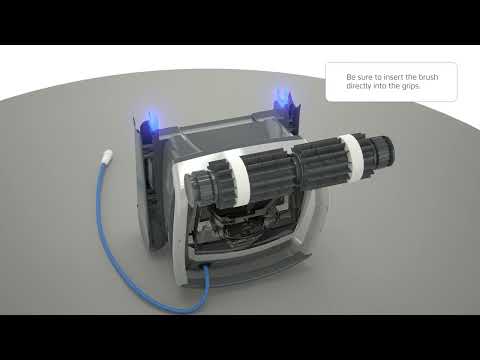
Follow the video for the rear-brush replacement procedure.
Specifications
Product Info
- Active Brush
- Yes
- Brush Type
- Standard Brush
Size & Dimension
- Package Dimensions
- 3.6x3.4x13.8 inch
General Info
- Warranty (years)
- 1
- UPC
- 810071221095
Questions
Dolphin Center Brush, answered.
Which Dolphin robots use this assembly?
Confirmed compatible models are Dolphin Sigma, Dolphin M400, Dolphin Wave 60, Dolphin Oasis Z5i, Dolphin Wave 80, and Dolphin Nautilus CC Supreme.
Can I order this part from Poolbots right now?
Poolbots does not currently stock this part in its own store. Contact Poolbots' pool experts by live chat or phone for help identifying the part and checking fit.
What warranty is listed for this part?
Maytronics lists a 1-year warranty for this replacement part.
Brushes & Climbing Rings
Related parts.


See It in Action
Try It for 30 Days
Try any robot or part in your pool for 30 days. We believe a pool robot is an investment, and we know you'll love it. Which is why we have a 30 Day Trial. If you don't love it, simply return it. Unlike the other guys, we never charge a restocking fee or any other fees - meaning no restocking fee ever.
Here at Poolbots, we carry only the top models for the top brands. All of our products are backed by a full manufacturer's warranty.

