















Circling is caused by one drive track/wheel spinning slower than the other (from debris or wear), a cord that’s dragging the robot back, or a simple bump-and-turn navigation system. Clear the tracks and impeller, uncoil the cord, and consider a gyroscope-guided robot for methodical, full-coverage paths.
Check the drive system first
If one side turns and the other doesn’t, the robot pivots in place or drives in arcs. Pull it out and spin each track or wheel by hand — pebbles, hair, and leaf stems love to wrap the axle or jam the impeller. Clear anything wound around the drive and confirm both sides move freely and at the same speed. A worn drive belt or motor on one side will do the same thing.
Rule out the cord
A tightly coiled or tangled cord tugs the robot into a repeating arc as it tries to pull away from the drag. Unspool the cable, let it relax in the sun for 10–15 minutes, and add an anti-tangle swivel if yours doesn’t have one.
Understand your navigation type
Basic robots use random bump-and-turn logic, which can look like aimless circling in round or freeform pools even when nothing is wrong. It’s just an inefficient pattern — not a fault.
Upgrade to smart navigation
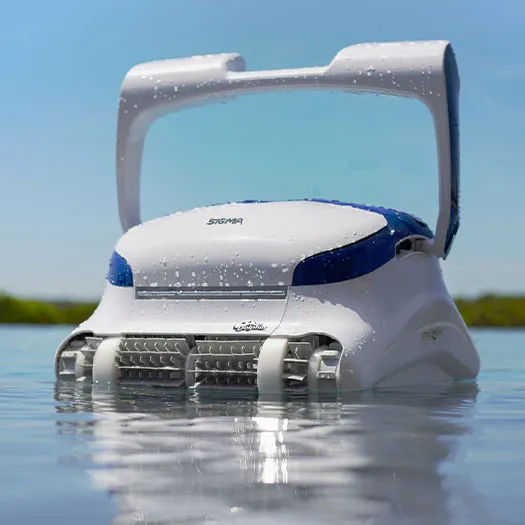
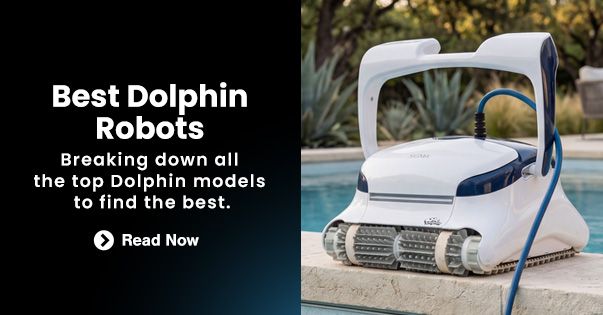
Robots with gyroscopic scanning, like the Dolphin Sigma, map the pool and drive in efficient, overlapping rows for complete coverage — no more circles and no missed patches. See the smartest-navigating options among our robotic pool cleaners.