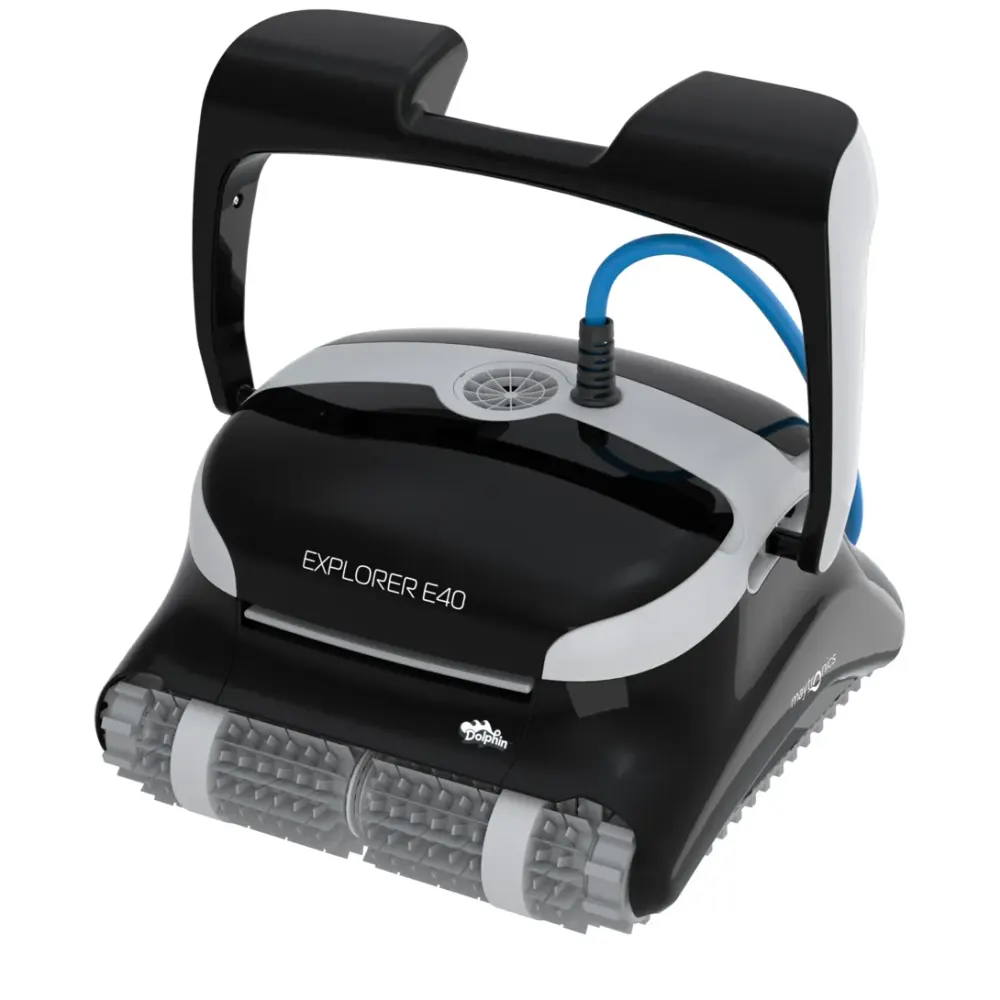
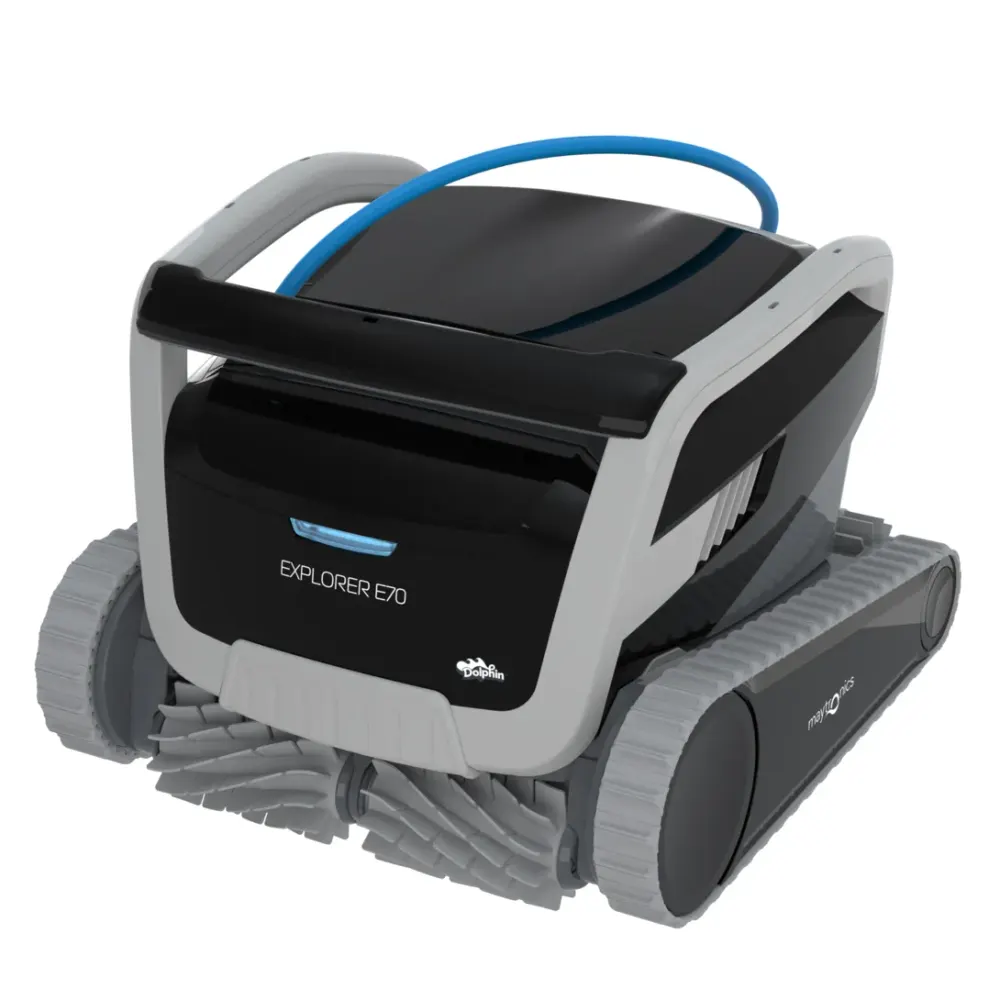
Explorer · Model 99996281-XP
Dolphin Explorer E50 warranty.
The Dolphin Explorer E50 comes with a 2-year Maytronics manufacturer warranty covering defects in materials and workmanship in the robot and power supply. The warranty does not include wear items. Buying from an authorized dealer such as Poolbots keeps the warranty valid, and Poolbots' pool experts can help by live chat or phone.

- Warranty term
- 2 years
- Registration
- Free, online
- Power supply
- Replaced, not repaired
- Repairs
- Maytronics service centers
What the warranty covers
2 years on the Explorer E50, in plain words.
Maytronics covers the Explorer E50 and its power supply against defects in materials and workmanship for 2 years from the purchase date on the receipt, in full when it is bought from an authorized dealer such as Poolbots. Wear parts are not covered; the ones on this model are listed below.
Bought here? Every new Explorer E50 from Poolbots is sold as an authorized Maytronics dealer with the full manufacturer warranty, free shipping and a 30-day trial with no restocking fee.
Serial number and registration
Find the Explorer E50 serial number, then register it.
The serial number is the first thing Maytronics asks for. Registration is free, takes a minute and makes a later claim faster.
On the Explorer E50
On the barcode label on the robot itself, usually under the handle or inside the filter compartment. The same number is on the white label on the box and on the warranty card.
Register at Maytronics
Go to registration.maytronics.com, enter the serial number and your details, and keep the receipt handy: it sets the start date, and the Poolbots order confirmation counts.
If something fails
Before a claim on the Explorer E50.
Maytronics asks owners to troubleshoot first, and most Explorer E50 calls end there: the power supply, then the impeller, tracks and filters. A power supply that will not stay on with the blue cable disconnected is replaced under warranty, without sending in the robot.
Bought from Poolbots? or call (888)-615-5728 and we walk you through Maytronics' repair process. Bought elsewhere? Start with the dealer, or Maytronics' self-service tool.
Explorer