
























Troubleshooting · Movement & Cycles
Why is my Dolphin doing wheelies?
Short answer: Wheelies help your Dolphin turn, but wheelies while moving forward or backward may signal trapped air, cable tension, or a maintenance issue.
Flip your Dolphin over before placing it in the pool to help release trapped air.
Based on Maytronics support, updated 2026-04-29, rewritten by Poolbots' pool experts. Parts that fix it are below.
The fix
Step by step.
Your Dolphin is programmed to do wheelies to help it turn. If it does wheelies while moving forward or backward, there may be a problem. Check the following items in order.
The Dolphin Tips video walks you through troubleshooting.
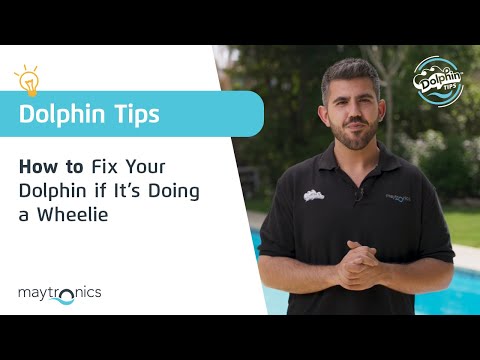
Check for trapped air
Air trapped inside the robot can affect its movement. Flip the robot over before placing it in the pool to help the air escape.
Check pool chemistry
Keep your pool chemicals balanced and within their recommended ranges. Proper balance helps the robot work correctly and protects its components over time.

Check the blue cable
Make sure the blue cable has enough slack and is not pulling on the robot. Measure your pool's longest side, then allow that same length of cable in the water.
Check and clean the filters
Inspect the filters for clogs. Follow the filter-cleaning instructions to clean them.
If your robot has an Ultra-Fine filter, it should look white. If it looks brown or green, clean it with a garden hose at its highest pressure setting. If it still does not look white after cleaning, it likely needs replacement.
See the replacement-parts information, or chat with Poolbots' pool experts for help finding replacement parts.
Clean the impeller
Check the impeller for trapped debris. See the impeller-cleaning instructions and follow these steps:
- Step 1: Disconnect power. Unplug the power supply from the outlet before working on the impeller. Use a Phillips screwdriver, not a power drill.
- Step 2: Remove trapped debris. If you find debris in the impeller, open it, clear out the debris, and reassemble it.
Source: Maytronics support. Same steps and facts, rewritten for clarity; the videos and illustrations are Maytronics' own.
Replacement parts
Parts that fix this.
This answer comes down to tracks & wheels. The exact part depends on the model: choose your robot and we open its parts list, or browse the category for every model.
Browse by category:Tracks & Wheels All genuine Dolphin parts →
Still need help?

