EON Cordless · Model 99994410-US · Sold in pool stores
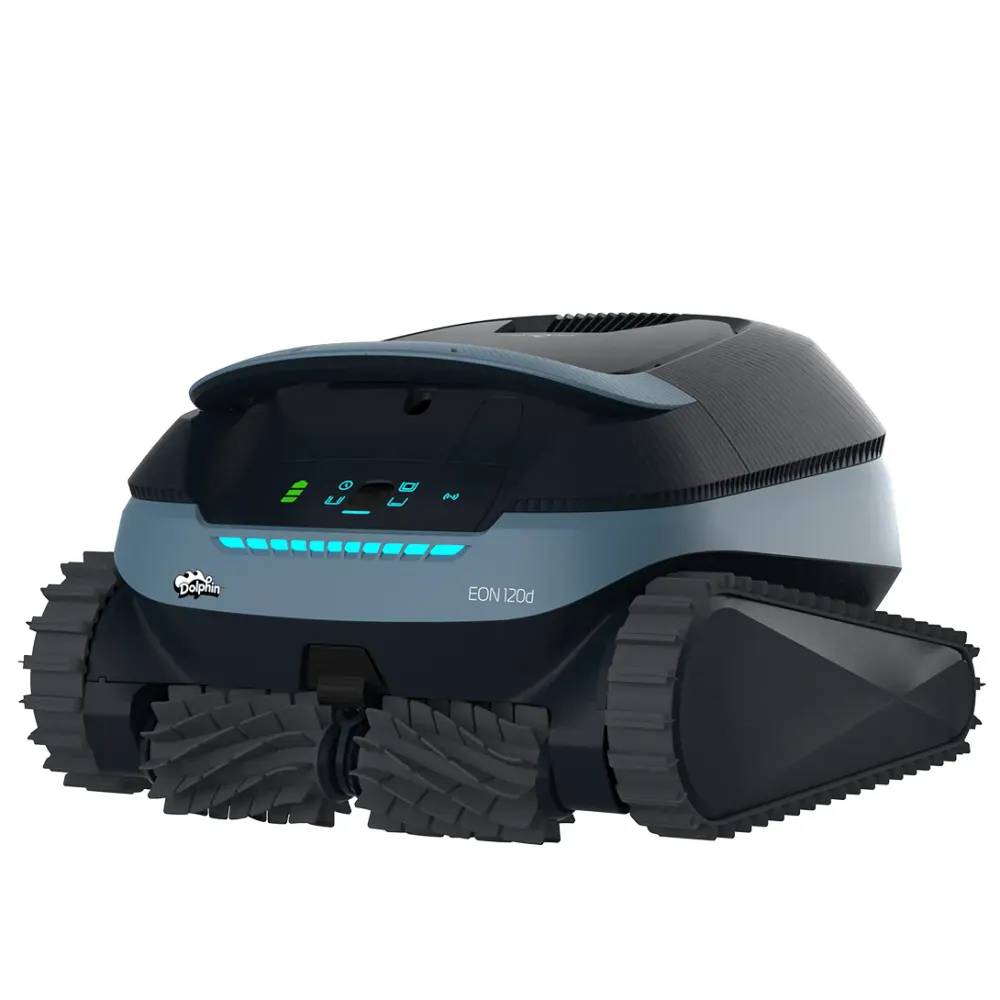
Dolphin EON 120d
Cordless coverage for pools up to 50 ft, including steps and shallow ledges
The Dolphin EON 120d belongs to the EON Cordless family and cleans in-ground and above-ground pools up to 50 ft long. Coverage includes floors, walls, waterlines, steps, benches, corners and safety ledges, plus tanning ledges as shallow as 8 inches. SmartMap Navigation adapts the cleaning program to your pool. JetIQ™ helps the robot grip and move across stairs and uneven surfaces. The default cleaning cycle is 2 hours.
11 compatible partsManual & guides5 FAQs Warranty
Poolbots does not sell the EON 120d: it is a reference page for owners and shoppers. Compare the Dolphins we ship free.
- Pool size
- Up to 50 ft
- Cleans
- Floor, Walls and Waterline, Steps, Sun Ledge, Corners, Safety Ledge
- Pool type
- In ground and Above Ground
- Cycle
- 2 Hours
- Warranty
- 3 years
- Filter
- BackWash Filter
- App
- Maytronics One
- Weight
- 24.2 lb
What it does
EON 120d at a glance.
Its top-access DebrisLock™ filtration captures ultra-fine debris and uses automatic backwashing to reduce filter cleaning. Maytronics lists up to two weeks of cleaning per charge with UltraRun™. It suits owners who want cordless cleaning that reaches steps and shallow areas with less filter upkeep. Maytronics lists this model as a pool-store exclusive, and Poolbots does not sell it. This reference page provides specifications, parts information, manuals and troubleshooting for Maytronics model number 99994410-US.
Who it is for
The Dolphin EON 120d suits owners of in-ground or above-ground pools up to 50 ft who want cordless coverage of steps, corners and shallow ledges. Listed pool surfaces include liner, gunite, stainless steel, ceramic, mosaic, glass and fiberglass, including slippery mosaic or tiles. It supports rectangular, round, free-form and kidney-shaped pools.
Coverage into shallow areas
Reaches floors, walls, waterlines, steps, benches, corners and safety ledges, plus tanning ledges as shallow as 8 inches.
SmartMap Navigation and JetIQ™
SmartMap adapts the cleaning program to your pool. JetIQ™ improves grip and movement on stairs and uneven surfaces.
DebrisLock™ with automatic backwash
Ultra-fine filtration captures small particles. Automatic backwashing reduces how often you need to clean the filter.
UltraRun™ cordless runtime
Maytronics lists up to two weeks of pool cleaning on one charge, with no cleaning cable to manage.
Maytronics One app control
Schedule cleaning, check status, receive alerts and troubleshoot through Maytronics One when the robot is above the waterline.
Tech specs
Dolphin EON 120d specifications.
As published by Maytronics for model 99994410-US.
Product Attributes
- Maximum Pool length
- 50 ft
- Cleaning Coverage
- Floor, Walls and Waterline, Steps, Sun Ledge, Corners, Safety Ledge
- Cycle Duration (hours)
- 1.5, 2, 2.5
- Filter Type
- BackWash Filter
- Filter Access
- Top Access
- Mobile Application
- Maytronics One
- Default Cycle Time
- 2 Hours
- Warranty (years)
- 3
Cleaning
- Waterline Scrubbing
- Yes
- Active Brush
- Yes
- Brush Type
- Standard Brush
Pool Attributes
- Coating
- Liner, Gunnite, Stainless Steel, Ceramic, Mosaic, Glass, Fiberglass, Slippery mosaic or tiles
- Pool Classification
- In ground and Above Ground
- Pool Shape
- Rectangular, Round, Free Shape, Kidney
Size & Dimension
- Package Dimensions
- 22.1x17.7x12.4 inch
- Robot Weight
- 24.255 lb
Replacement parts
11 genuine parts for the EON 120d.
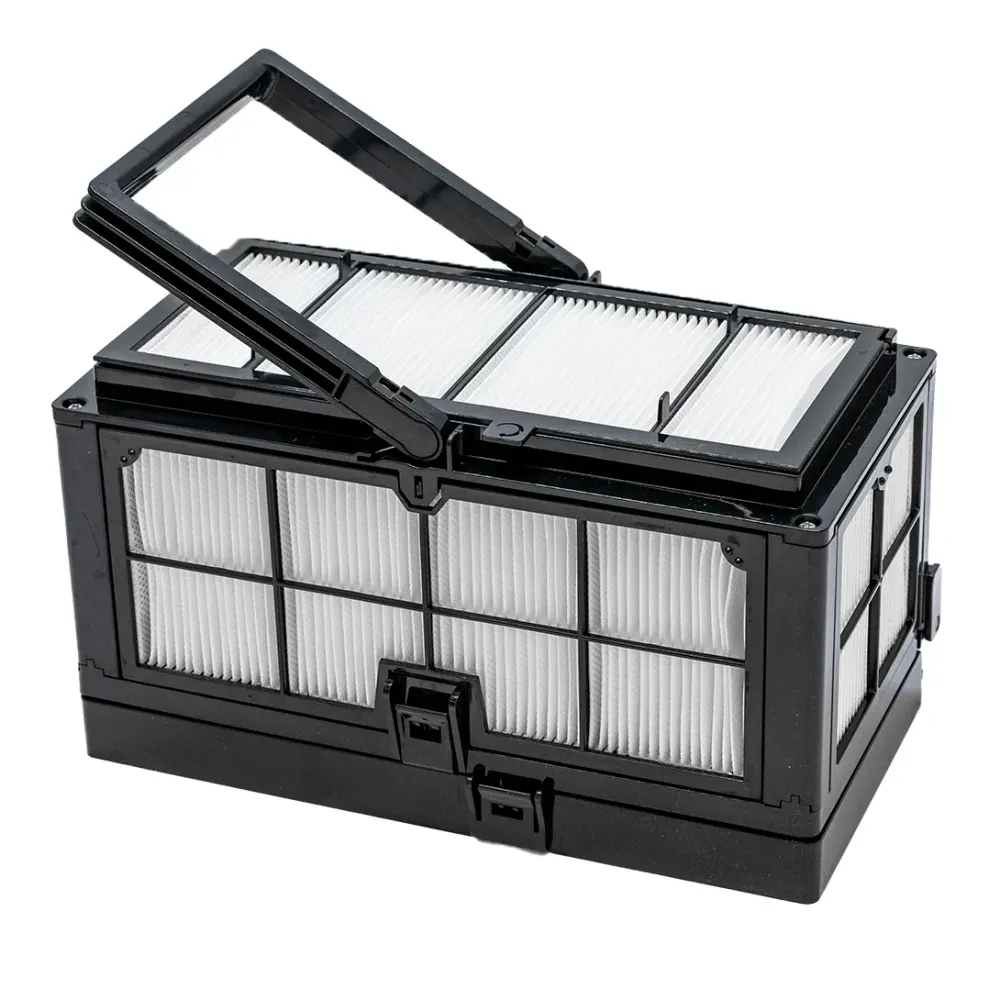
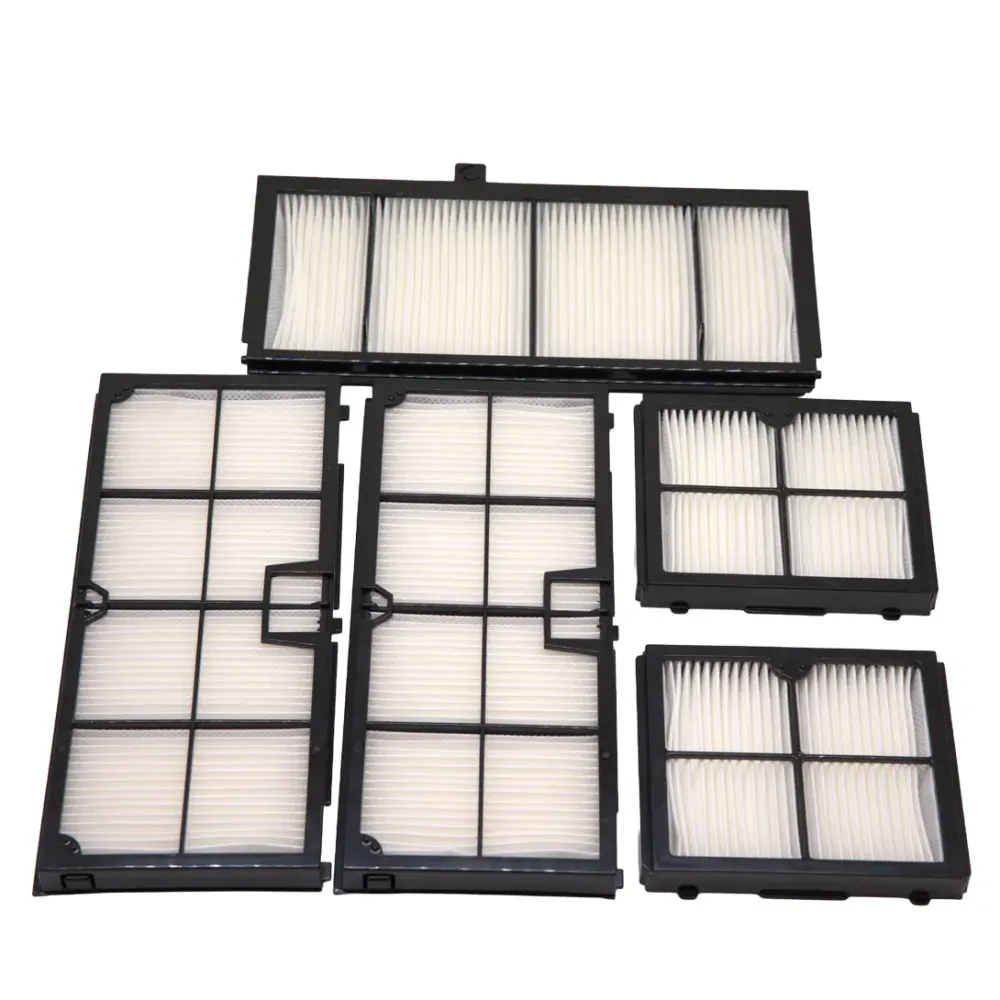
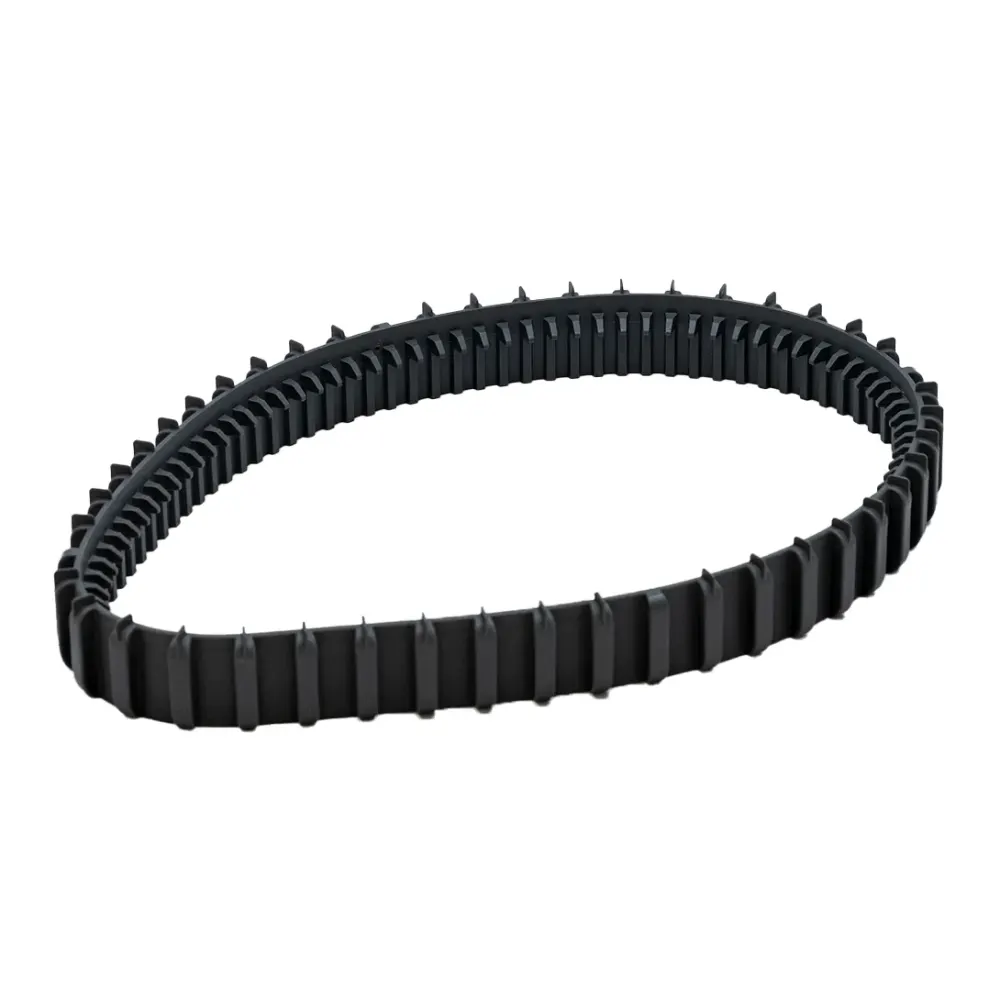
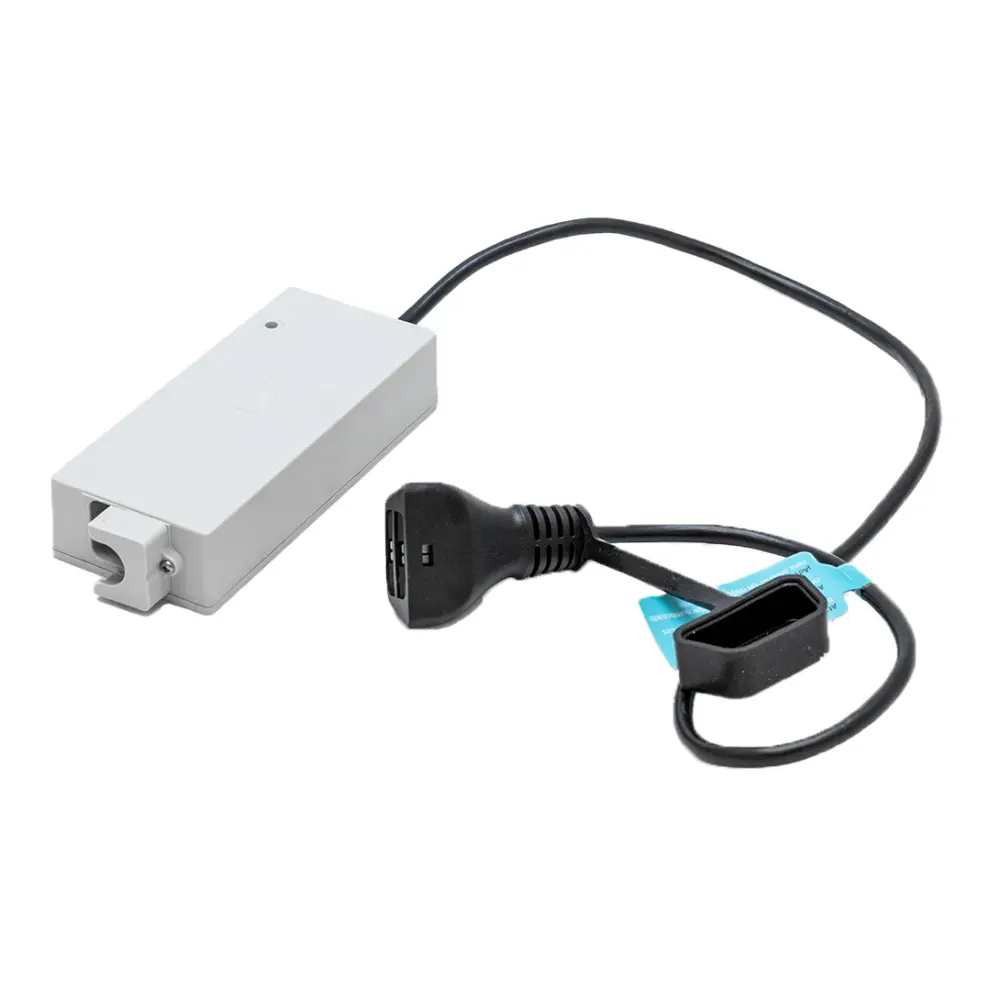
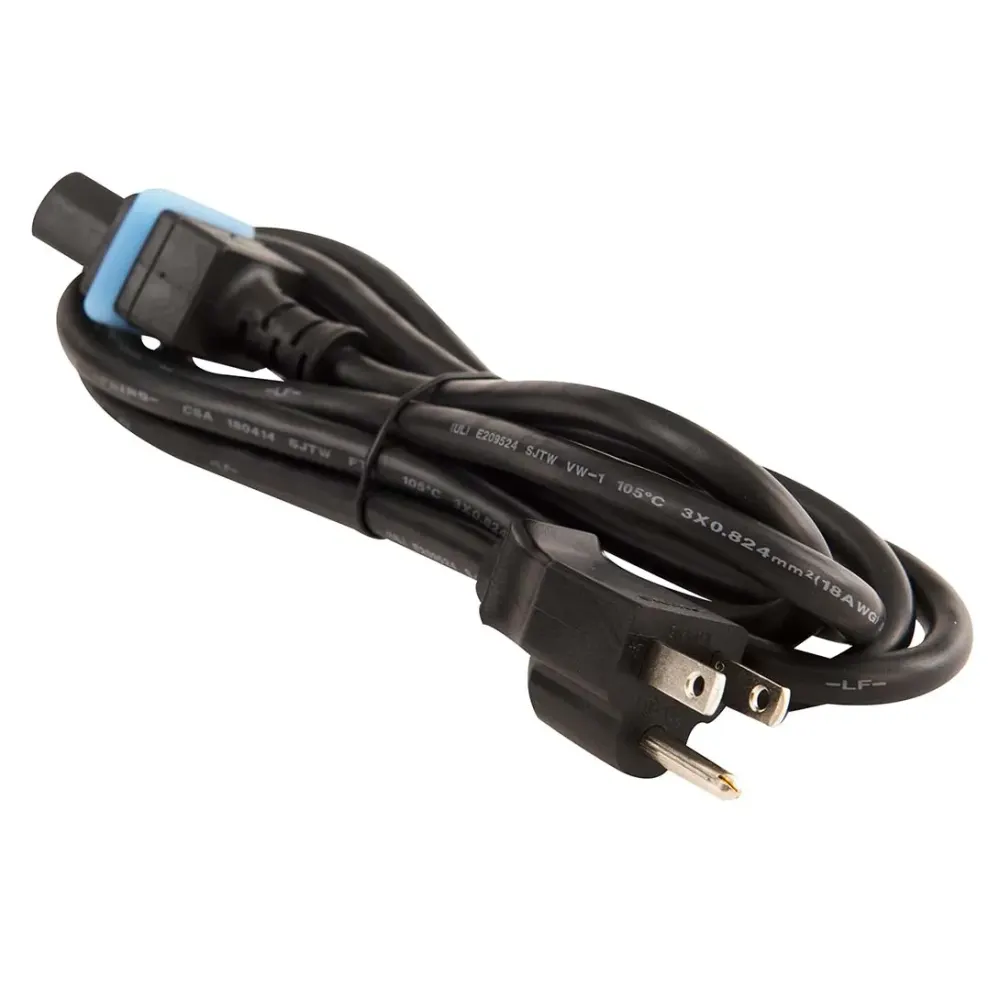
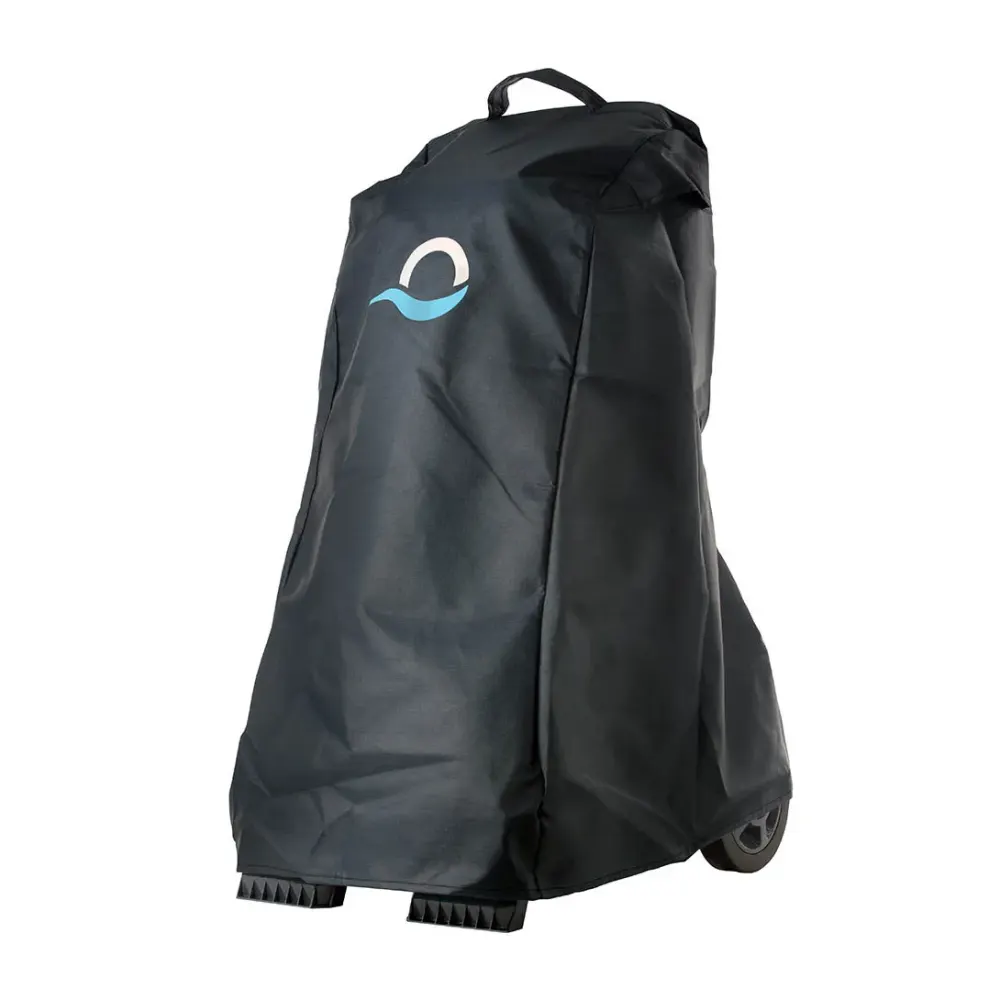
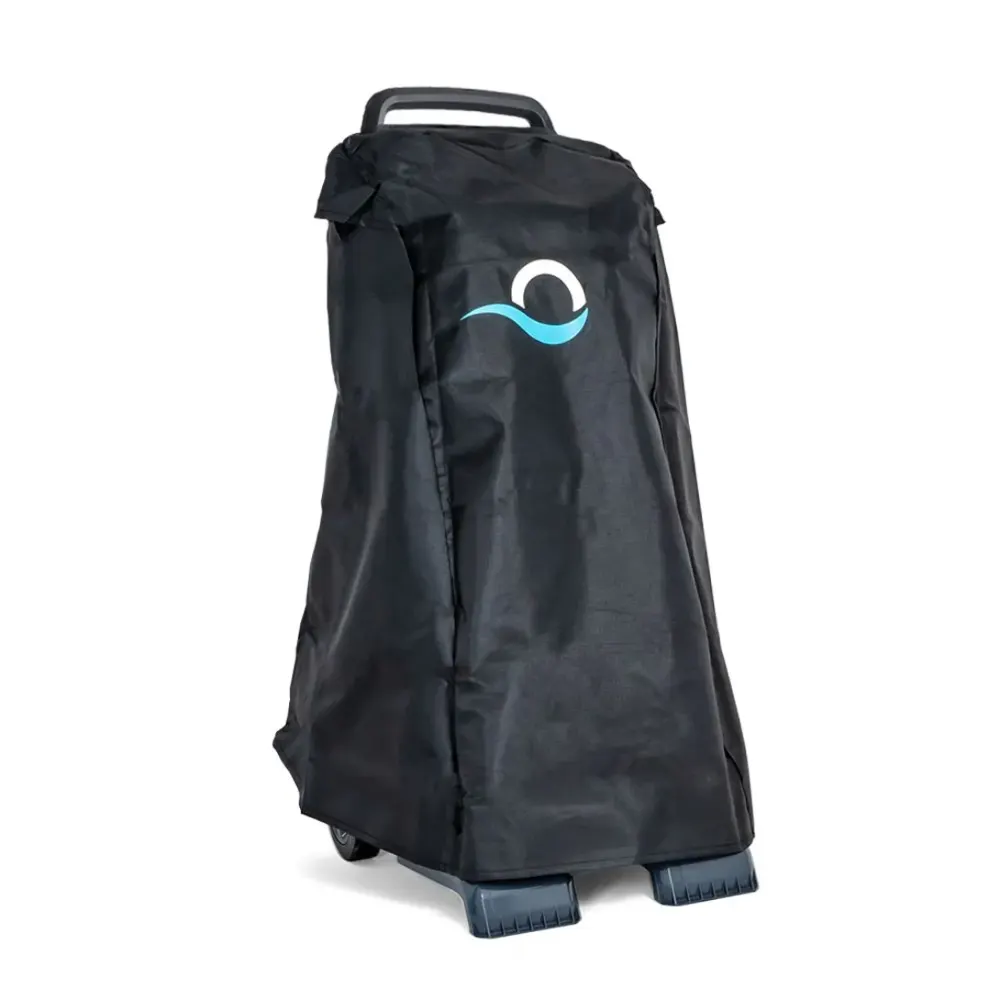
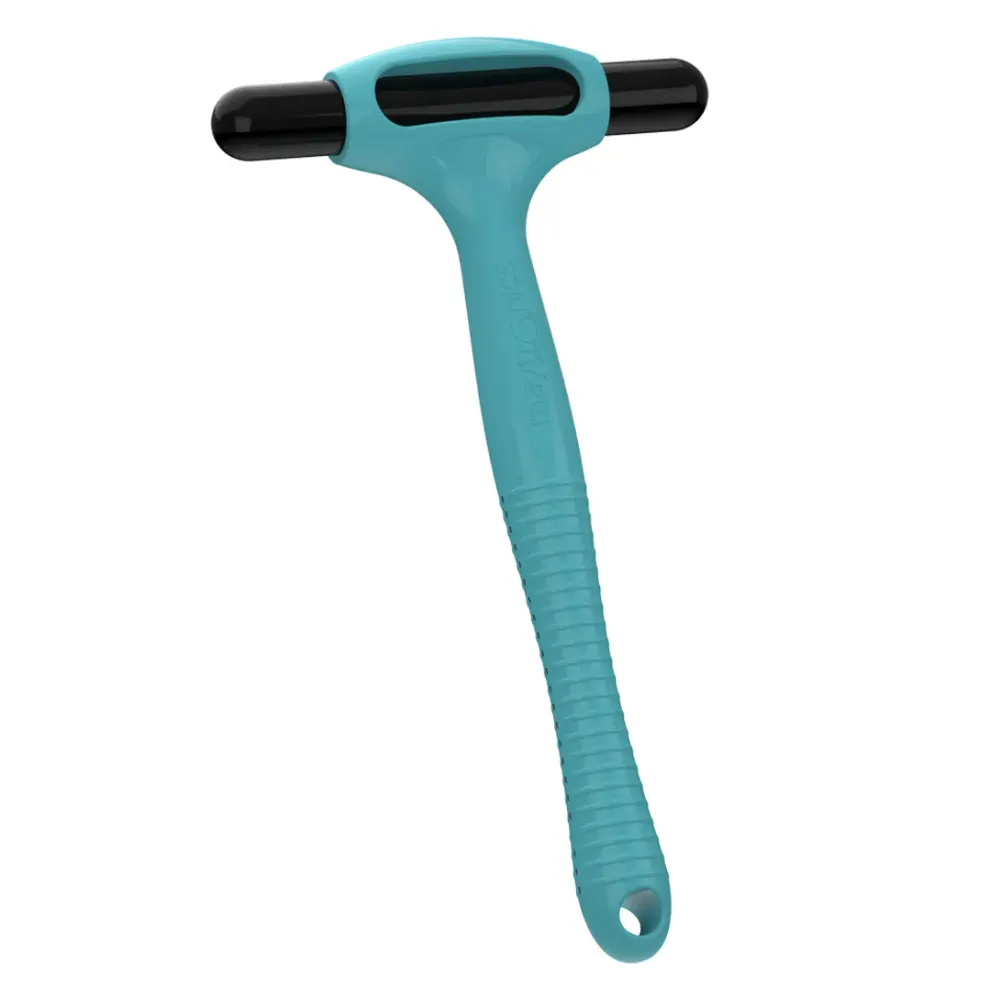
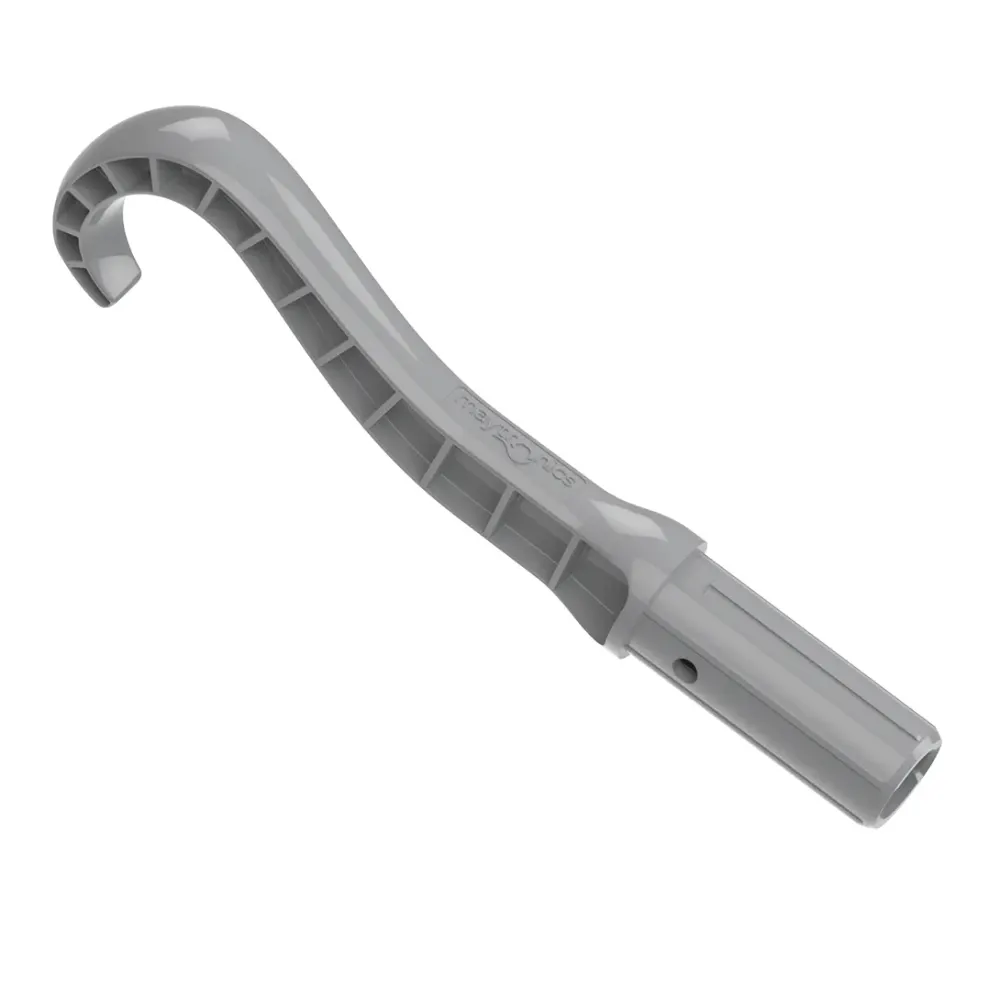
Replacement parts listed for the Dolphin EON 120d include EON Backwash Filter ASSY, EON Backwash Cartridge Filters and EON Track 1PK. Charging parts include Charger ASSY EON and USA Switching 3W Cord; ask Poolbots' pool experts by live chat or phone for help identifying a part.
Support
EON 120d manuals, videos and answers.
Questions about the EON 120d
Why doesn't my cordless robot respond to the app while underwater?Fix
Short answer: Your cordless robot disconnects from Wi-Fi and Bluetooth underwater, so select its cleaning program in the app before placing it in the pool.
Cordless EON™ and Liberty 400/600 robots do not maintain a Wi-Fi or Bluetooth connection while submerged and cleaning. Once underwater, the robot follows its selected program on its own, without an active app connection.
Set the program before putting the robot in the pool
These Maytronics One app instructions apply to Dolphin EON 100, Dolphin Nautilus EON 100, Dolphin EON 120d, Dolphin Nautilus EON 120d, and Dolphin Liberty 600.
- With the robot out of the water, connect to it over Wi-Fi in the Maytronics One app.
- Choose your cleaning mode or weekly schedule (UltraRun™ Mode/Eco Mode).
- Put the robot in the pool to start the cycle. It will carry out the program you selected independently.
Reconnecting after cleaning
If the robot was previously connected, its Wi-Fi connection to the app returns automatically after you take it out of the water.
Other connection types
Corded robots can stay connected to Wi-Fi throughout cleaning because their connection runs through the power supply, which stays outside the pool.
Liberty 400 uses Bluetooth only and pairs with the MyDolphin Plus app, not the Maytronics One app.
Why isn't my EON behaving properly?Fix
Short answer: Update your EON's software in the MaytronicsOne app before trying other troubleshooting steps.
Applies to: Dolphin EON 100, Dolphin Nautilus EON 100, Dolphin EON 120d.
Start by checking that your robot has the latest software. Updates provide fixes, improvements, and capabilities that help your EON work as intended.
Update your EON's software
-
Step 1: Prepare your phone Download the MaytronicsOne app and turn on Bluetooth on your smartphone.
-
Step 2: Charge and disconnect the robot Charge the robot fully. Check that the battery indicator displays three solid green bars, then disconnect the robot from its charger before moving on.
-
Step 3: Sign in to the app Open the MaytronicsOne app. Create an account or sign in to an existing one, then enter the validation code you receive by email.
-
Step 4: Turn on Bluetooth pairing Hold the robot's power button for 3–5 seconds to activate pairing. Look for a blinking blue LED.
-
Step 5: Pair your robot Follow the app's on-screen pairing instructions. When your robot appears, select it to start pairing. Your smartphone must not be connected to another Bluetooth device during this step.
-
Step 6: Complete the software update If the app offers a software update, complete it. This is an essential part of troubleshooting.
During the update:
- Keep your phone close to the robot.
- Keep the app open and stay on the update screen until it finishes.
- Allow the update to finish without interruption.
-
Step 7: Set up Wi-Fi After the software update finishes, connect the robot to a 2.4 GHz Wi-Fi network. You can skip this setup and connect to Wi-Fi later if you prefer.
-
Step 8: Check the connection light A successful connection is indicated by three LED blinks, followed by a steady blue light.
Important: Before moving on to any other troubleshooting, confirm that your EON is running the latest available software.
How does Dolphin EON save you up to 20 hours per year on maintenance?
Short answer: With DebrisLock™ backwash filtration, Dolphin EON can reduce filter maintenance to about 5 minutes once a week, saving up to 20 hours per year.
Dolphin EON™ uses patented DebrisLock™ backwash filtration to reduce how often you need to clean the filter. With this system, maintenance can take about 5 minutes once a week, helping save up to 20 hours per year.
DebrisLock™ reduces filter-cleaning work through three features:
- Fine-particle capture: It compresses and holds fine particles for more efficient filtration.
- 1-liter backwash capacity: It allows collected debris to be flushed out easily.
- Two openings at the bottom: This design makes cleaning quick and convenient.
The DebrisLock™ backwash filter is included with Dolphin EON 120d and sold as an add-on for Dolphin EON 100.
Applies to: Dolphin EON 100, Dolphin Nautilus EON 100, Dolphin EON 120d.
What makes the EON 120d filtration system more advanced?
Short answer: The EON 120d combines 14-micron filtration, a 4-liter DebrisLock™ basket and automatic backwashing to collect debris and help keep it out of pool water.

The Dolphin EON 120d uses an ultra-fine, 14-micron DebrisLock™ filter basket. Its lid helps trap more debris while allowing filtration from all directions.
The basket’s 4-liter capacity lets it collect more debris during each cleaning cycle. Its closed chamber helps keep captured dirt and debris from returning to the pool water, supporting better cleaning performance.

The basket also has a built-in filter backwash system. An additional 1-liter backwash compressed container helps keep debris locked inside the filter.
Backwashing runs automatically at the end of the cleaning cycle and when the filter is full to help improve overall performance.
For help with filter parts, contact Poolbots' pool experts by live chat or phone.
How does Dolphin EON deliver water that’s up to 4X clearer than competitors?
Short answer: Dolphin EON's filtration captures debris and fine particles, with up to 4X clearer water measured in internal Dolphin EON 120d tests.
Applies to: Dolphin EON 100, Dolphin Nautilus EON 100, and Dolphin EON 120d.
Dolphin EON™ uses a filter design built to collect more debris and fine particles during each cleaning cycle. Several features work together to help leave pool water noticeably clearer after each clean:
- 4/5-direction filtration: Collects debris from multiple angles.
- 4–5 liter debris capacity: Holds more debris to support longer cleaning cycles.
- Larger filtration basket: Helps improve debris collection.
- Closed chamber design: Keeps trapped dirt from getting back into the pool water.
Where the up to 4X result comes from
Maytronics' internal 70-minute turbidity tests compared Dolphin EON™ 120d, Aiper Scuba X1 ProMax, and M400. Every robot began with water at the same turbidity level of 7 NTU.
In those tests, Dolphin EON™ 120d achieved water up to 4X clearer than the other leading pool robots tested. The claim reflects that internal test comparison.
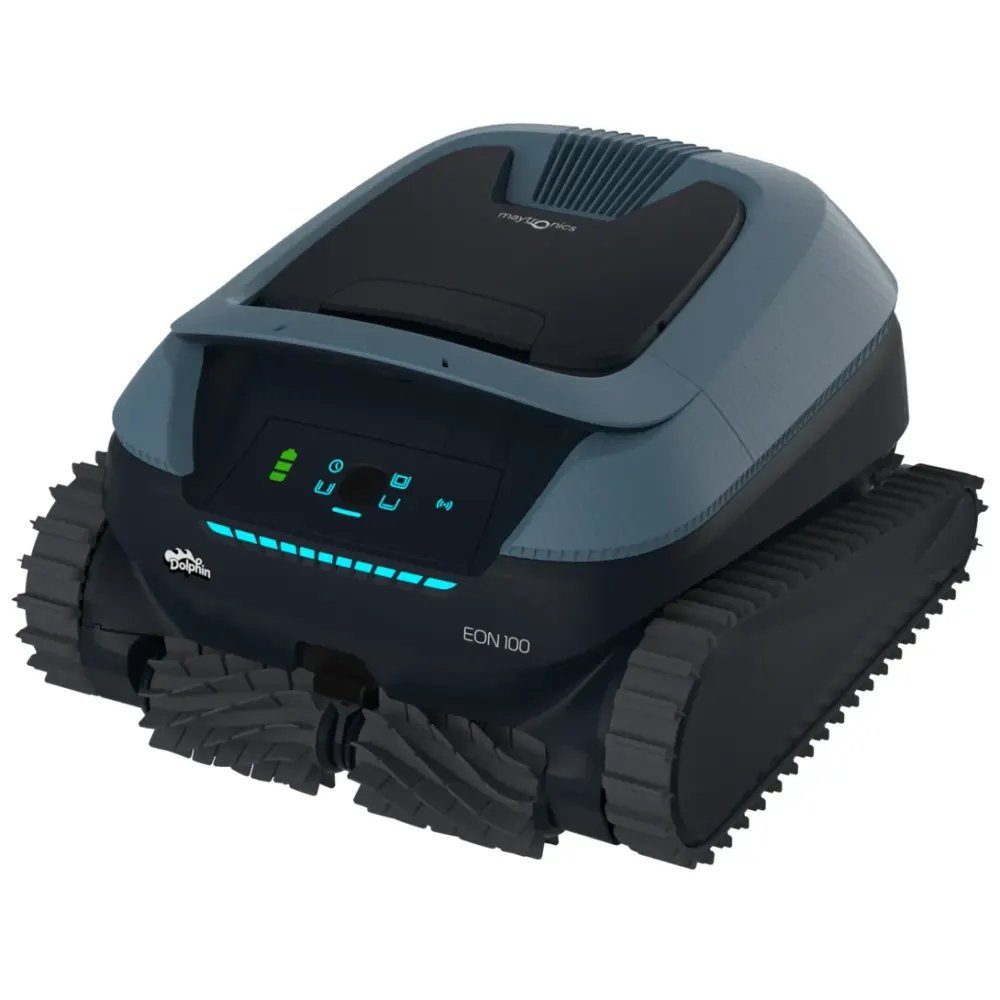
Looking for a EON 120d?
Maytronics sells this model through local pool stores. Compare it with the Dolphins we ship free with a 30-day trial, or find a dealer near you.