

















Robots
Featured Robots
Pool Type
Brands
Categories
Deals & More
Free 1-3 Day FedEx Shipping
Low Price Guarantee
Easy Returns & Exchanges
Pool Expert Support
Shop All Robots Deals & Specials
Free 1-2 Day Shipping. Low Price Guarantee. Easy Returns/Exchanges. Choose from top models from the top brands.
Shop By
Pool Type
Debris Type
Brand
Budget
Equipment
Free 1-3 Day FedEx Shipping
Low Price Guarantee
Easy Returns & Exchanges
Pool Expert Support
Shop All Robots
Free 1-2 Day Shipping. Low Price Guarantee. Easy Returns/Exchanges. Find the perfect robot for your pool.
Learn
Reviews
Buying Guides
Compare
Help Me Choose
Free 1-3 Day FedEx Shipping
Low Price Guarantee
Easy Returns & Exchanges
Learning Center
Free 1-2 Day Shipping. Low Price Guarantee. Easy Returns/Exchanges. Everything you need to pick the right pool robot.

Need Help?

Our Pool Experts are here to assist you

Pool Robot Guide

Pool Robot Guide

Find the perfect robot for your pool

Pool Expert

Call an Expert

(888) 615-5728

Mon-Fri 8am-5:30pm CST

Niya · Troubleshooting guide

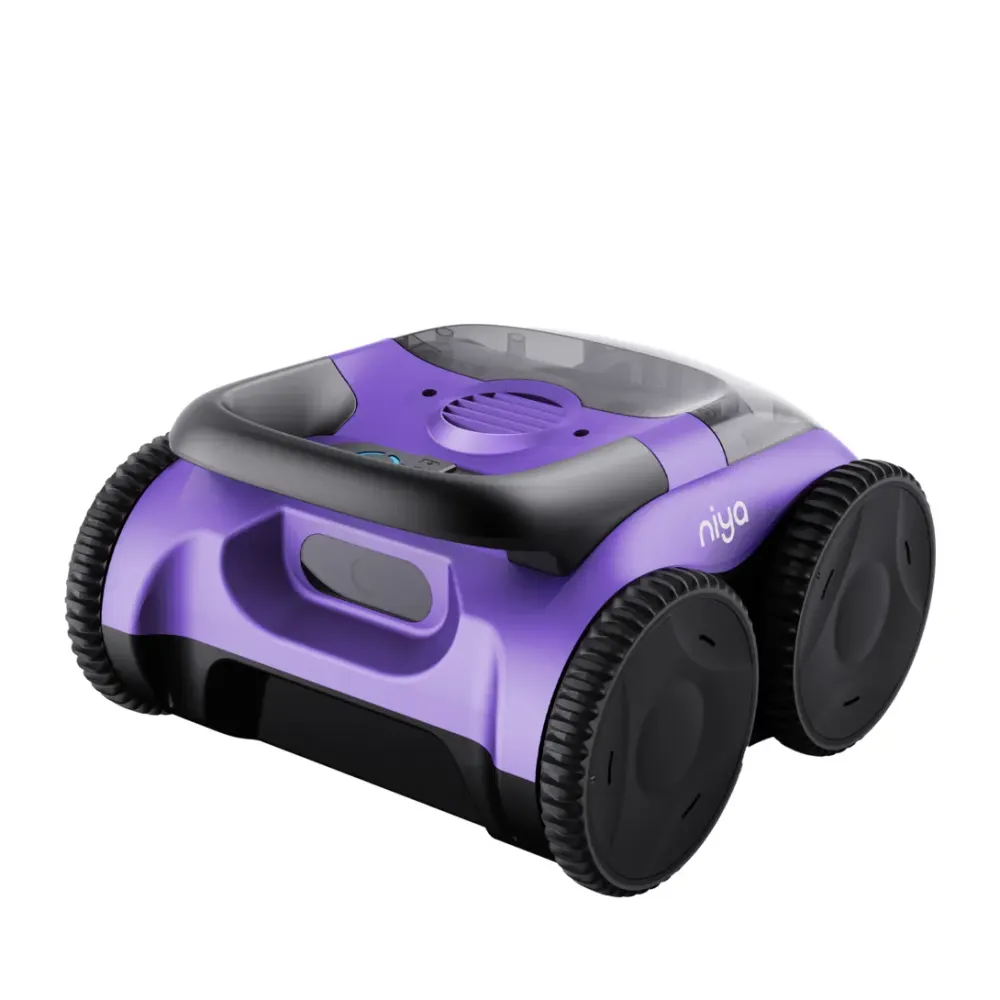
Niya Sonar 20 troubleshooting.

Check the Niya Sonar 20's charge level first, and turn it off before inspecting the filter or impeller grill. For more help, contact Poolbots' pool experts by live chat or phone. Every fix below is rewritten in plain English and sorted by what the robot is doing wrong, with the genuine part that fixes it.
Quick checks

The Niya Sonar 20 problems we hear about most.

Battery will not chargeFollow the user manual's charging steps. If charging still fails, contact Poolbots' pool experts by live chat or phone.
Stops at the pool edgeThe robot parks there when its battery is low or the cycle ends. Check the battery charge before starting another cycle.
Leaves debris on the floorTurn the robot off and inspect the top-access coarse filter. Remove trapped debris as directed in the user manual.
Weak debris pickupTurn the robot off and check the impeller grill for visible debris. Follow the user manual before removing any parts.
Does not climb wallsThe Niya Sonar 20 cleans the floor only. Wall cleaning and waterline scrubbing are not part of its coverage.

Start here

Three checks before you suspect the robot.

Charge, filter, impeller, tracks: in that order. Where a check ends in a worn part, the genuine replacement is linked under it.

  1. Charge fully with the Niya charger

    Use the charger supplied with the robot and charge indoors, out of direct sun.

  2. Clean the filter and impeller

    Rinse the filter after each cycle and check the impeller grill for hair and debris.

  3. Check the tracks or wheels

    Remove anything caught in the tracks; worn tracks are a cheap replacement part.

Replacement parts

7 genuine parts that fit the Niya Sonar 20.

Worn filters, brushes and tracks cause most of the problems above. These are the parts Maytronics lists for model 07.009.0011; each one opens with what it does and when to replace it.
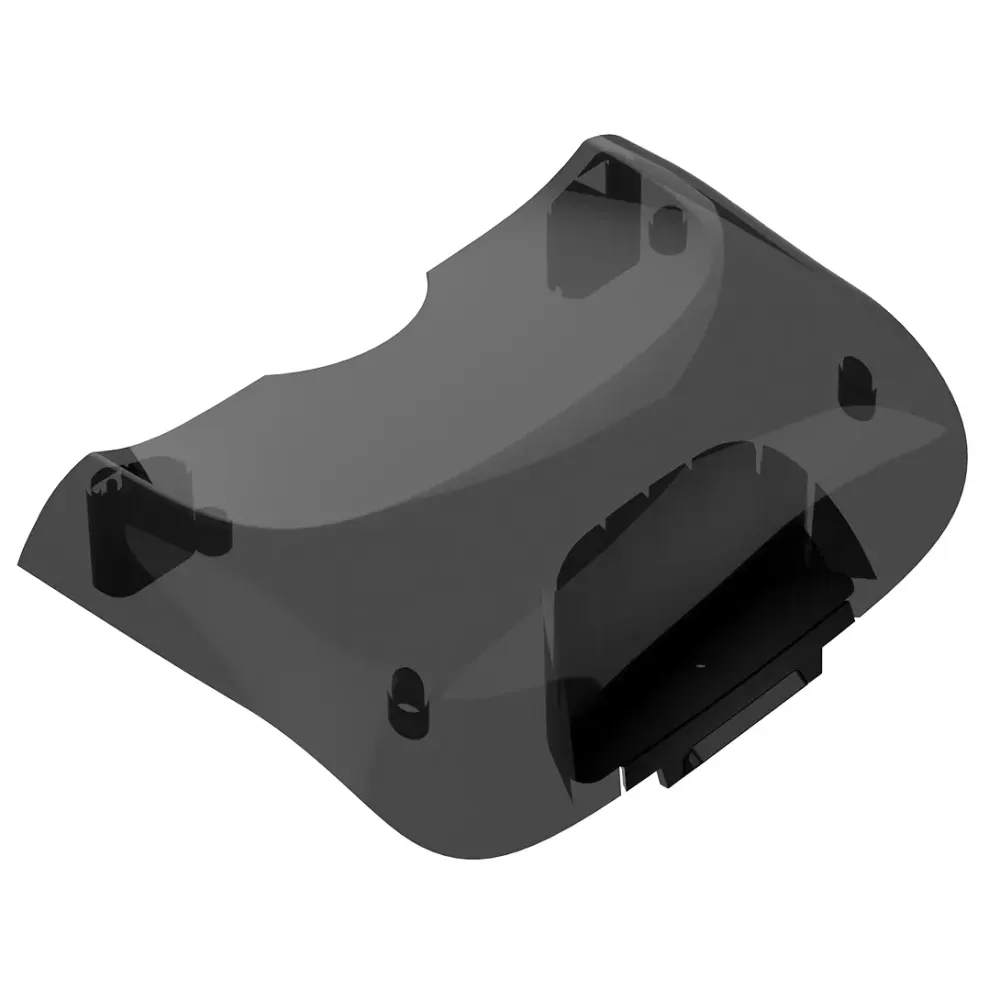
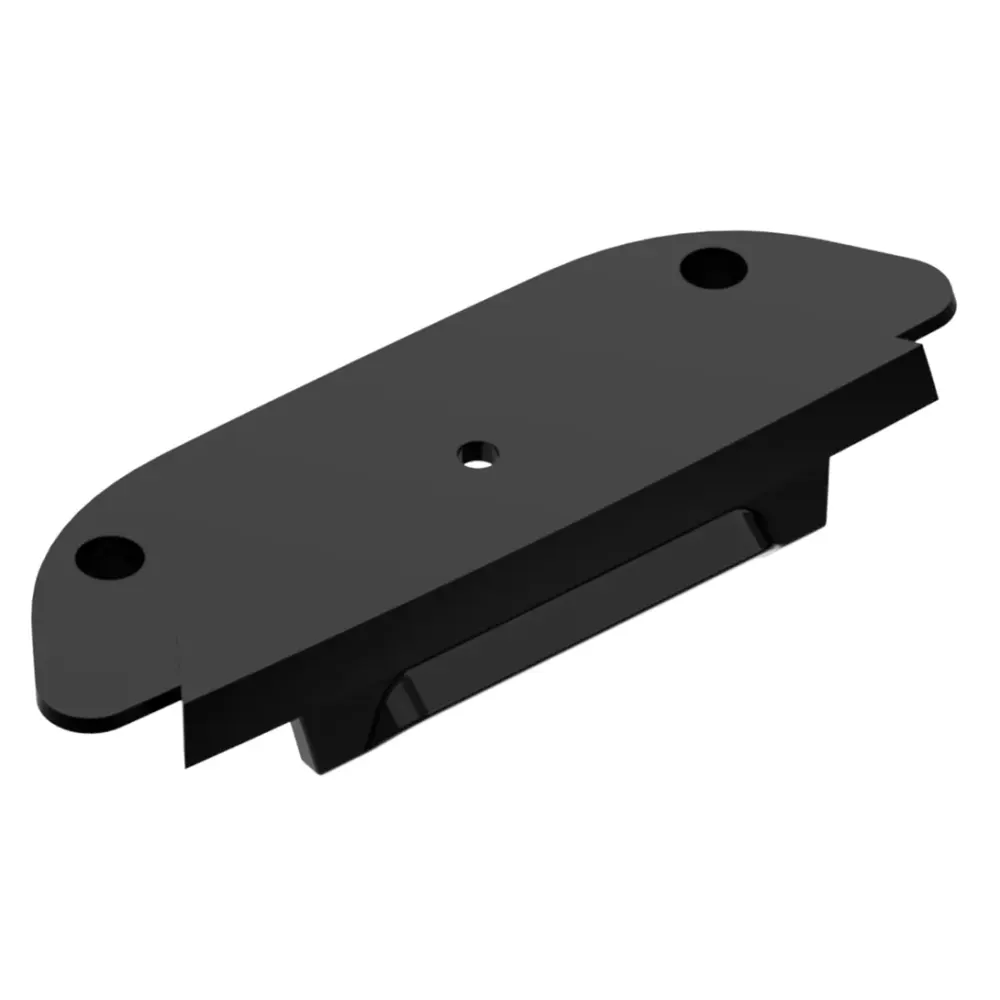
All 7 Niya Sonar 20 parts

Downloads

Manuals, guides and how-to videos.

Still stuck?

Real help for the Niya Sonar 20.

If the checks above did not fix it, the robot may need a repair. Under warranty, Maytronics handles power supplies by replacement and robots through its repair centers; have the serial number from the label under the handle ready.

Maytronics' own tools: self-service diagnostic and repair request · register your robot.

Pool Robot Buying Guide
Headphones Icon
Dolphin Cayman Review