Doesn't work
- Whether the ON/OFF knob is fully toggled in place or not
- See if something is stuck in the impeller. Use a flashlight if needed
- The battery pack is damaged
- Try to toggle the ON/OFF knob
- Contact Maytronics customer care
Our Pool Experts are here to assist you
Mon-Fri 8am-5:30pm CST
Niya · Troubleshooting guide
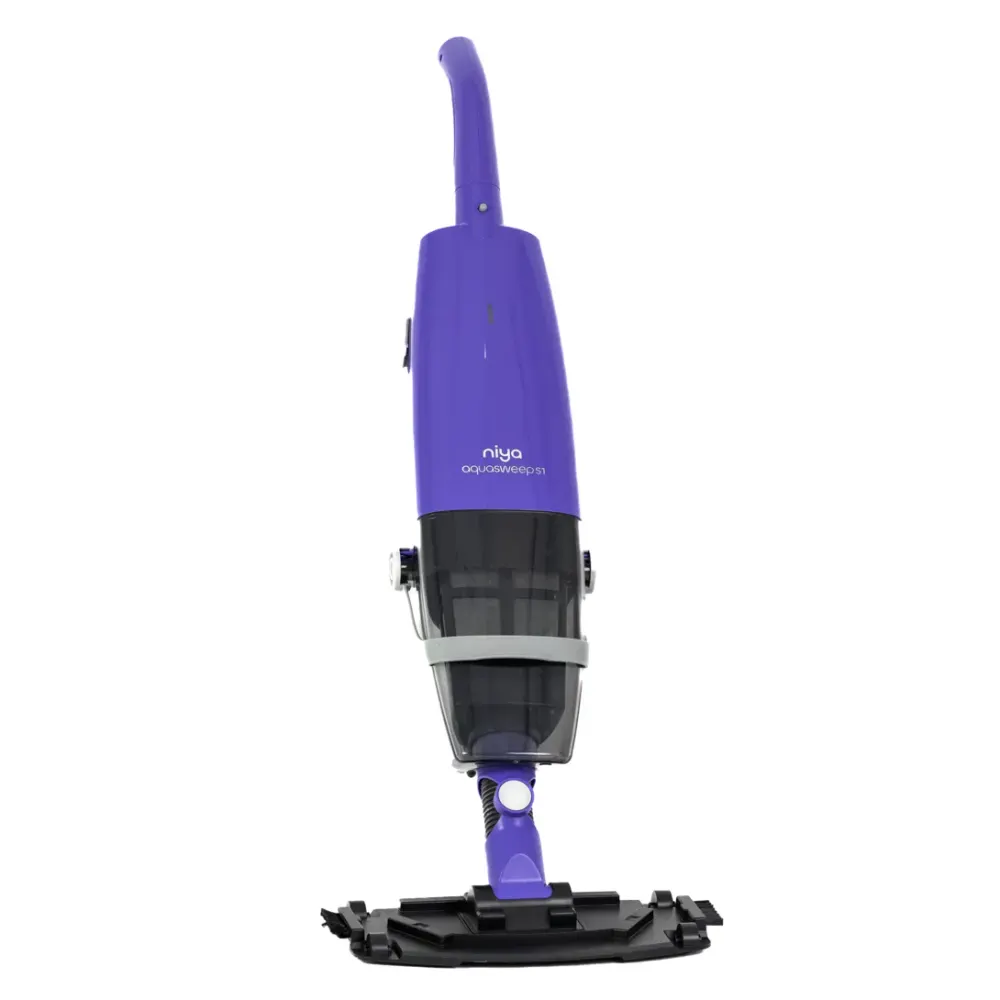
Start by checking charging if your Niya Aquasweep S1 will not run or stops sooner than expected. Then check the filter and filter lock, or contact Poolbots' pool experts by live chat or phone for help. Every fix below is rewritten in plain English and sorted by what the robot is doing wrong, with the genuine part that fixes it.
Niya Aquasweep S1 model page Manual & videos Warranty & claims
Quick checks
Start here
Charge, filter, impeller, tracks: in that order. Where a check ends in a worn part, the genuine replacement is linked under it.
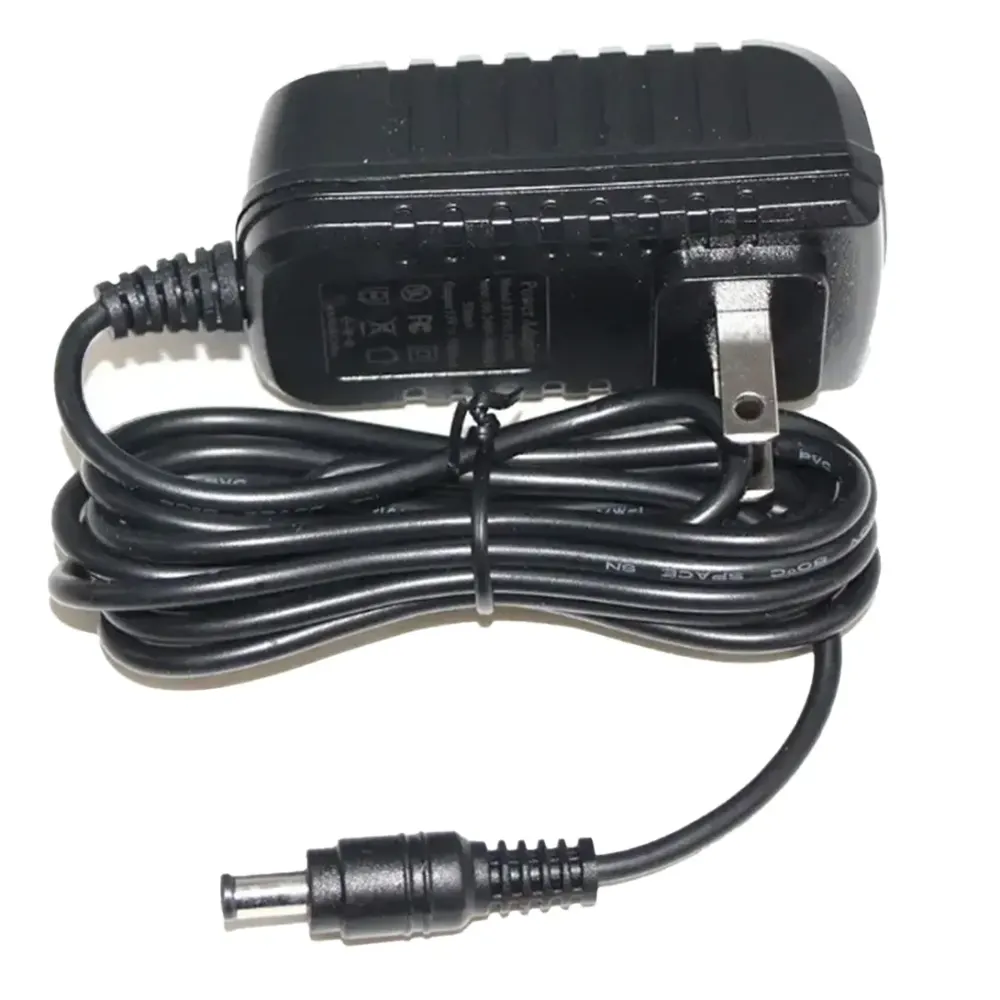
Use the charger supplied with the robot and charge indoors, out of direct sun.
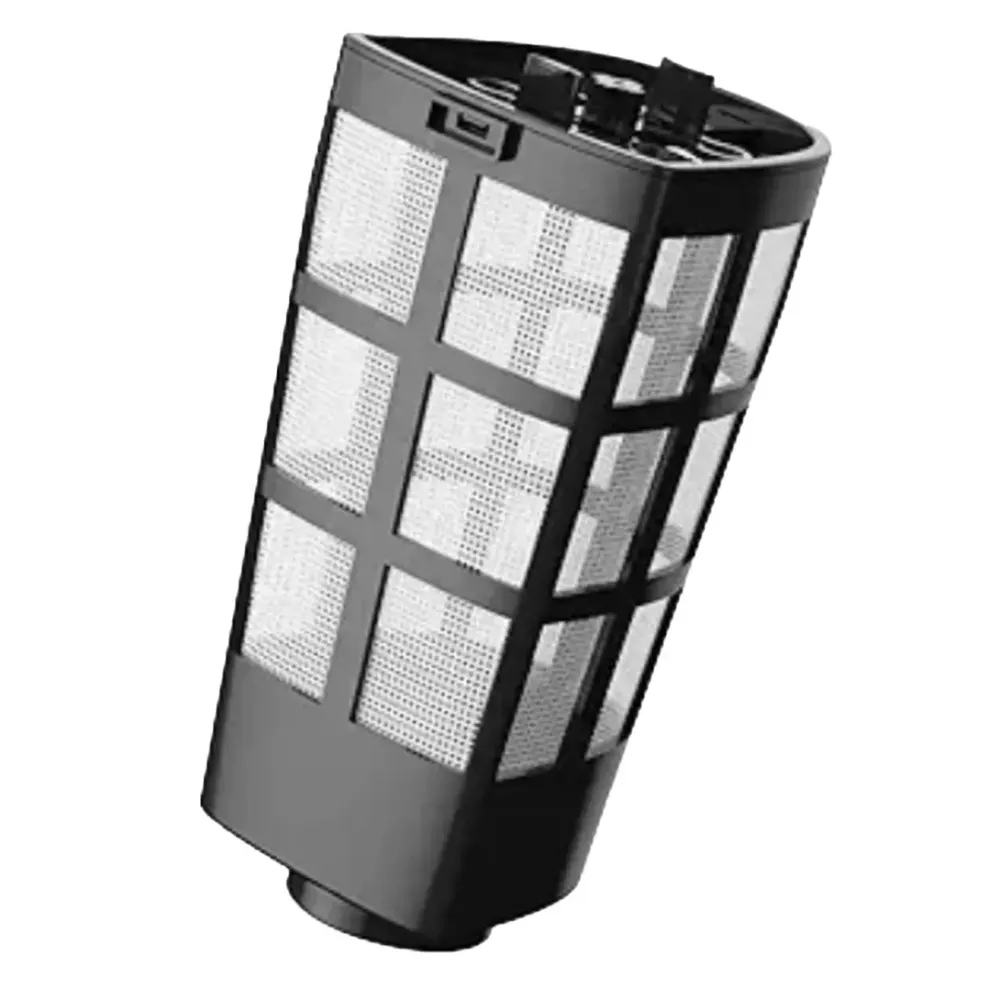
Rinse the filter after each cycle and check the impeller grill for hair and debris.
Remove anything caught in the tracks; worn tracks are a cheap replacement part.
Pick your problem
From the user manual
The troubleshooting table printed in the Niya Aquasweep S1 manual, one card per symptom. A part named here is in the parts list below.
Replacement parts
Worn filters, brushes and tracks cause most of the problems above. These are the parts Maytronics lists for model 9997300-US; each one opens with what it does and when to replace it.
Downloads
Maytronics has not published an English manual for this model online. The Niya Aquasweep S1 manual page has its spec sheet and the Maytronics document portal, and our pool experts can send what Maytronics has on file.
Beyond fixes
Setup, care, storage and the app: 4 more answers that apply to this robot.
Still stuck?
If the checks above did not fix it, the robot may need a repair. Under warranty, Maytronics handles power supplies by replacement and robots through its repair centers; have the serial number from the label under the handle ready.
Maytronics' own tools: self-service diagnostic and repair request · register your robot.