Genuine Maytronics part · Tracks & Wheels
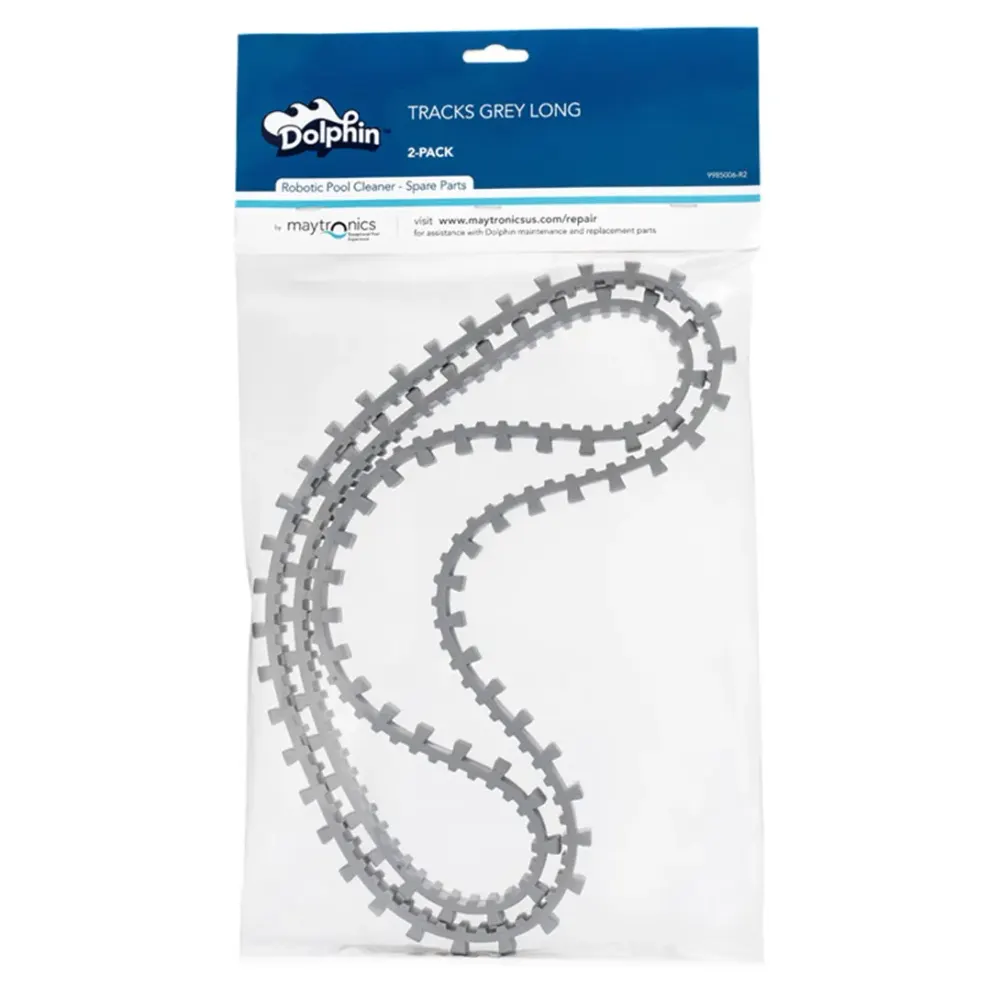
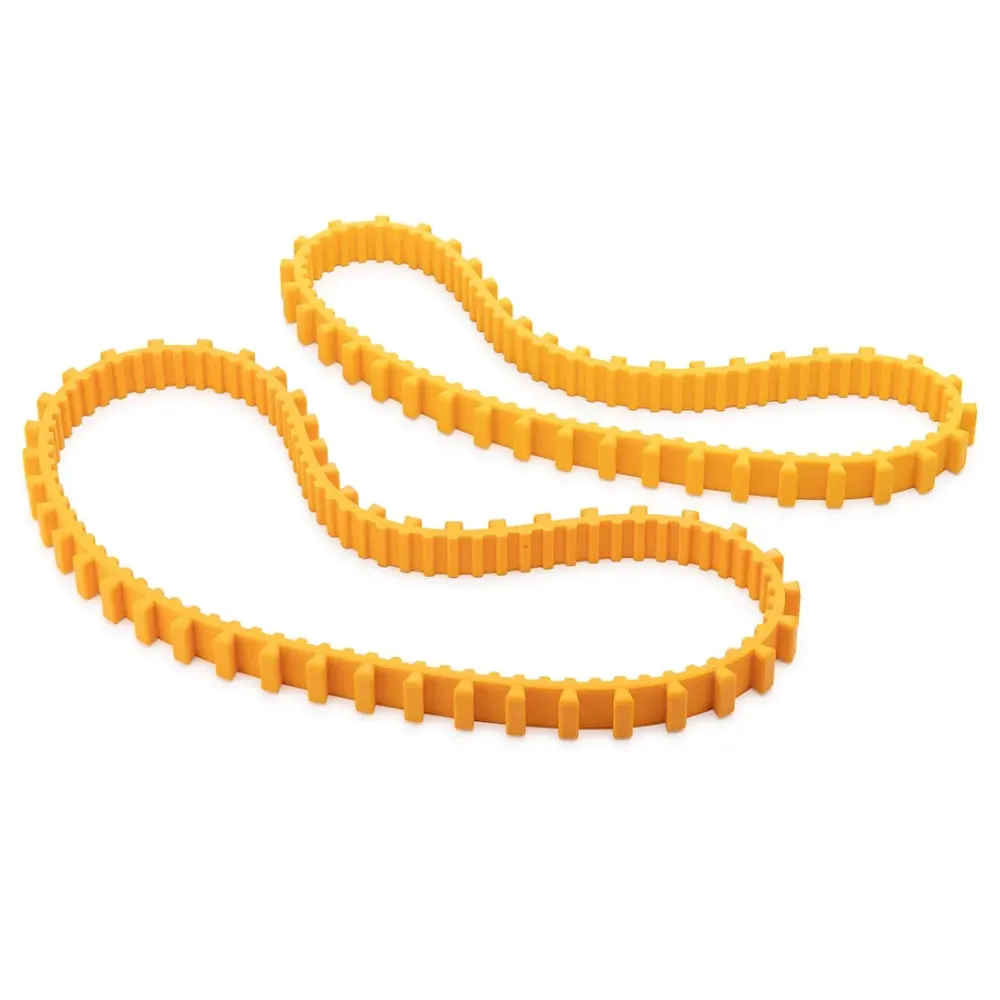
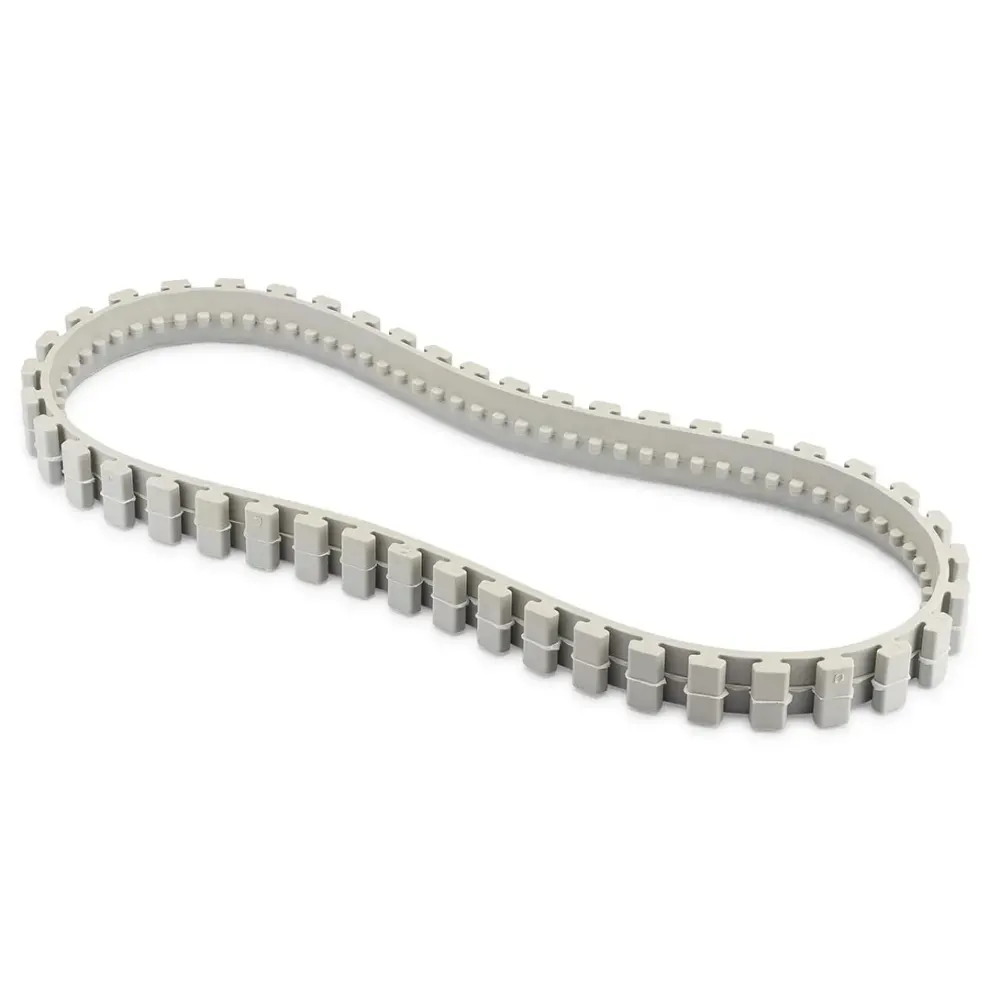
Maytronics Track, Grey (D1)
Part number 9985046 · 1 year part warranty
This genuine Maytronics grey replacement track requires robot compatibility confirmation from Poolbots' pool experts.
$29.99 MSRP
Out of stock
About this part
What it does and when to replace it.
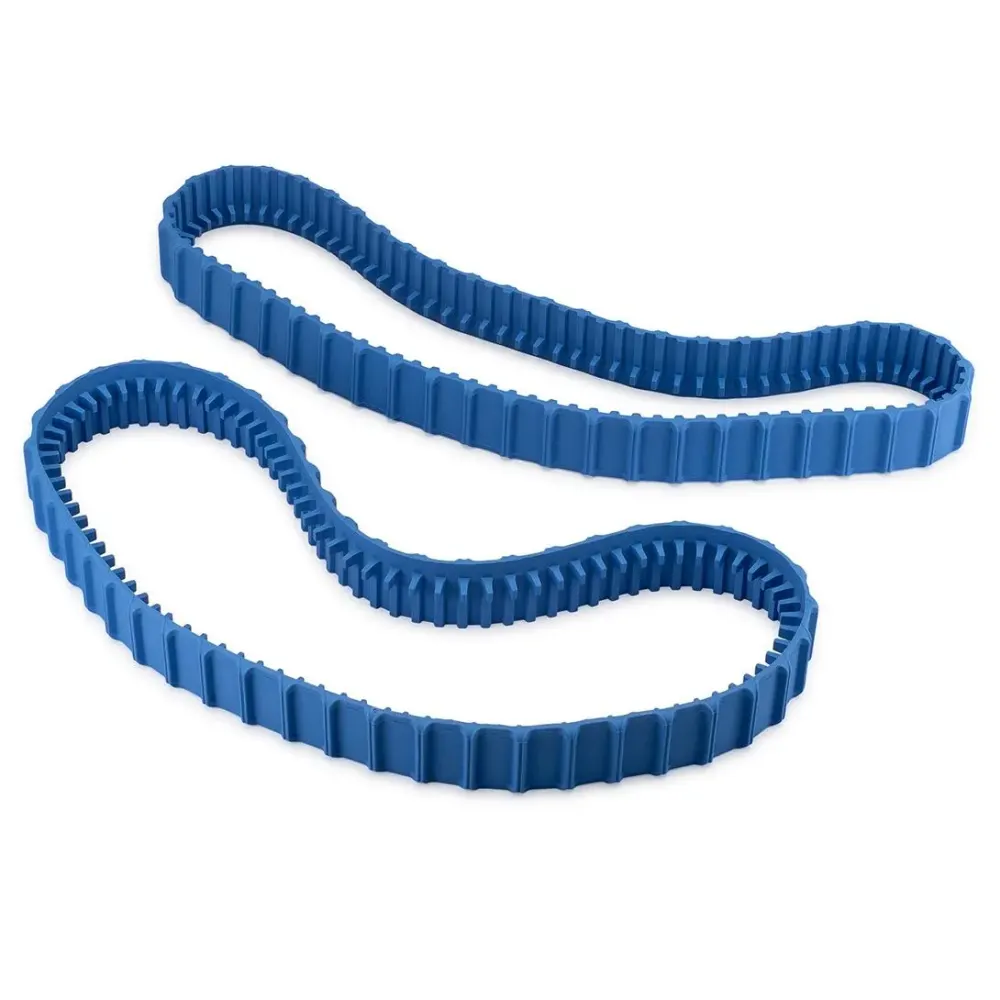
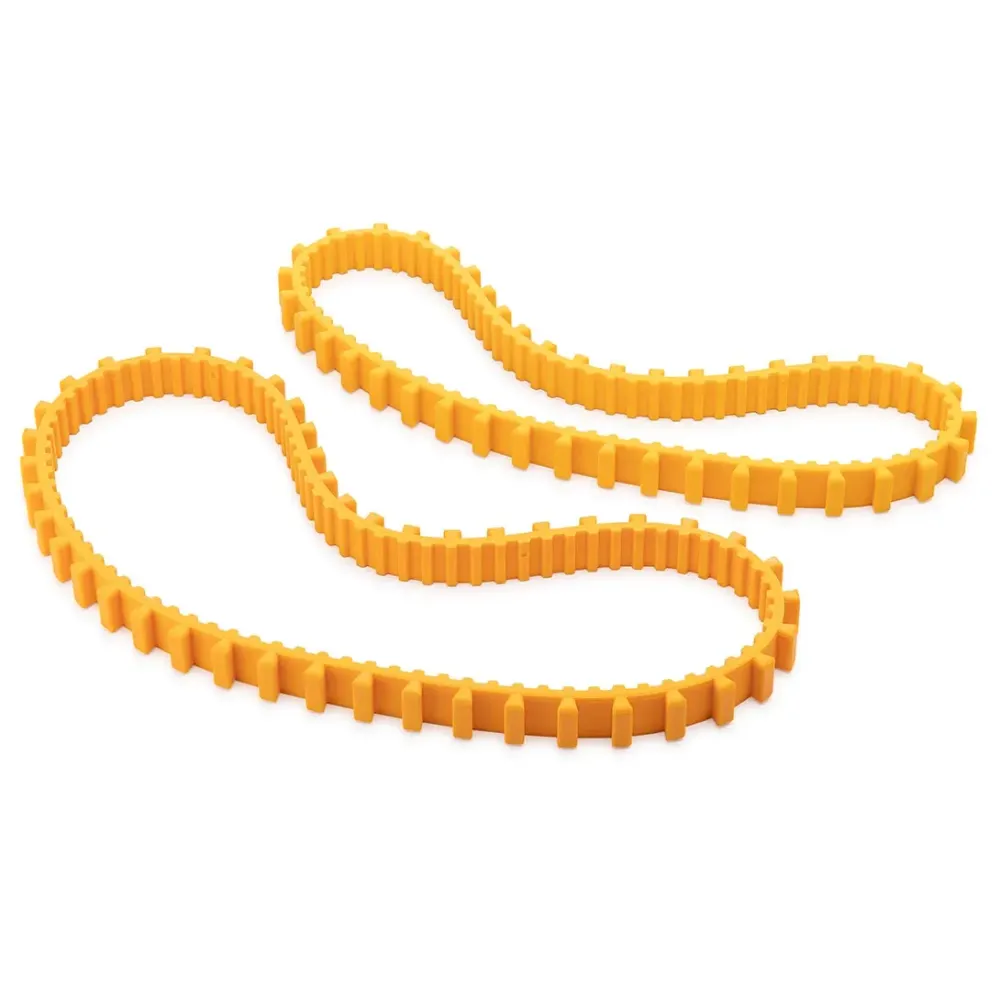
Track, Grey (D1), part 9985046, is a genuine Maytronics replacement track. It replaces a worn track on a compatible robot, helping it grip the pool surface and move during cleaning.
Maytronics does not identify a compatible US robot for this part. Poolbots does not currently carry it in its own store. Contact Poolbots' pool experts by live chat or phone to confirm fit before buying.
- Have part number 9985046 and your robot's model name ready when contacting Poolbots' pool experts.
- Do not use the grey color or D1 code alone to determine fit.
Compatibility
Check the fit before you order.
Maytronics lists no US robot for this part number. Send us your robot's model number (on the label under the handle) and we will confirm whether this is the right part.
Do it yourself
How to replace it at home.
Switch off and unplug the robot's power supply.
Remove the robot from the pool and place it on a stable surface.
Get model-specific track replacement instructions from Poolbots' pool experts.
Follow those instructions to remove the worn track and fit the replacement.
Check that the track is seated as directed before reconnecting power.
Step-by-step answers for this kind of part
How do I replace the tracks on my Dolphin robot?Video20 min
Find your model below for its track replacement video and written instructions. The steps vary by model.
M400/M500/Aquarius XL

Replacement track part number: 9985006-R2.
- Disconnect the power supply from the electrical outlet.
- Lower the handle, then turn the robot onto its back.
- Use a screwdriver to release the back brush from its sockets.
- Carefully lift out the brush, leaving the tracks in place.
- Pull the front brush out of its sockets by hand.
- Remove all four screws from one side panel, then take off the panel.
- Take off the rubber track.
- Remove all four screws from the opposite side panel, then take off that panel.
- Take off the rubber track on that side.
- Fit the replacement track and reinstall the side panel with its four screws. Repeat on the opposite side.
- Put both brushes back into their designated sockets.
- Return the robot to its upright position and straighten the handle.
S50 (S50, E10, E20, Active 10, Cayman, Escape, Encore)

Track part number for S50: 99831521-R2.
Track part number for E10/E20/Active 10/Cayman/Escape/Encore: 9983152-R2.
Before starting, disconnect the power supply from the electrical outlet.
- Place the robot upside down.
- Take the existing tracks off the robot.
- Fit a replacement track on each side.
- Turn the brush to check that the tracks are fitted correctly.
S100 (Advantage, Proteus DX3, Saturn, Echo, Nautilus CC, Active 15, Cayman, Escape, Explorer E20)

S100 track part number: 99831521-R2.
Gray track part number: 9983152-R2.
- Disconnect the power supply from the electrical outlet.
- Place the robot upside down.
- Take the existing tracks off the robot.
- Fit a replacement track on each side.
- Turn the brush to check that the tracks are fitted correctly.
S200 (E30, Advantage Ultra, Active 20, Quantum, T35, Triton PS)

S200 track part number: 99831521-R2.
Gray track part number: 9983152-R2.
- Disconnect the power supply from the electrical outlet.
- Place the robot upside down.
- Take the existing tracks off the robot.
- Fit a replacement track on each side.
- Turn the brush to check that the tracks are fitted correctly.
S300/S400 (Proteus DX5i, Active 30, T35/T45, Premium 40, Explorer E30, Active 30i, T55i, E50, Active 50, Explorer E50)
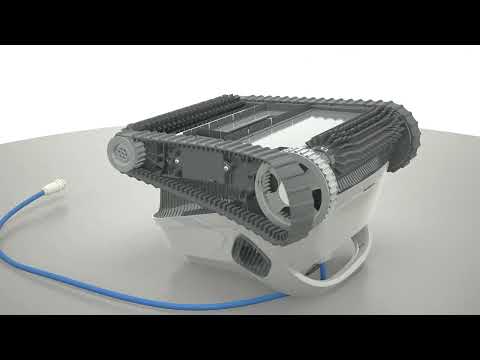
S300 track part number: 99831521-R2.
Gray track part number: 9983152-R2.
- Disconnect the power supply from the electrical outlet.
- Place the robot upside down.
- Take the existing tracks off the robot.
- Fit a replacement track on each side.
- Turn the brush to check that the tracks are fitted correctly.
M550/M600/M700 (Active 60, E60i, Explorer E70)

Replacement track part number: 9983152-R2.
- Disconnect the power supply from the electrical outlet.
- Place the robot upside down.
- Take the existing tracks off the robot.
- Fit a replacement track on each side.
- Turn the brush to check that the tracks are fitted correctly.
Liberty 200/300/400

Replacement track part number: 9983152-R2.
- Disconnect the power supply from the electrical outlet.
- Place the robot upside down.
- Take the existing tracks off the robot.
- Fit a replacement track on each side.
- Turn the brush to check that the tracks are fitted correctly.
Liberty 600
Follow this model's video for the replacement procedure.

Replacement track part number: 9983152-R2.
Nautilus CC Plus
Follow this model's video for the replacement procedure.

Replacement track part number: 9983152-R2.
Premier
Follow this model's video for the replacement procedure.

Replacement track part number: 9985006-R2.
Sigma/Nautilus CC Supreme
Follow this model's video for the replacement procedure.

Replacement track part number: 9985006-R2.
Finding replacement tracks
Poolbots sells replacement parts. For help choosing tracks for your model or following the replacement steps, contact Poolbots' pool experts by live chat or phone.
Specifications
General Info
- Warranty (years)
- 1
Questions
Maytronics Track, Grey (D1), answered.
Which robots use part 9985046?
Maytronics does not identify a compatible US robot for this part. Poolbots' pool experts must confirm whether it fits your robot.
Can I buy this track from Poolbots right now?
Poolbots does not currently carry this part in its own store. Contact Poolbots' pool experts by live chat or phone for help identifying it and confirming fit.
What warranty is listed for this track?
Maytronics lists a 1-year warranty for this part.
Tracks & Wheels