Genuine Maytronics part · Niya Parts
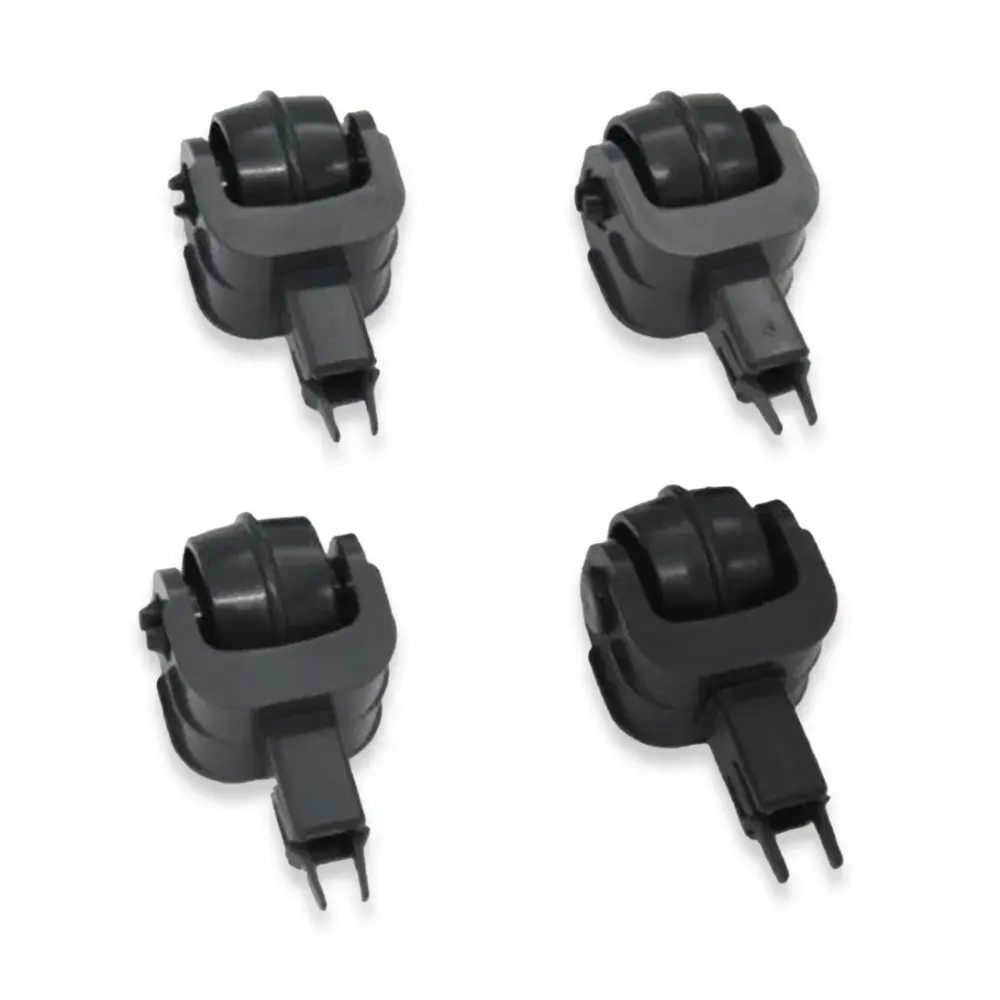
Niya Wheel Set SNR10/F1, TRK15-SP
Part number 06.013.0004A-SP · UPC 810071222641 · 6 months part warranty
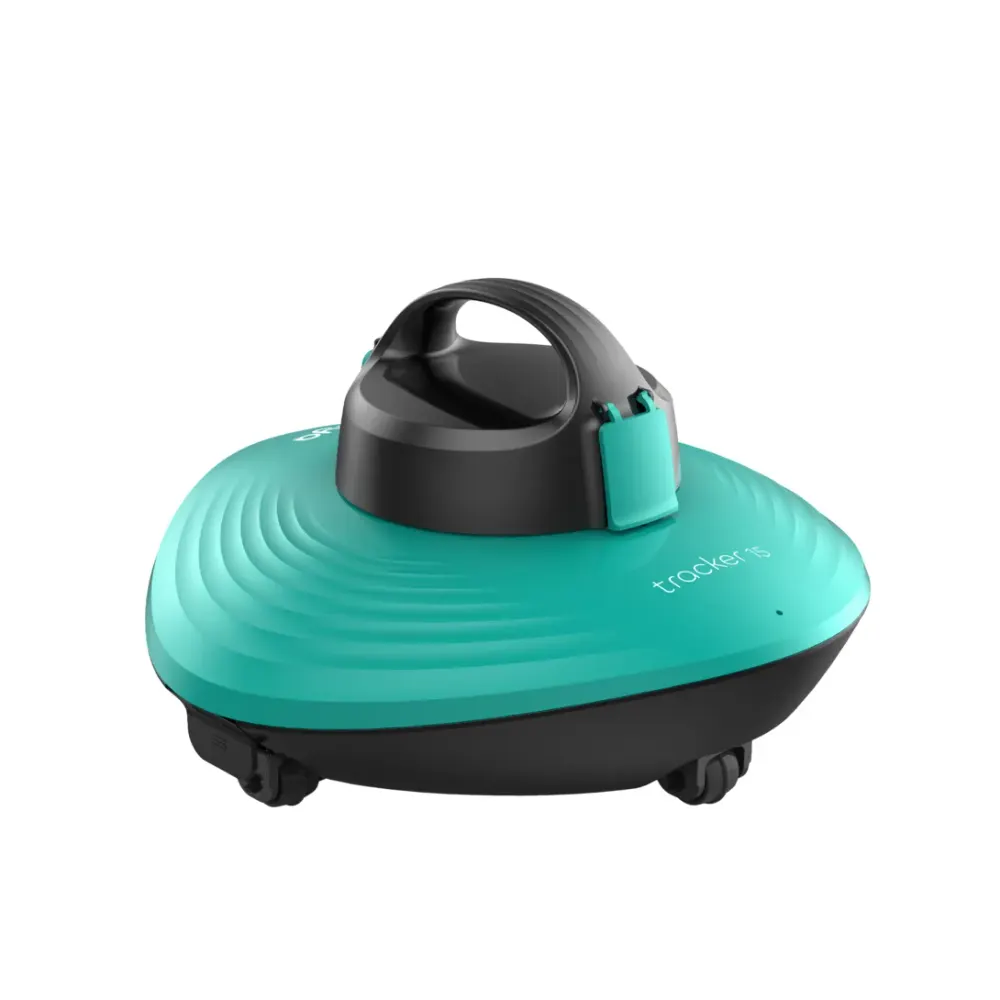
Genuine Maytronics replacement wheel set for Niya Sonar 10 and Niya Tracker 15.
$9.99 MSRP
Out of stock
About this part
What it does and when to replace it.
This genuine Maytronics wheel set replaces worn or damaged wheels on compatible Niya robots. The wheels help the cleaner move along the pool surface during cleaning.
Maytronics lists part 06.013.0004A-SP for Niya Sonar 10 and Niya Tracker 15. The number of wheels included is not specified. Poolbots does not currently stock this part in its own store. Contact Poolbots' pool experts by live chat or phone for help identifying it.
- Use your robot's full model name to check fit. Do not rely on wheel appearance alone.
- Have part number 06.013.0004A-SP ready when contacting Poolbots' pool experts by live chat or phone.
Compatibility
Fits these Niya robots.
Confirmed by Maytronics' compatibility checker and each robot's own spare-parts list.
Do it yourself
How to replace it at home.
Switch off and unplug the power supply before starting.
Confirm your robot is Niya Sonar 10 or Niya Tracker 15 and the part is 06.013.0004A-SP.
Ask Poolbots' pool experts for wheel removal and fitting guidance for your model.
Follow that guidance to remove the old wheels and install the replacement set.
Check that the wheels are securely fitted before using the robot again.
Step-by-step answers for this kind of part
How do I replace the side paddlewheel on my Skimmi?Video15 min
Follow the video and steps below to replace the side paddlewheel on your Dolphin Skimmi.

Step 1Remove the old paddlewheel
- Turn the robot over so it rests on the solar panel.
- Take the filter out of the robot.
- Turn the side paddlewheel until you find the screw, identified as Paddlewheel Screw M2.5 × 8 mm – DIN913 A2.
- Take out the screw with a 1.2 mm star screwdriver.
- Gently take the paddlewheel off the robot.
- Follow the same removal steps on the opposite side if needed.
Step 2Install the replacement paddlewheel
- Position the new paddlewheel so its holes line up.
- Dip the screws in Loctite 574 before inserting them. Then tighten them with the star screwdriver.
- Follow the same installation steps on the opposite side if needed.
- Put the filter tray back into the robot.
Specifications
General Info
- Warranty (years)
- 0.5
- UPC
- 810071222641
Questions
Niya Wheel Set SNR10/F1, TRK15-SP, answered.
Which robots fit this wheel set?
Confirmed compatibility is limited to Niya Sonar 10 and Niya Tracker 15. Other models are not listed as compatible.
How many wheels come in the set?
The listing identifies this part as a set but does not specify the wheel count. Ask Poolbots' pool experts for help confirming the contents.
What warranty is listed for this part?
The listed part warranty is 0.5 year, or six months.
Niya Parts