Genuine Maytronics part · Niya Parts
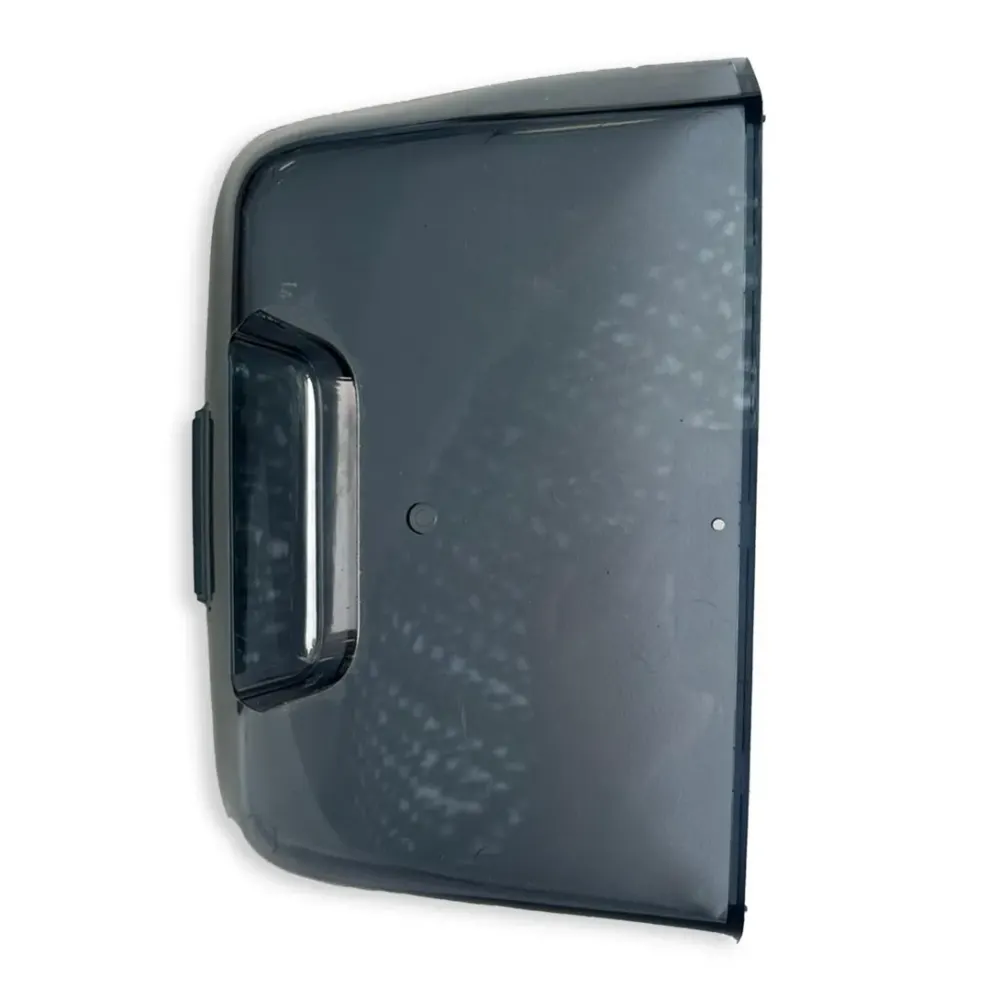
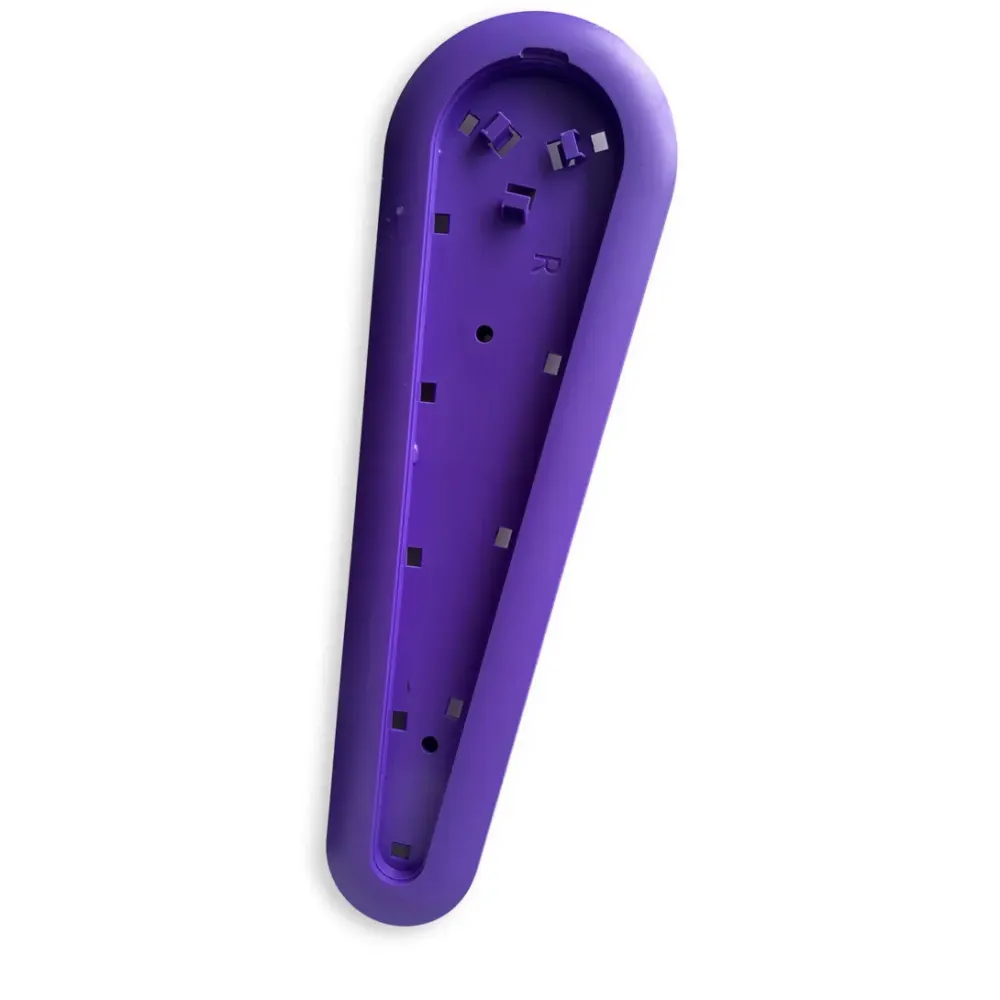
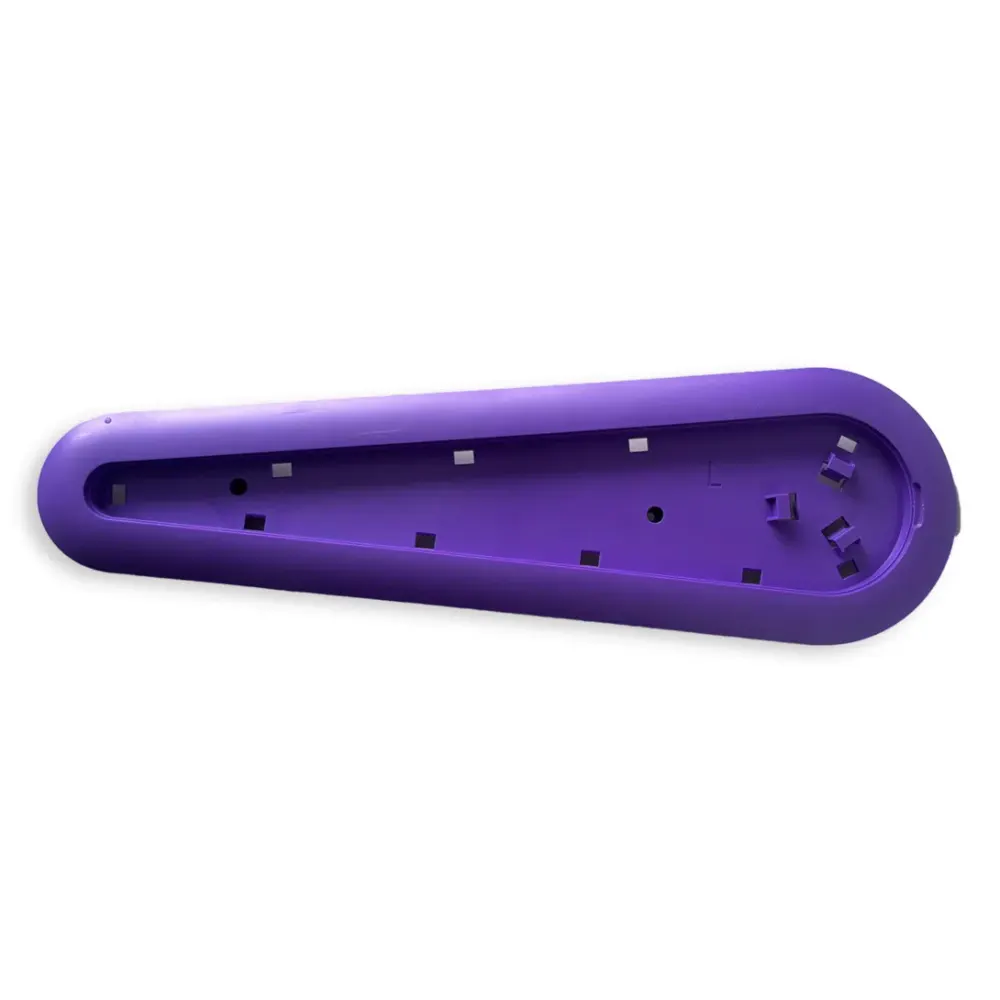
Niya Left Side Panel, Purple SNR-SP
Part number 06.013.0025A-SP · UPC 810071222740 · 6 months part warranty
Genuine Maytronics purple left side panel for the Niya Sonar 30.
$9.99 MSRP
Out of stock
About this part
What it does and when to replace it.
This genuine Maytronics spare part replaces the purple panel on the robot's left side. It belongs to Niya, Maytronics' brand for small and above-ground pools.
The compatibility listing confirms fit for Niya Sonar 30. Match part number 06.013.0025A-SP when identifying your replacement. Poolbots does not currently stock this part. Contact Poolbots' pool experts by live chat or phone for identification help.
- Match part number 06.013.0025A-SP along with the purple color and left-side position.
- Only Niya Sonar 30 is confirmed compatible. Ask Poolbots' pool experts before assuming it fits another robot.
Compatibility
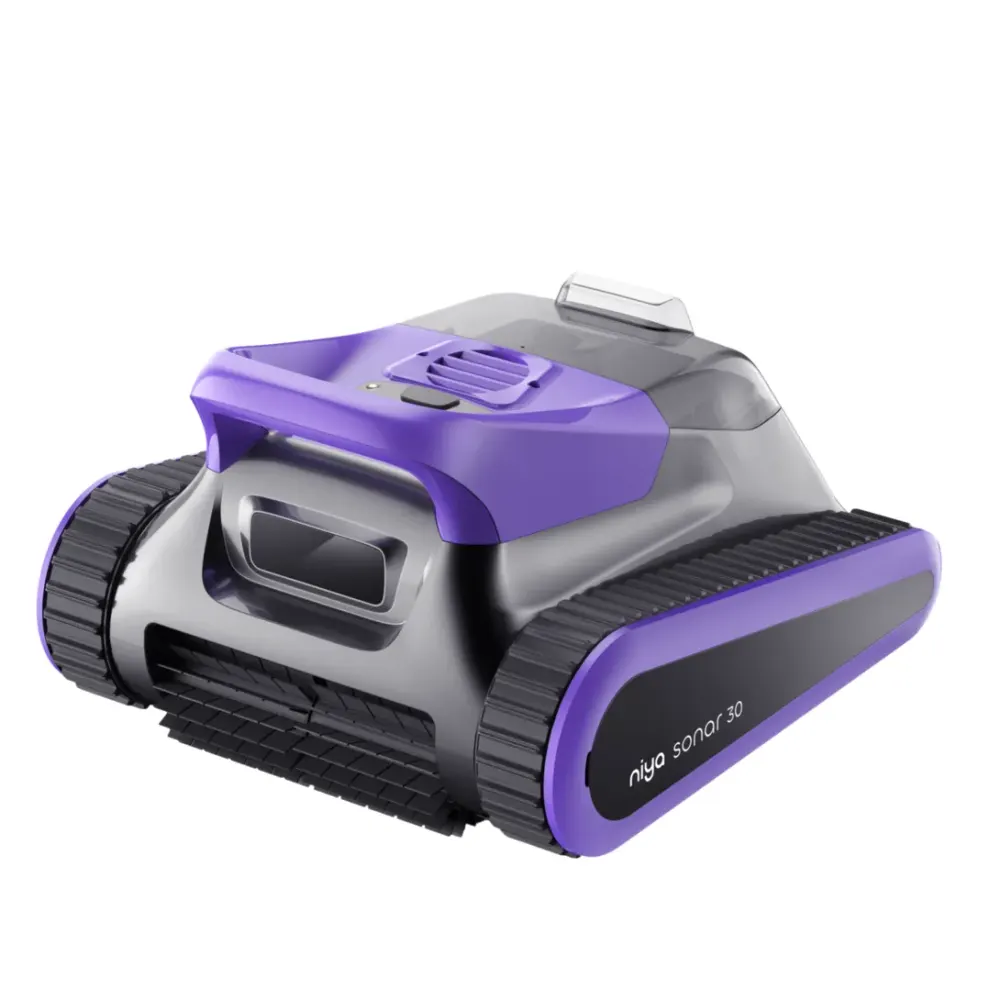
Fits these Niya robots.
Confirmed by Maytronics' compatibility checker and each robot's own spare-parts list.
Do it yourself
How to replace this kind of part.
How do I replace the side panel on the Nautilus CC Plus?Video30 min
These steps apply to Dolphin Nautilus CC, Dolphin Nautilus CC Plus, and Dolphin Nautilus CC Plus WiFi.
The video demonstrates side panel replacement on the Nautilus CC Plus.

-
Step 1: Take out the filters Open the top lids and lift out the filters.
-
Step 2: Unscrew the top frame Take out the four screws that hold the top frame in place.
-
Step 3: Unlock the impeller cover Release the impeller cover lock with a flathead screwdriver.
-
Step 4: Take off the impeller cover Remove the unlocked cover from the robot.
-
Step 5: Lift off the top frame Free the blue floating cable, then lift the top frame away from the robot.
-
Step 6: Take off both side panels Carefully remove the panels from both sides of the robot.
-
Step 7: Fit the replacement side panels Install both new panels, lining up every panel groove with the robot body.
-
Step 8: Put the top frame and cable back Set the top frame back in place and return the blue floating cable to its original routing.
-
Step 9: Secure the impeller cover Put the impeller cover back on and make sure it locks securely.
-
Step 10: Fasten the top frame Reinstall the four screws to secure the frame.
-
Step 11: Return the filters Put both filters back into the robot, then close the top lids.
Specifications
General Info
- Warranty (years)
- 0.5
- UPC
- 810071222740
Questions
Niya Left Side Panel, Purple SNR-SP, answered.
Which robot does this side panel fit?
The confirmed compatible robot is Niya Sonar 30. Compatibility with other robots is not provided.
Does Poolbots currently stock this part?
Poolbots does not currently stock this part in its store. This page helps identify it. Contact Poolbots' pool experts by live chat or phone for help.
What warranty is listed for this part?
The listed part warranty is six months, or 0.5 years.
Niya Parts